Choosing the right campus switches is an important part of building a network that can support users, devices, applications, and future growth. A switch does more than connect computers and other devices. It helps manage traffic, support reliable communication, deliver power where needed, and maintain network performance across different areas of a campus.
However, not every switch is suitable for every environment. A small office building may have very different requirements from a university, healthcare facility, corporate campus, or large educational site. Port requirements, connection speeds, PoE needs, security features, and management capabilities can all influence the right choice.
A better approach is to assess how the network operates today and where it may need to go in the future. The following factors can help you compare campus switches and select an option that provides the right balance of performance, scalability, security, and manageability.
1. Assess the Number of Ports You Need
The number of devices that need a network connection should be one of the first considerations when choosing campus switches. Desktops, laptops, access points, IP phones, cameras, printers, servers, and other connected devices can all consume switch ports.
Avoid choosing a switch based only on the number of devices currently connected. Campus networks often expand as more users, wireless access points, security systems, and smart devices are added. Selecting a switch with some additional capacity can reduce the need for immediate replacement.
It is also useful to consider how switches will be distributed across buildings, floors, or departments. A larger switch may be suitable for a central location, while smaller units may make more sense for individual access areas. Planning port capacity around the physical network layout can make deployment and future expansion easier.
2. Consider Connection Speeds
The speed of the network can have a direct impact on the efficiency of devices communicating. Modern campus environments can generate a lot of traffic from cloud applications, video conferencing, large file transfers, wireless access points, and data-intensive services.
When choosing campus switches, think about how fast you need your access layer switch to be and how much capacity you need between switches. A switch can offer access ports but may be unable to handle aggregated traffic if there is a bottleneck.
Future needs should also be taken into account. The speeds of today may not be enough for the applications of tomorrow, especially with the rising number of connected devices. Choosing the right high-speed uplinks and scalable interfaces can help keep performance consistent without a complete redesign of the network.
3. Check Power Over Ethernet Requirements
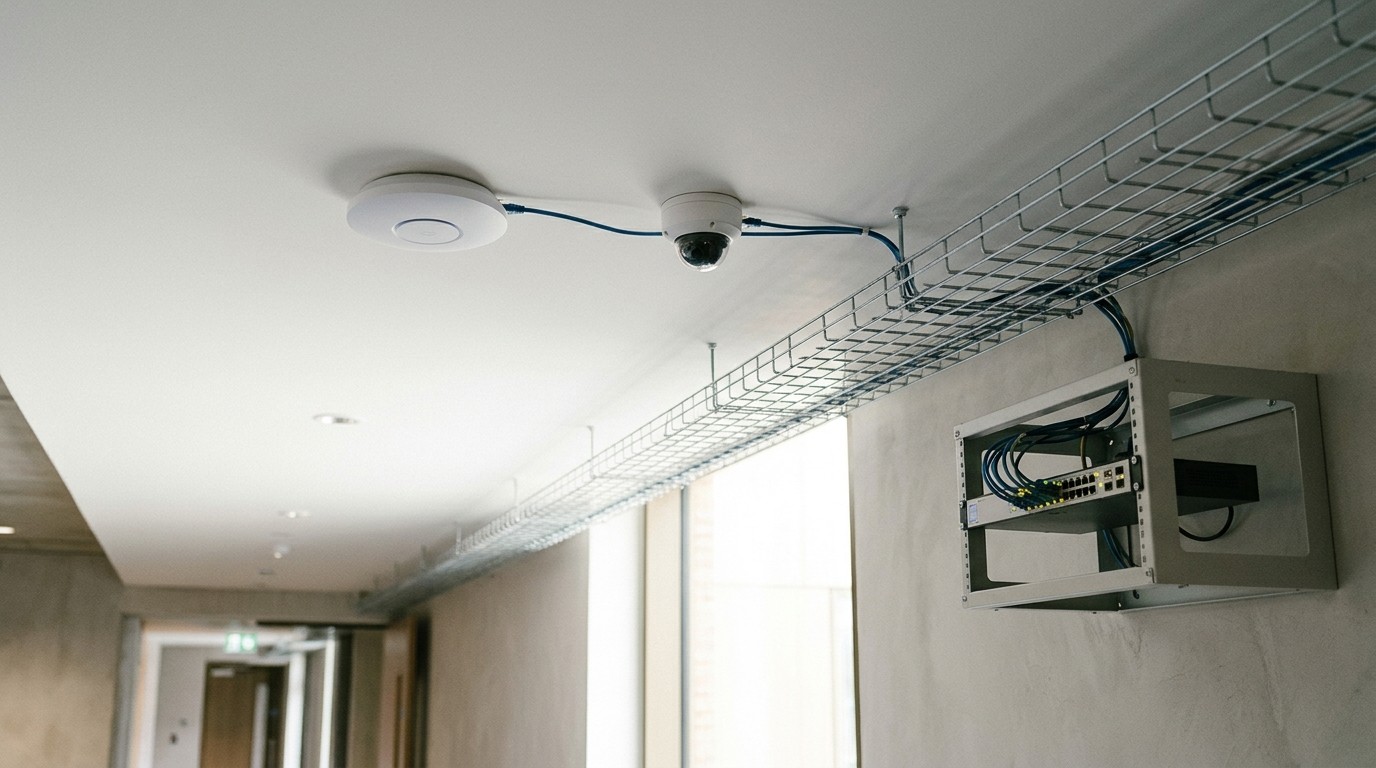
Power over Ethernet (PoE) can simplify campus network deployments by allowing compatible devices to receive power and data through a single Ethernet connection. This can be particularly useful for wireless access points, IP phones, surveillance cameras, and other network-connected equipment.
Before choosing a switch, identify which devices require PoE and calculate the total power budget. Simply having PoE ports does not guarantee that a switch can supply enough power for every connected device.
The type of PoE support also matters because different devices may have different power requirements. Planning for current and future devices helps prevent situations where the switch has enough ports but insufficient power capacity. A suitable PoE configuration can reduce cabling complexity while making device installation more flexible across the campus.
4. Look at Network Management Features
Campus networks can have hundreds or even thousands of devices attached to them, and it is important that they are managed effectively. Unlike the basic unmanaged switch, a managed switch offers more control and can help administrators monitor and manage network operations.
Useful management features include VLAN support, traffic monitoring, configuration controls, quality-of-service features, and centralized management. These tools can help administrators separate different kinds of traffic and apply suitable policies throughout the network.
Having centralized visibility can also simplify troubleshooting. Rather than visiting each switch and inspecting a problem on a case-by-case basis, administrators can observe traffic across the network and identify issues more effectively. The same principle is often described in guidance on network integration for scalable infrastructure, where a single management framework is easier to expand than a collection of disconnected systems.
The complexity of the environment dictates the right management features. A larger campus with multiple buildings and departments will benefit greatly from centralized tools and automation, while a smaller network may be easier to manage with a simpler setup.
5. Prioritize Network Security
Security should be considered alongside performance when selecting campus switches. Network switches can play an important role in controlling how devices access different parts of the network.
Look for features that support access control, network segmentation, authentication, and traffic management. VLANs, for example, can help separate users, departments, guest devices, voice traffic, and other network segments. The Cybersecurity and Infrastructure Security Agency (CISA) recommends segmenting and segregating networks and functions to limit how far an intruder can move inside a network.
Security requirements may also change as more devices connect to the network. An organization may need to support employee devices, visitor access, IoT equipment, cameras, and wireless systems without placing everything on the same network segment.
Choosing switches with appropriate security capabilities provides a stronger foundation for controlling access and reducing unnecessary exposure. It can also make it easier to adapt network policies as organizational requirements develop.
Conclusion
Choosing the right campus switches requires more than comparing port counts and connection speeds. The network should be assessed as a complete system, including its current users, connected devices, security requirements, power needs, management capabilities, and expected growth. Port capacity, performance, PoE, scalability, reliability, and total cost can all influence the final decision.
By matching switch capabilities with the actual needs of the campus, organizations can build a network that performs reliably today while providing enough flexibility to support future requirements.