
A well-designed home office helps you sit straighter, think more clearly, and even open fewer snack drawers! For many of us, remote and hybrid work are now part of life, meaning the space where we work deserves just as much care as any other room in the house. When your environment aligns with your needs, productivity ceases to be a struggle and becomes a natural rhythm of your day.
Creating this ideal setup requires a blend of form and function. From prioritizing professional cabinet installation in Phoenix to simply reorganizing a quiet corner, the goal remains the same: building a space that supports your professional life without encroaching on your personal peace.
Whether you are carving out a niche in a studio apartment or redesigning a dedicated room, specific elements can elevate your experience. Here is how you can create a home office environment that allows you to thrive as your best working self, focusing on storage, light, and ergonomic support.
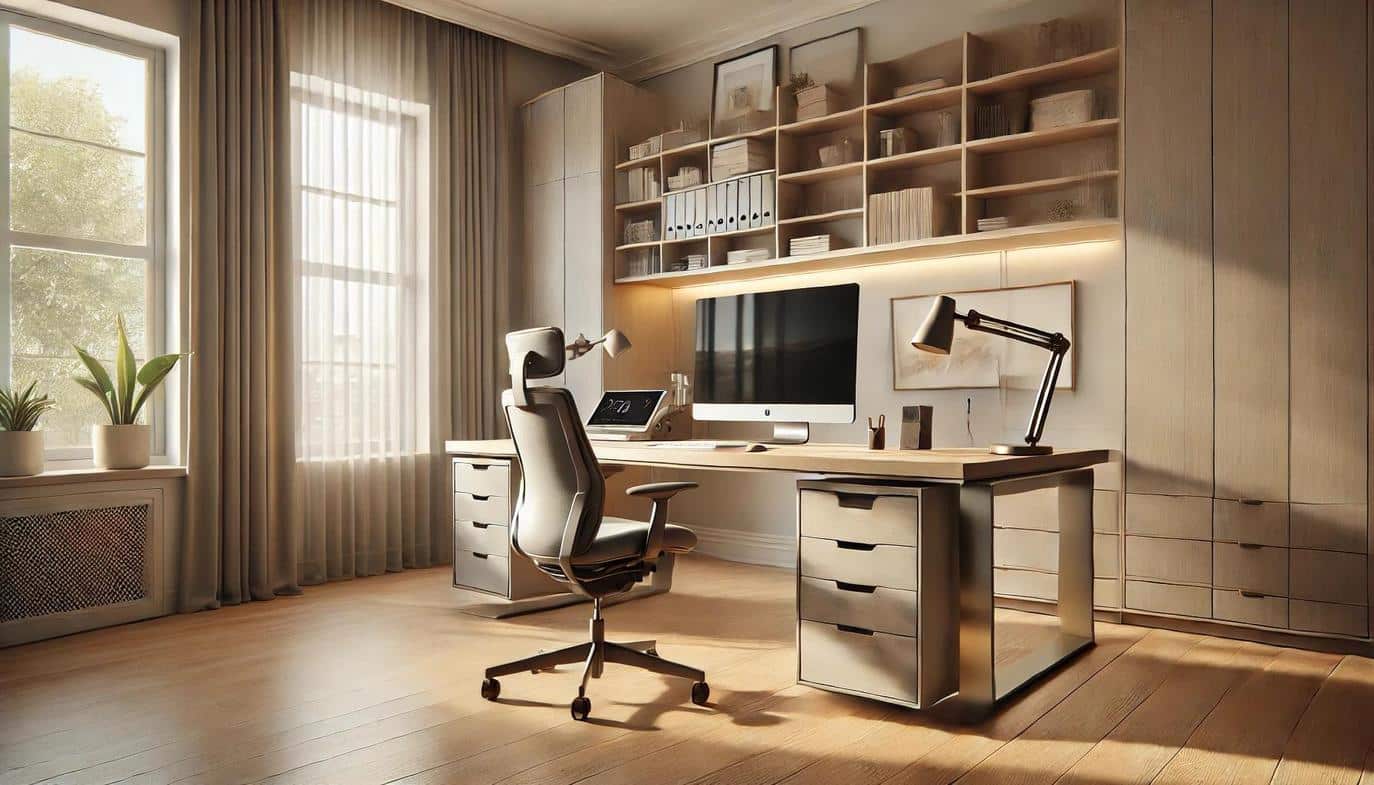
1. Identifying Your Workflow and Office Layout
Before dashing off to choose paint colors or browse desk lamps, it helps to understand your work rhythm. You may be the kind of person who fills notebooks with ideas or spreads out documents across the desk like puzzle pieces. Or perhaps your day is spent hopping between video calls and digital files. Some minds thrive near light and movement; others need a quiet space for deep focus.
Let your workflow decide where the office goes. A spare bedroom with a door offers privacy, while a sunny nook can feel uplifting, especially if you enjoy vibrant, lived-in energy around you. Of course, if you have limited space, maximizing a multi-functional area might be your only option. In such cases, custom storage solutions and convertible furniture can make a whole lot of difference.
2. Smart Storage Solutions and Organization
Even the most beautiful workspace can lose its charm under stacks of paper, piles of cords, and random office supplies spilling over the desk. Clutter sneaks in slowly until the room feels heavy and uninspiring. This is where clever storage really shines.
Custom or semi-custom cabinetry can transform a work area from a “workable corner” to a “professional space.” Consider these integrated solutions:
Integrated Cabinetry Options
- Deep Drawers: Keep files organized and instantly accessible.
- Pull-Out Shelves: Hide printers and scanners to reduce visual noise.
- Tall Cabinets: Store bulky binders or occasional-use equipment.
- Charging Drawers: Tuck away cords and devices for a clean aesthetic.
Installing custom cabinets optimizes the layout so that every inch is utilized efficiently, whether it is an alcove under the stairs or an awkward corner in a living room.
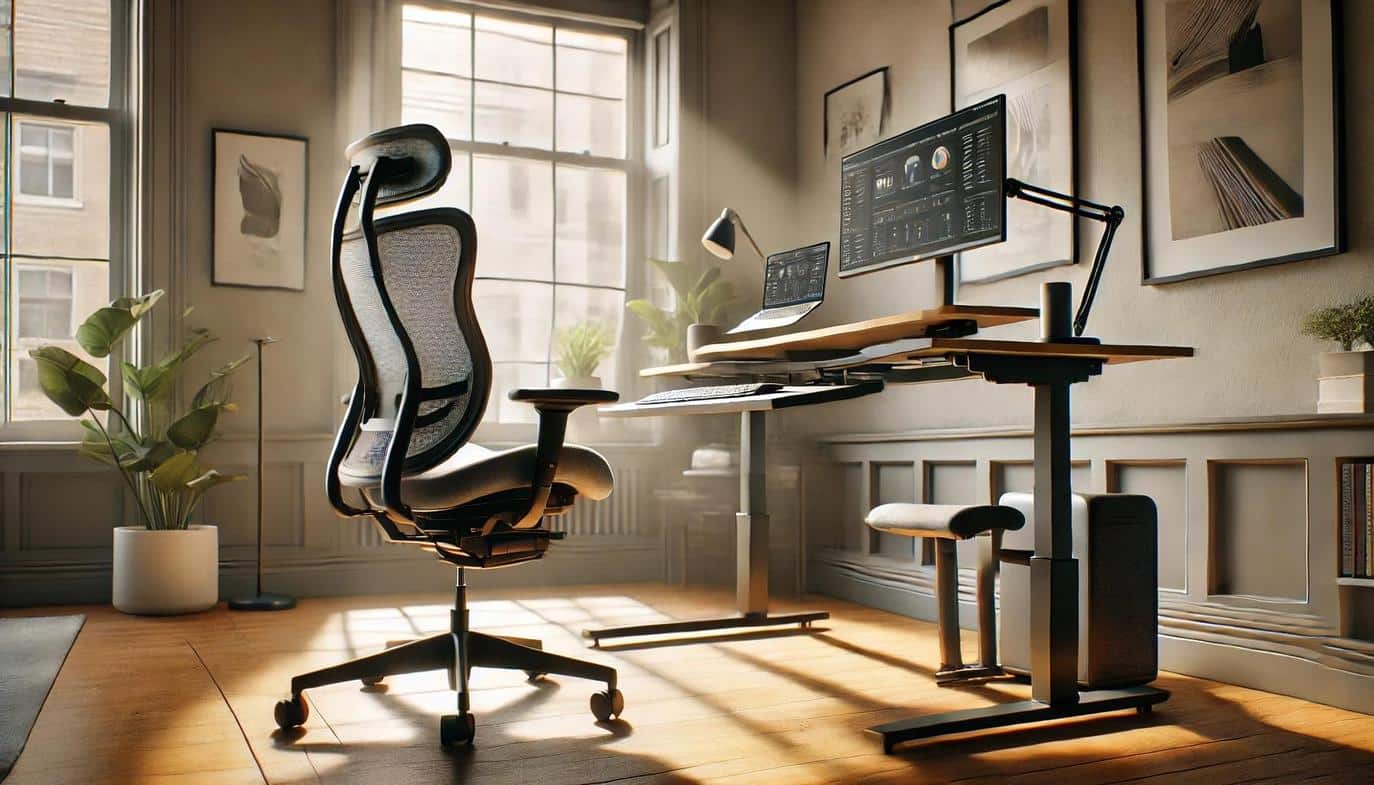
3. Ergonomic Furniture for Comfort and Health
Home offices begin with two simple elements: a desk and a chair. Yet these two choices can make or break a workday. It is tempting to fall for a visually appealing setup. Comfort and ergonomics ultimately matter far more than an impressive desk that leaves your shoulders aching. Yes, size does matter, but the most important feature of a desk is actually its height—bonus points if it is adjustable!
A supportive chair is equally non-negotiable. An ergonomic chair can significantly mitigate the risk of lower back pain and carpal tunnel syndrome. It is like buying good shoes—you rarely regret paying for comfort when you use something every single day. If you like to move throughout the day, consider a sit-stand option or adjustable monitor setup so your body stays engaged rather than rigid.
4. Optimal Lighting Strategies for Focus
Lighting can alter the entire ambience of a workspace. Harsh, cold light flattens energy, washes out skin tones on video calls, and leaves the room feeling sterile. Natural light, on the other hand, wakes up the senses, keeps you in a good mood, and makes even ordinary tasks feel brighter.
Position your desk to enjoy daylight whenever possible, then layer in gentle supplemental lighting using this strategy:
Layering Your Light Sources
- Natural Light: Position your desk perpendicular to windows to avoid screen glare.
- Task Lighting: Add a warm desk lamp to create a soft focus pool for afternoon work.
- Ambient Fill: Place a floor lamp behind you to give your video call background a gentle glow.
With just those three light sources, your office will feel inviting throughout the day.
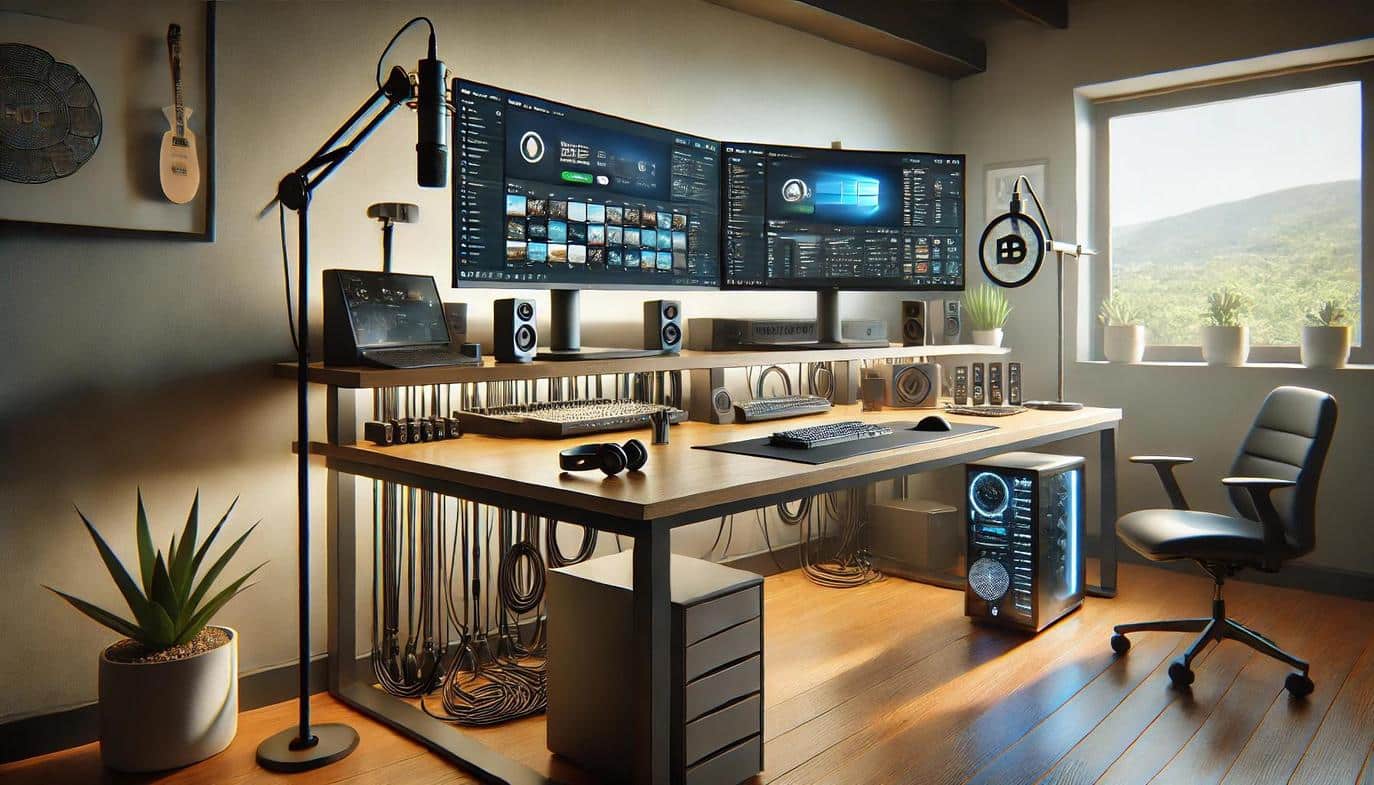
5. Essential Technology and Cable Management
Technology should quietly support you, rather than distracting you with flashing lights and frustrating glitches. Ensure your setup includes:
Remote Work Tech Checklist
- Reliable Internet: To keep your workflow smooth and uninterrupted.
- Audio/Visual Gear: A clear webcam and microphone to help you show up professionally.
- Dual Monitors: To multitask easily without constantly toggling between windows.
Cables are a standard component of the modern office that often create visual clutter and tripping hazards. Don’t underestimate the peace that comes from good cable management. Simple tools like adhesive clips, velcro sleeves, or under-desk trays can instantly transform a tangle of cords into a neat, safe system. Always install power strips with surge protection to safeguard your valuable electronics.
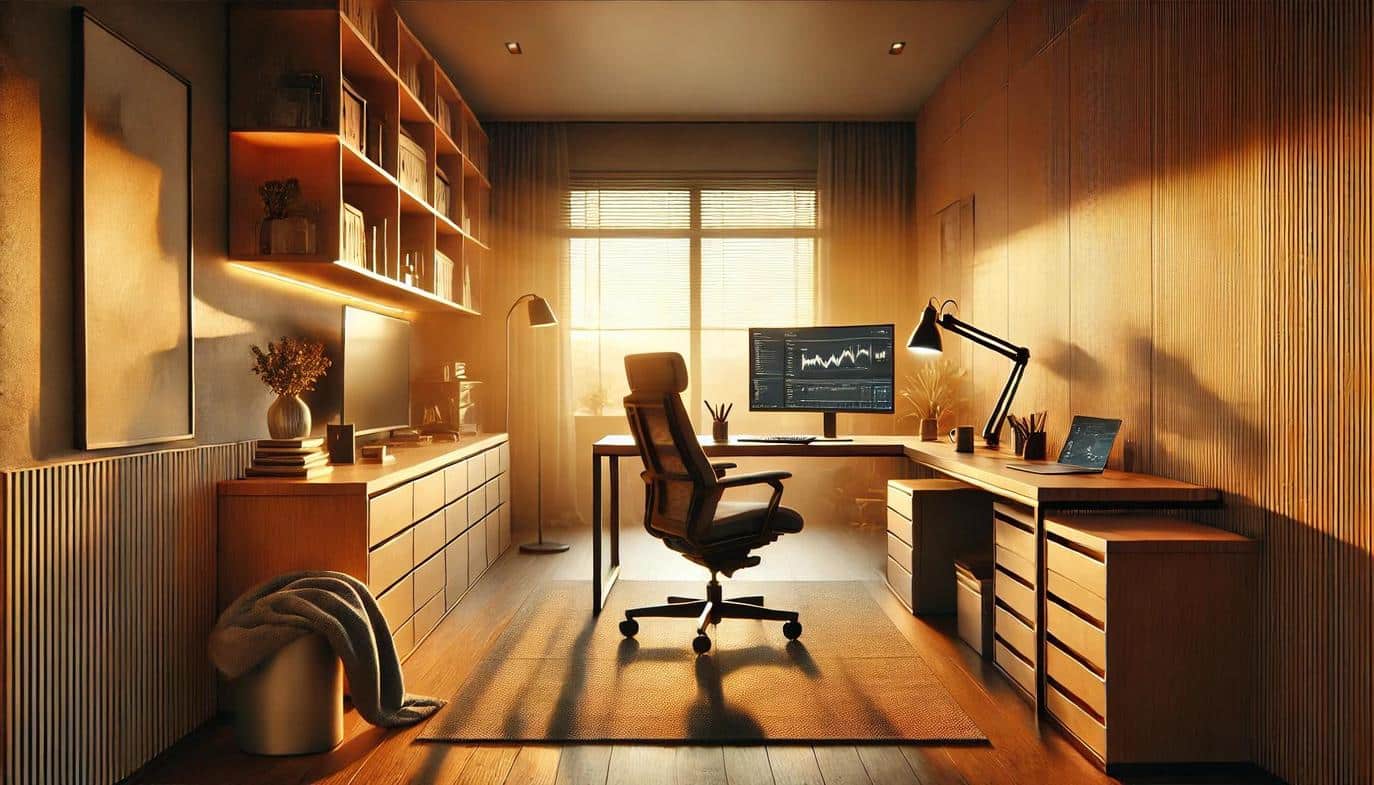
Final Thoughts on Home Office Design
Your home office is where you create, imagine, and plan your future. You do not need to create the perfect office all at once. Start with what helps your mind and body: a supportive chair, a desk at the right height, and lighting that feels good. Storage, decorations, and special touches can come in layers as you settle into the space and learn how you truly use it.
Investing time in this personal sanctuary pays dividends in your career and well-being. By prioritizing function and comfort, you transform a simple room into a productivity powerhouse. This process builds a workspace that you can step into with purpose, ready to pursue your dreams with focus and energy.
Frequently Asked Questions About Home Office Setup
What is the ideal desk height for a home office?
The standard desk height is 29 to 30 inches (74-76 cm). However, an adjustable sit-stand desk allows you to find the perfect ergonomic position for your height.
How can I reduce eye strain in my home office?
Position your monitor at arm’s length and ensure the top of the screen is at eye level. Layering natural light with warm task lighting also reduces screen glare.
What is the best way to hide computer cables?
Use cable sleeves, under-desk trays, or adhesive clips to route cords neatly along the back of furniture. This prevents tangling and visual clutter.
Do custom cabinets add value to a home office?
Yes, custom storage maximizes vertical space and hides clutter, creating a polished, professional look that increases functionality and potential resale value.
How do I soundproof my home office for video calls?
Add soft furnishings like rugs, curtains, or acoustic panels to absorb sound. Bookshelves filled with books also act as excellent natural sound diffusers.

