
Not long ago, managing PDFs meant wrestling with outdated software, bloated menus, and overpriced licenses—often built more for legacy enterprises than everyday users. In 2025, expectations have shifted—people now demand tools that are fast, intuitive, and cost-effective. A PDF app must do more than open documents; it needs to edit, convert, and protect them effortlessly. SwifDoo is built with those evolving standards in mind. SwifDoo PDF has stepped into that gap, aiming to provide a full suite of PDF capabilities in one lightweight, user-friendly platform.
Whether you’re a student marking up lecture notes or a professional signing contracts, SwifDoo aims to solve the common frustrations of PDF editing. Even if you’re just merging a few documents, its streamlined interface saves time and cuts out complexity. It offers a modern, user-centered platform that delivers speed, clarity, and flexibility right from the first click. The big question, though, is whether it actually delivers everything it promises.
Let’s dig deeper into why SwifDoo PDF is gaining traction—and whether it deserves a spot in your digital toolkit. Its low cost, ease of use, and powerful features make it a standout among modern PDF tools.

Why SwifDoo PDF Deserves Attention in 2025
Most people only use a fraction of what their PDF software can actually do. Editing? Maybe. Signing a document? Occasionally. But what about converting, analyzing, annotating, and creating interactive forms—all in one place? SwifDoo PDF claims to offer it all, but what sets it apart isn’t just its feature list. It’s how accessible those features feel.
In an era when complex UIs and bloated systems are often the norm, SwifDoo stands out with an interface that is lightweight, fast, and refreshingly simple. User reviews consistently point to how intuitive the interface is, even for those with little technical experience—making it approachable without a steep learning curve.
SwifDoo simplifies enterprise-grade features for real-world use, making advanced PDF tasks approachable for students, freelancers, and office teams alike. Instead of overwhelming menus, it guides users with clarity—balancing strength and simplicity at every step.
With the rise of hybrid work and increasing document security needs, tools like SwifDoo aren’t just nice to have—they’re essential. And its pricing model makes it all the more appealing for budget-conscious users.
Core Features That Make SwifDoo Stand Out
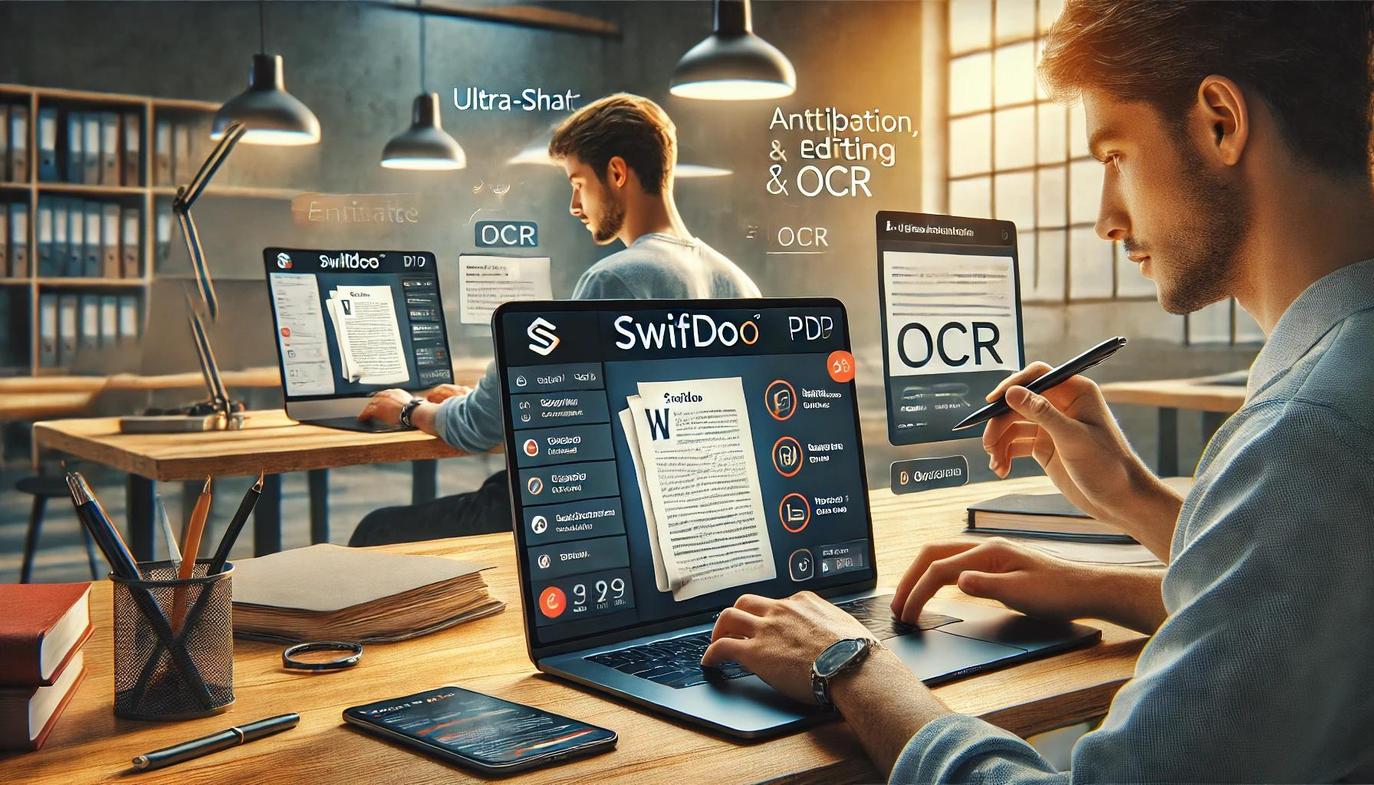
SwifDoo earns high marks for balancing sophistication with simplicity—packing in OCR, form creation, and annotation tools within an uncluttered, focused layout. While many PDF tools overwhelm users with menus and jargon, SwifDoo distills functionality into clean, intuitive workflows. Below are the key tools that define SwifDoo’s user experience—and how they measure up in real-world use compared to typical PDF software.
Edit with Ease: Text, Images, and Layout
Instead of forcing users to jump through technical hoops, SwifDoo provides an editing environment that feels familiar and intuitive. You can click and type directly into any paragraph, swap out images, or adjust spacing with simple drag-and-drop actions. Whether you’re correcting a typo or reformatting an entire contract, editing in SwifDoo feels more like using a word processor than a PDF suite.
Many traditional PDF editors only allow surface-level changes or require complicated menus to alter layout. SwifDoo’s design focuses on accessibility, giving users immediate, visible control over document structure. It bridges the gap between editing simplicity and professional output.
Annotate Like a Pro
Annotations in SwifDoo go beyond basic highlights. You can add sticky notes, underline important passages, and even sketch directly onto a PDF—ideal for feedback, collaboration, or study.
In many PDF apps, annotation tools are tucked away or require multiple steps to access. SwifDoo minimizes friction, allowing users to annotate without interrupting their reading flow. It’s ideal for educators, editors, or anyone reviewing large volumes of text.

Convert Anything into Everything
SwifDoo supports high-fidelity conversion between PDF and a wide range of formats. Batch processing speeds up workflows for users handling dozens of documents at once.
Supported formats include:
- Word
- Excel
- PowerPoint
- Image files (JPG, PNG, etc.)
File conversion in other software can produce broken layouts or unreadable text. SwifDoo consistently preserves visual structure and formatting, giving users confidence when sharing or republishing content in different formats.
Add Digital Signatures with Confidence
Signing documents is simple and secure with SwifDoo. You can create digital signatures by typing, drawing, or uploading an image and apply them instantly to contracts, forms, or memos.
Many free tools offer limited signature options or poor integration with PDFs. SwifDoo makes digital signing feel seamless, ensuring documents remain professional and legally valid.
Create Interactive PDFs That Engage
SwifDoo allows users to embed fillable forms, clickable buttons, hyperlinks, and even custom navigation within PDFs. This is perfect for applications, onboarding materials, or multimedia documents.
Unlike more technical platforms that require script-based interactivity, SwifDoo handles it all with a visual editor. It empowers non-designers to build dynamic, engaging PDFs in just a few clicks.
Analyze and Extract with Smart Tools
SwifDoo includes tools to identify form fields, extract data, and inspect document structure. You can break down complex documents for audits, generate summaries, or prepare reports.
Many users don’t realize that PDFs can be intelligent, not just static pages. SwifDoo brings those advanced capabilities into a consumer-friendly environment, useful for administrative staff, researchers, and power users alike.
Real Users, Real Results: What People Are Saying
SwifDoo’s popularity isn’t just marketing hype—it’s echoed in real user reviews across platforms like PCWorld, UPDF, and its own testimonial pages. The most common praise? Speed and simplicity. Users appreciate how little time it takes to learn and how much time it saves on tasks like conversion, annotation, and e-signatures. One reviewer noted completing a typical document signing process in under three minutes—less than half the time it took with their previous software.
PCWorld described it as a “low-priced Acrobat alternative” and emphasized its reliable performance on Windows—particularly in high-volume usage scenarios. Meanwhile, everyday users often remark that it’s a rare mix of lightweight design and deep functionality. The most consistent sentiment? Relief. Finally, a PDF tool that doesn’t feel like a hassle to use.
That said, Macworld noted a few drawbacks for Mac users—mainly limited editing capabilities compared to the Windows version. If you’re on a Mac, you might want to check if SwifDoo meets your full list of needs.
Pricing & Platform: Value That Makes Sense
SwifDoo’s pricing model is refreshingly transparent:
- Free version: Includes essential functions like viewing, annotating, and basic editing.
- Paid tier: Unlocks full editing capabilities, OCR tools, batch processing, and advanced conversions.
- Subscription options:
- Monthly
- Annual
- Lifetime license (one-time payment)
Each plan is significantly more affordable than many competitors, including Adobe Acrobat.
SwifDoo is available across platforms:
- Windows: Full feature support
- macOS: Limited support, but actively improving
- Mobile: Smartphone apps allow users to view, annotate, and manage PDFs on the go
It installs quickly, takes up minimal space, and runs smoothly—even on older or budget hardware. For professionals, freelancers, students, and small businesses, the pricing makes SwifDoo a very compelling value proposition.

Is SwifDoo Right for You?
If you frequently handle PDFs, SwifDoo may be exactly what you’re looking for. For students, its annotation and editing tools are perfect for study notes and coursework. Freelancers and professionals will appreciate the signature tools and conversion fidelity. Administrative workers benefit from the data extraction and form-building capabilities.
If your work involves frequent document conversions, form creation, or digital signing, SwifDoo’s toolset is designed with these priorities in mind. It’s ideal for professionals, educators, and administrative staff looking for fast results without technical hurdles.
In short, if you want pro features without the pro price tag—and without a steep learning curve—SwifDoo is a strong candidate.
Final Verdict: A Capable Contender in the PDF Arena
SwifDoo PDF delivers a layered feature set while avoiding the usual overload of technical clutter—smart design meets real-world usability. It focuses on the user from the start, designing flows that reduce friction while still offering depth. Instead of navigating a maze of toolbars, users can complete core tasks like editing, signing, or converting in just a few intuitive clicks.
That simplicity doesn’t come at the cost of power—it elevates it. SwifDoo’s balance of performance and affordability makes it one of the best all-in-one PDF solutions currently available for Windows users.
For solo users or small teams seeking function over flash, SwifDoo offers performance without bureaucracy—streamlined, affordable, and practical. It’s not just a competitor—it’s a legitimate contender, with the potential to shape the future of consumer-level PDF tools if it continues refining its cross-platform support and evolving user-centered features.
What People Are Asking About SwifDoo PDF
Is SwifDoo PDF free?
Yes, SwifDoo offers a free version with basic functionality. Premium features like full editing, OCR, and batch conversions require a paid license.
Can I use SwifDoo on a Mac?
SwifDoo has a version for macOS, but it currently offers fewer features than its Windows counterpart. It’s great for viewing and basic tasks, though Windows remains the platform where SwifDoo shines most.
Can I use SwifDoo to fill out and submit forms?
Absolutely. You can fill out both static and interactive PDF forms and even create new ones with interactive fields.
What makes SwifDoo different from Adobe Acrobat?
SwifDoo delivers many of the same features at a fraction of the cost and with a more beginner-friendly UI. It’s also more lightweight and installs faster.
Does SwifDoo support OCR for scanned PDFs?
Yes, OCR (Optical Character Recognition) is included in the Pro version, allowing you to convert scanned images into editable text.


