
Within the field of generative AI, the Veo 3 AI video generator is redefining the approach to video creation. This powerful tool, developed by Google, includes the Veo 3 Fast and Veo 3 Quality models, which allow users to convert text or image prompts into cinematic-quality videos with features like:
- Lifelike motion
- Realistic lighting
- Synchronized audio
Whether you’re a content creator, educator, or developer, Veo 3 AI enables you to turn ideas into visuals in just minutes. For those looking to explore this technology, various platforms often provide access to new models like Veo 3. These interfaces offer a user-friendly way to experience the tool’s capabilities, often requiring just a browser, a prompt, and your imagination.

Exploring the Key Features of Veo 3 AI
Synchronized Audio and Realistic Lip Movement
Unlike most AI video generation tools, the Veo 3 AI video generator features advanced lip sync and audio generation, enabling characters to speak with natural timing and facial expression. The AI aligns dialogue with mouth shapes and emotional cues, resulting in scenes that look and sound coherent. This makes it an especially powerful tool for narrative content, dialogue-driven videos, and educational material that requires a high degree of realism.
Cinematic Realism with 1080p Resolution and Physical Accuracy
Veo 3 AI video generator can produce visually stunning content with full HD (1080p) resolution and cinematic depth. The model simulates real-world physics to create scenes that feel both believable and emotionally immersive, including:
- Natural lighting and shadow interplay
- Water reflections
- Atmospheric dynamics
Whether you’re rendering a quiet snowfall or an intense chase through a cityscape, Veo 3 AI generates footage that mirrors professional-grade cinematography.
How to Access and Use the Veo 3 AI Model
Accessing a new generative AI model like Veo 3 can typically be done through several avenues. While official releases may be limited, third-party platforms like TryVeo3.ai often provide early or broader access. When evaluating these platforms, consider the following factors:
- Trial and Access Tiers: Many services offer a free trial, allowing users to test the model’s capabilities without an upfront financial commitment. These trials often provide a set number of credits or generations.
- Global Availability: Official rollouts for major AI tools can be restricted to specific regions. Third-party platforms can sometimes offer more widespread access, bypassing regional locks and waitlists.
- Model Variations: Look for platforms that support different versions of the model, such as “fast” modes for rapid prototyping and “quality” modes for polished, high-definition output.
- User Support: Reliable customer support is crucial, especially when working with new technology. Responsive assistance can help resolve technical issues or provide guidance on effective prompt engineering.

Exploring the Creative Use Cases for Veo 3 AI
With its intuitive potential and high-quality output, Veo 3 AI is a valuable tool for a broad spectrum of users. Whether you’re a visual storyteller, digital marketer, educator, or AI researcher, the model supports flexible, real-world applications, making advanced video creation more accessible than ever.
For Creatives and Filmmakers
Veo 3 offers transformative capabilities for visual storytellers. Writers, directors, and animators can use it to:
- Prototype cinematic scenes from simple descriptions
- Develop mood boards or visual treatments
- Experiment with stylistic choices before going into production
- Rapidly visualize concepts without hiring a full production team
The ability to generate cinematic-quality visuals with real-time audio and synced lip movement is a significant advantage. This makes the technology ideal for pre-visualization, short films, or AI-enhanced storytelling.
For Marketers and Educators
Marketers can leverage Veo 3 to create engaging content without the cost or complexity of video editing software, such as:
- Product explainers with voice-over and animation
- Branded content for social media or campaigns
- AI-powered visual storytelling for pitches or client demos
Platforms offering Veo 3 free access are particularly useful for teams looking to experiment with this technology without an initial investment.
Meanwhile, educators can generate:
- Training simulations
- Lesson visuals
- AI-generated scenarios to stimulate discussion or engagement
Veo 3 allows users to quickly transform abstract concepts into concrete, watchable content.
For Developers and AI Enthusiasts
If you’re exploring generative media or AI-human interaction, access to Veo 3 provides a powerful playground for:
- Prompt engineering experiments
- Visual dataset prototyping
- Studying text-to-video behavior and video coherence
With fast, free access and no API overhead, it’s an ideal environment for both hobbyists and serious AI researchers.
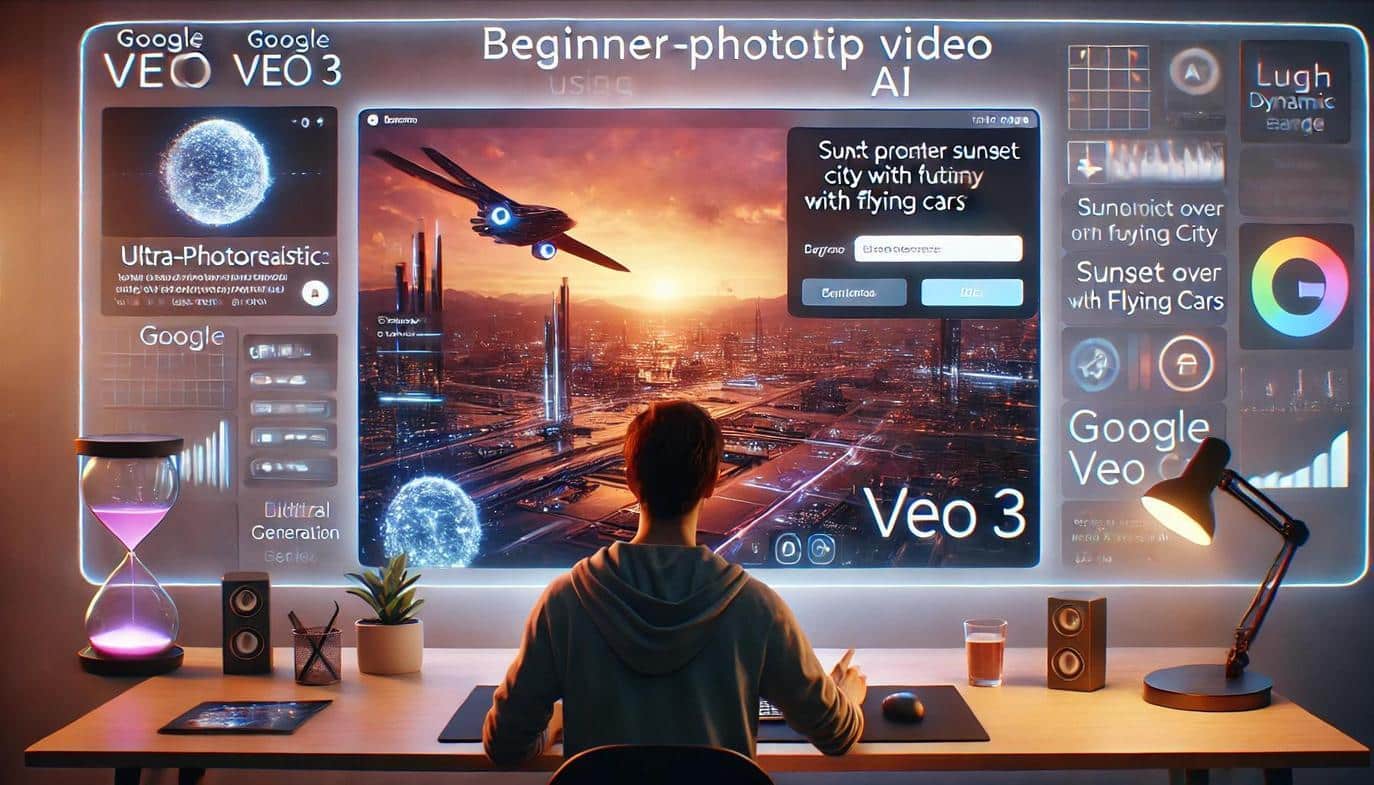
A Step-by-Step Guide to Creating with Veo 3 AI
You don’t need to be a filmmaker, developer, or designer to use Veo 3. Anyone can generate cinematic-quality videos in just a few minutes. Here’s how to get started effortlessly.
Step 1 – Enter a Prompt or Upload an Image
Begin your creation journey by describing what you want to see. You can:
- Type a text prompt—e.g., “A sunset over a futuristic city skyline with flying cars.”
- Upload an image—to give the AI a visual reference and tone
Be as descriptive or imaginative as you like. The more detailed your prompt, the more expressive and accurate the output will be.
Step 2 – Generate with Veo 3 AI
Once your prompt is ready, click “Generate.” Veo 3 will process your input through its advanced generative engine, analyzing visual and narrative cues to build your scene.
Within minutes, the AI will create a high-quality video with:
- Natural motion and camera movement
- Synchronized audio and lip sync
- Cinematic lighting and smooth transitions
The model’s efficiency allows for the rapid delivery of production-grade results.
Step 3 – Download and Share Veo 3 Video
After the video is rendered, you can preview it instantly on the platform. If you’re happy with the result, simply download the file and share it anywhere—on social media, in presentations, or in your creative portfolio.

Final Thoughts on the Future of AI Video
Google’s Veo 3 AI marks a new era in AI video generation, combining cinematic quality, real-time audio sync, and intelligent motion into a seamless creative experience. This technology empowers creators to go from a simple prompt to high-resolution output in minutes, fundamentally changing the video production landscape. It represents a significant advance in making sophisticated visual storytelling accessible to everyone.
As generative AI continues to evolve, powerful models like Veo 3 are becoming increasingly widespread. For content creators, marketers, educators, and developers, understanding how to leverage these tools is essential for leading digital innovation. The ability to rapidly visualize ideas and produce high-quality content is no longer limited by budget or technical skill but by the scope of one’s imagination.
Frequently Asked Questions About Veo 3 AI
What makes Veo 3 different from other AI video generators?
Veo 3’s key differentiators are its ability to produce 1080p cinematic-quality video, its advanced understanding of real-world physics for realistic scenes, and its sophisticated lip-sync and audio generation capabilities. These features work together to create more coherent and believable narrative content than many previous models.
Who can benefit from using an AI video generator like Veo 3?
A wide range of users can benefit, including filmmakers for pre-visualization, marketers for creating engaging social media content, educators for developing lesson visuals, and AI researchers for studying generative media. Its ease of use opens up video creation to those without traditional production skills.
Do I need technical skills to use a platform running Veo 3?
No. Most platforms that provide access to models like Veo 3 are designed with user-friendly interfaces. Users can typically generate complex videos from simple text or image prompts without needing any coding or video editing experience, making the technology highly accessible.


