
A new class of desktop memory is quietly changing what a compact PC can do. ADATA and MSI have introduced a four-rank DDR5 CUDIMM that reaches 128 GB on a single module. Two-slot boards can thus reach 256 GB total without moving to server hardware.
This level of headroom makes it practical to run larger local language models, heavier video timelines, and complex simulation stacks on a machine that still fits under a desk. The module also raises better questions about where compute should live, how long our devices should last, and which upgrades genuinely lower our footprint.
The trend is straightforward. AI features are expanding into everyday tools; workloads that once traveled across the internet are shifting closer to the user. Hardware such as a mini AI supercomputer like NVIDIA’s DGX Spark shows how on-desk systems can handle serious model work with tight control over privacy and cost. Memory capacity is what keeps these local pipelines fluid, preventing constraints from swap files and workarounds.
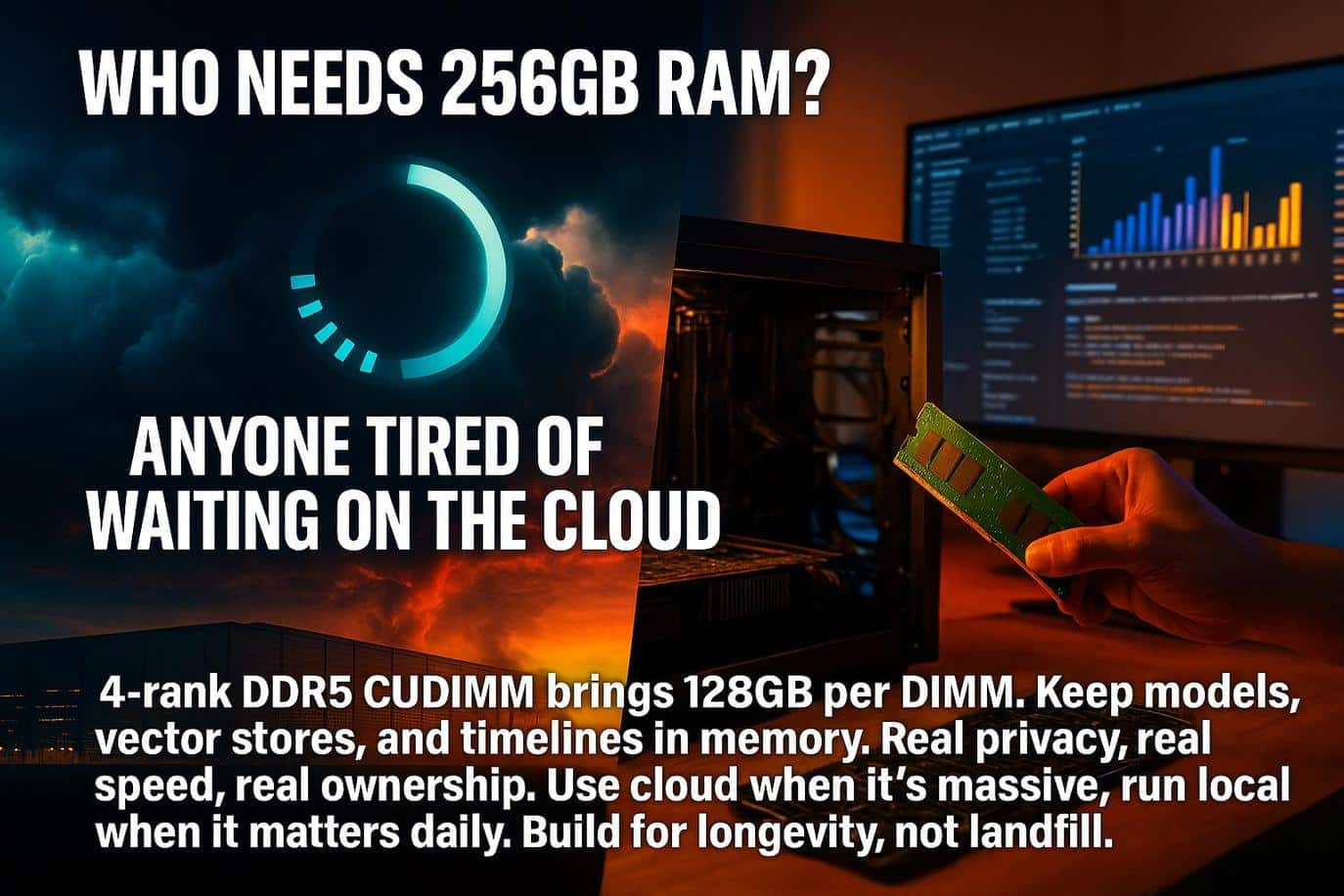
From Cloud Racks to Desktops: Why Memory Is the New AI Bottleneck
What Large Models Demand
Modern models do not just need fast graphics memory. Large models also depend on having plenty of system memory for loading data, managing vector databases, retrieval layers, multimodal assets, and using parallel tools. Insufficient RAM causes the system to thrash between storage and memory, which slows experiments, breaks real-time pipelines, and increases power use from unnecessary retries.
Why Capacity Beats Clever Workarounds
Optimization helps, but it rarely replaces headroom. A system with 128 GB per module can keep more of a project resident in memory. The added capacity reduces disk I/O, shortens preprocessing steps, and allows multiple processes to coexist without contention. A workstation is thus produced that stays responsive while training a compact model, rendering frames, or indexing a large dataset.
What Stays Local and What Stays in the Cloud
Moving some work local can improve privacy and reduce recurring cloud costs. Local work also limits the amount of data shuttled across networks. Having this capability does not mean every task should come home. Massive training runs, highly bursty jobs, and collaboration at scale may still favor shared infrastructure.
Analysis of instant connectivity and edge computing shows how the best outcomes blend local responsiveness with efficient back-end services. Ecosystem shifts, such as CUDA on RISC-V support, also broaden where AI can run efficiently.
The Energy Question
Where compute happens matters for energy. Networks, data centers, and devices each carry costs. A thorough review of 6G’s Open RAN “energy brain” perspective explains why efficiency gains can be swallowed by rising demand unless we design for lifecycle impact. When contemplating a large-memory build, it’s important to consider not only the power consumption but also the potential reduction in replacement cycles.
The New Memory Frontier of 128 GB CUDIMMs
A new 128 GB CUDIMM module from ADATA and MSI is poised to bring server-level memory to consumer desktops. This technology enables new possibilities for local AI development and heavy creative workflows.
- Launch context: ADATA and MSI announced a four-rank DDR5 CUDIMM module with up to 128 GB per stick for consumer desktops, initially validated on MSI Intel Z890 motherboards.
- What “four-rank” means: four banks of DRAM on one module, which doubles capacity compared with common dual-rank designs, while adding signaling complexity that vendors mitigate with on-board clock drivers.
- What “CUDIMM” means: a clocked unbuffered DIMM that includes a Client Clock Driver to keep the memory clock clean at high speeds and densities.
- Practical ceiling: 2 × 128 GB can reach 256 GB system memory on mainstream boards with two DIMM slots.
- Intended users: local AI developers, data and video creators, and engineers running multi-VM or CAD/CAE workflows.
- Additional users: small labs that want more autonomy from the cloud.
- Early cautions: motherboard support, BIOS updates, and qualified vendor lists matter when adopting ultra-dense modules.
Leveraging this new hardware effectively requires a clear understanding of these specifications.
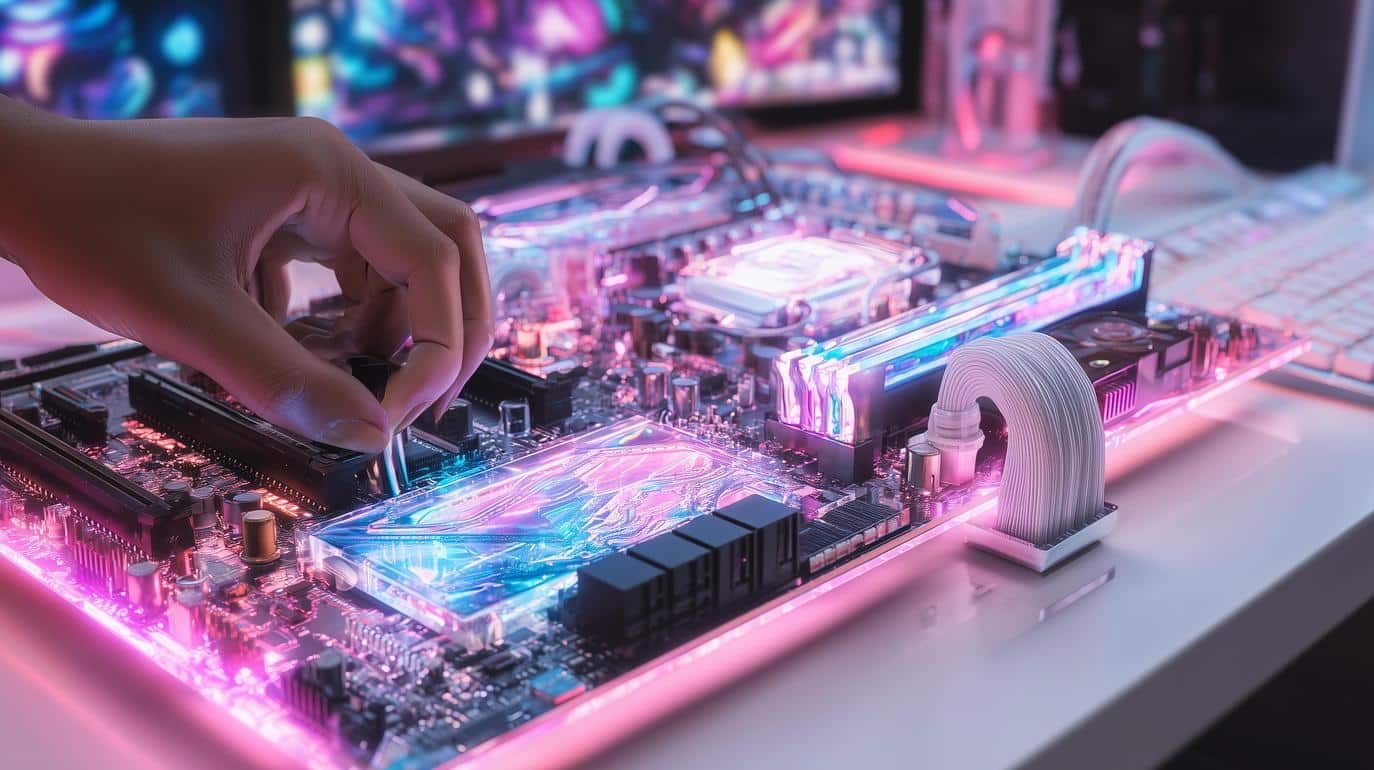
Inside the World’s First 4-Rank DDR5 CUDIMM
What ADATA and MSI Actually Announced
ADATA and MSI confirmed a client-desktop DDR5 CUDIMM line that includes a 128 GB four-rank module. MSI validated this module on its Intel Z890 platform. The companies position the part for offline inference, model fine-tuning, high-resolution media work, and localized data analysis. Independent coverage summarizes the capacity jump and the two-slot path to 256 GB for mainstream boards. ADATA positions the module for offline inference and high-resolution media work in its official press release, while technical coverage details the 128 GB per-DIMM capacity and the two-slot path to 256 GB.
CUDIMM and CKD in Plain Language
A standard desktop UDIMM relies on the motherboard to distribute a clean clock to each memory chip. Speeds and densities are rising, causing that clock to pick up noise and jitter.
A CUDIMM adds a small chip called a Client Clock Driver that refreshes the clock signal on the module. The driver improves stability at high data rates and with many chips on board. DDR5 client platforms increasingly rely on CUDIMM designs with a Client Clock Driver to preserve clean clock signaling as speeds and densities climb.
CUDIMM vs. UDIMM vs. RDIMM: What’s the Difference?
- UDIMM: common in consumer PCs, simplest signaling path, limited at extreme capacities and speeds.
- CUDIMM: adds a clock driver for cleaner timing at client speeds and densities while staying compatible with consumer platforms that include support.
- RDIMM: uses register and buffer logic, typical in servers, not supported by most consumer boards.
Four Ranks on One Module: What Changes
Four ranks place more memory dies behind the same interface, which doubles capacity while increasing electrical load. Vendors consequently pair four-rank layouts with CKD and tuned board layouts. Buyers should, in practice, expect conservative official speed bins at launch and should rely on platform QVL lists rather than assuming it will perform like smaller DIMMs.
Compatibility and Early-Stage Caveats
Initial validation targets MSI’s Intel Z890 motherboards. Other boards may require firmware updates or may not support four-rank CUDIMMs at all. Notebookcheck states these parts push desktops toward server-class territory and that platform support will define early adoption. Such an observation aligns with vendor messaging. Validation on Intel Z890 is highlighted by early testing, according to early platform analysis and MSI’s platform notes.

When Would 256 GB Desktops Make Sense?
Local AI Developers and Citizen Researchers
Running retrieval-augmented generation pipelines, experimenting with fine-tuning, or managing multimodal assets translates into smoother iteration with more memory. Keeping vector indexes, model weights, and preprocessing results in RAM reduces delays between tests. Analysis of compact AI supercomputers compared in a DGX Spark and Strix Halo overview shows how local stacks can shorten development cycles while keeping sensitive data on-premises. For a detailed price and speed breakdown of the two, see our AMD Strix Halo vs DGX Spark comparison.
Creators, Simulation, and Data-Heavy Workflows
Video editors working in high resolutions, VFX artists, and engineers running CAD, CAE, or multi-VM labs can benefit from large headroom. The extra capacity helps maintain real-time previews, avoids paging when multiple tools are open, and allows larger caches that speed scrubbing and renders. For a pipeline that frequently stalls when memory spikes, a high-capacity upgrade is the most impactful change.
Gamers and Everyday Users
Most games and daily tasks find 32 GB to 64 GB ample. Moving to 128 GB or 256 GB will not change frame rates in a meaningful way. Investment should be focused where it matters: a better monitor, a quiet case, reliable storage, or a more efficient power supply can improve daily experience more than surplus RAM.
Budget, Supply Cycles, and Timing Your Build
Memory prices are volatile as AI demand reshapes supply. Recent reporting highlights sharp DDR5 increases that can increase the cost of top-end modules. Consider planning your purchases based on actual workloads instead of speculation, and kindly review qualified vendor lists and firmware notes prior to making a commitment. Recent analysis of the DDR5 market points to sharp DDR5 price increases that can affect top-end modules.
Plan for Longevity to Cut E-Waste
High-capacity memory can be a tool for longer device life if you map an upgrade path. A tower that starts life as a local AI bench can later shift to media hosting or lab duties rather than being discarded. Reviews of critical minerals and high-tech metals in e-waste and guides to refurbished tech and circular device lifecycles highlight why extending use is relevant for both resources and budgets.

Designing PCs that Last: Big RAM and the War on E-Waste
Build for Long Service Life
Designing a workstation that stays useful for many years starts with a clear plan for roles it can play over time. A tower that debuts as a local AI bench can later support media archiving, home lab services, or classroom projects. High-capacity memory helps because it postpones the point where workloads outgrow the machine.
Pairing 128 GB per module with reliable storage and a quiet, efficient power supply is key. A platform is created that remains comfortable to use and easy to repurpose.
Reuse and Re-Role Strategies
Performance needs change, so consider shifting the system to a lighter but valuable role rather than replacing it. Examples include a secondary editing bay, a rendering node, a self-hosted documentation server, or a development sandbox for containerized apps. Value extraction from the same materials increases, and devices are kept in circulation longer with these handoffs.
The Carbon Math of Upgrades
Most emissions from personal electronics occur during manufacturing rather than daily use. Extending the useful life of a capable tower can therefore be more beneficial than frequent replacements.
A relatable analogy on where emissions occur in a popular device category, the carbon footprint of everyday smartphones shows that manufacturing dominates total impact. One simple takeaway is to buy once with headroom you will actually use, then maintain and redeploy the system over time.
Practical Buying Tips for Lower Waste
- Choose motherboards with mature BIOS support and clear qualified vendor lists for high-density memory.
- Favor modular cases and power supplies so parts can move between builds.
- Keep original packaging and documentation to simplify refurbishment and resale.
- Document your build and label drives and cables to make future re-roles painless.

Does Local AI Really Shrink the Cloud’s Footprint?
What Changes When Workloads Move to the Edge
Running inference or small fine-tunes locally can reduce repeated data transfers and keep sensitive datasets in-house. The local approach also cuts the overhead of spinning up remote instances for short tasks. Energy use also shifts from shared facilities to homes and offices, which makes the quality of the local hardware and the duty cycle more important.
When Local Wins
Local AI is beneficial when jobs are frequent, moderate in size, and privacy-sensitive. Keeping models and vector stores resident in memory reduces network traffic and avoids idle time waiting for remote capacity. Teams that iterate daily on small models often benefit the most.
When Cloud Still Wins
Massive training runs, highly parallel rendering, and jobs that require strict uptime may be more efficient in shared infrastructure. Data centers can amortize cooling, power distribution, and maintenance across thousands of nodes. Advanced data center cooling solutions are also deployed by operators that raise efficiency per watt. A task that is infrequent, short, and very heavy makes renting time practical.
Measuring Real Impact Over Time
Workload patterns change the right answer. Track how many hours your system spends at high load, how often you would have spun up cloud jobs, and how many device replacements you avoided by building for longevity. Consider both electricity and embodied emissions. This should be treated as an ongoing measurement, not a one-time claim.
Grid alignment improves when operators adopt strategies like co-locating data centers with renewable energy. Over time, operators can also tap distributed clean power, including microreactor projects for AI loads and fusion-backed grid experiments.

How to Decide if ADATA/MSI’s 128 GB CUDIMM is Right for You
Quick Decision Checklist
- Do your projects stall because memory fills before jobs are complete?
- Will 128 GB per module reduce disk thrashing, shorten preprocessing, or allow more concurrent tools?
- Can you map at least two future roles for this system after peak use?
- Are you prepared to validate compatibility and update firmware as vendors refine support?
Compatibility and Stability Steps
Check the motherboard’s qualified vendor list for high-capacity CUDIMMs and plan for BIOS updates. Test with your real project files, including the heaviest timelines and datasets, and verify sleep, resume, and virtualization behavior before committing the build to production.
Budget Planning in a Tight DDR5 Market
High-density modules command premium prices, and supply cycles change quickly. Align purchases with concrete milestones rather than speculative needs. A tight budget may require starting with a single 128 GB module on a two-slot board and adding the second when prices normalize.
Alternatives to Consider
For work that leans more toward reliability than raw density, a refurbished workstation with ECC RDIMMs is a cost-effective alternative. Workflows that are bursty and rare may find cloud rentals to be the better choice. Incorporating responsible AI practices is essential so that privacy, fairness, and governance evolve alongside performance.
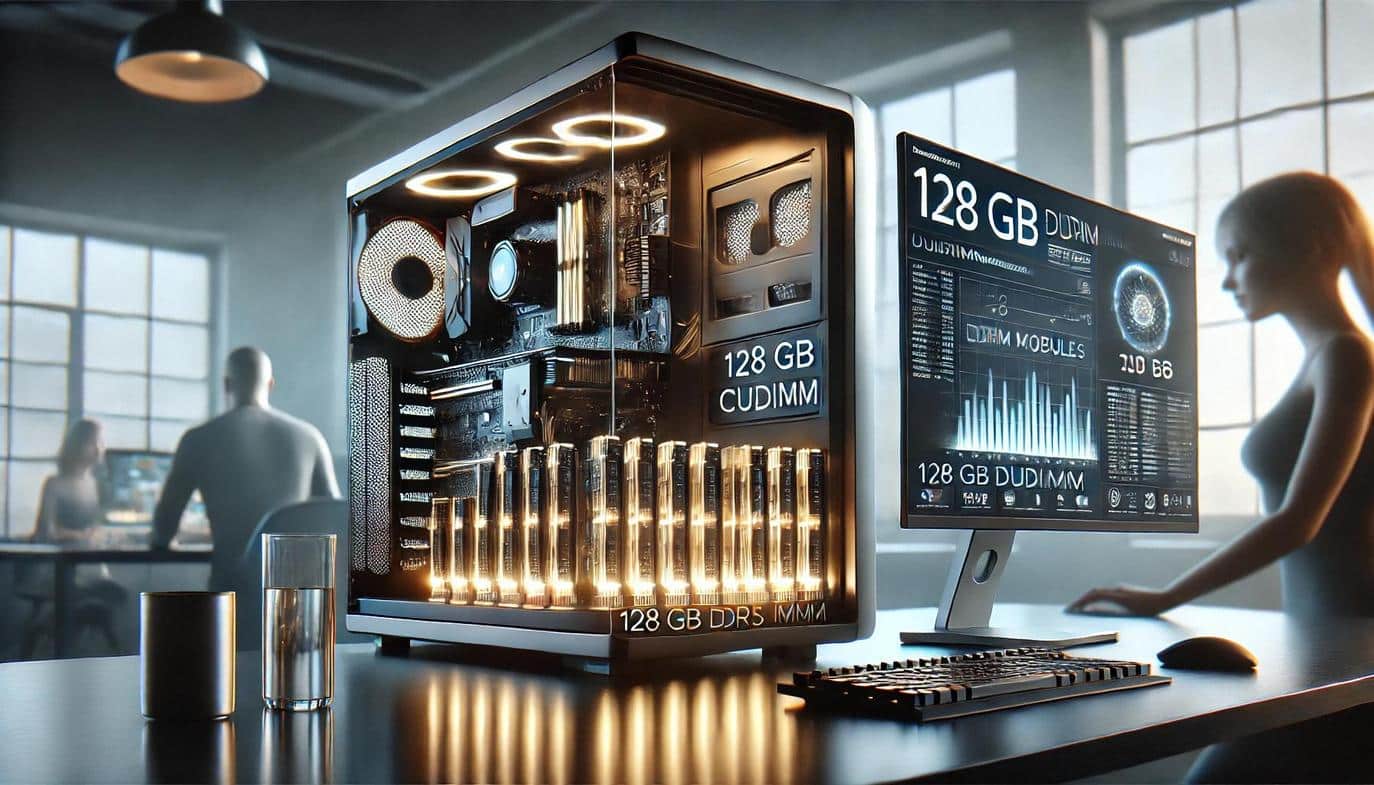
128 GB CUDIMMs: The Future of the Local AI Workstation
The ADATA and MSI four-rank DDR5 CUDIMM bring server-like memory capacity to compact desktops. Such a module can turn a quiet tower into a capable local AI workstation. A bigger opportunity is cultural. Use large memory to speed thoughtful experiments, protect sensitive data, and extend device life rather than chasing vanity metrics. Buy for real needs, measure outcomes, and keep systems useful for as long as possible. Part of this process involves tracking emerging options such as quantum photonic chips for AI.
Frequently Asked Questions About 128 GB CUDIMMs
What is a Four-Rank DDR5 Module in Simple Terms?
It is a memory stick with four groups of DRAM chips that the system can address. More ranks allow more capacity on one module, which is how 128 GB per DIMM becomes possible.
Will 128 GB CUDIMMs Work on Any Motherboard?
Support is platform-specific. Start with the vendor’s qualified list and apply the latest firmware. Early adopters should test thoroughly before production use.
How Much RAM Do I Need for Local AI?
Most hobby projects run comfortably with 64 GB. Heavier multimodal pipelines, large datasets, or daily fine-tuning benefit from 128 GB or more. Use real workloads to decide.
Is Running AI at Home Better for the Environment than Using the Cloud?
Local jobs can sometimes reduce network traffic and repeat cloud spins, but large or rare tasks can be more efficient on shared infrastructure. Track both electricity and device lifecycles.
What if My Budget is Limited?
Focus on balanced upgrades. Faster storage, a quiet cooling setup, and a reliable power supply often improve daily experience more than maximum memory. Consider staged purchases or a refurbished workstation if it better fits the work.


