
In today’s digital age, web browsers serve as gateways to information, communication, and entertainment. However, with this convenience comes the risk of cyber threats, one of the most prevalent being browser hijackers. These malicious programs can stealthily invade your browsing experience, leading to unwarranted ads and potentially harmful links that compromise your privacy and security.
Understanding how to identify and effectively remove a browser hijacker is crucial for maintaining a safe online environment and ensuring that your digital activities remain uninterrupted and secure. A browser hijacker will try to take over your browser and include ads, dangerous links, and so on. That’s why it’s extremely important to remove a browser hijacker as quickly as you can. Doing that will not only save time but will also protect you from dangerous situations and challenges.
Ideally, you want to know the best and quickest ways to deal with a browser hijacker. And here are some of the best you should keep in mind.

How do you know you have a browser hijacker?
Be attentive to specific indicators that suggest the presence of a browser hijacker. A typical browser experience should not be overwhelmed by excessive ads or unrelated content.
If you notice a sudden decrease in available storage space or if sensitive information appears to be altered or missing, these are also warning signs. Additionally, if your browser consistently runs slowly, it may indicate underlying issues that need to be addressed. Recognizing these signs early can help you take action to resolve any problems effectively.
Using a Mac Cleanup Tool
Utilizing a cleanup tool is an efficient way to automatically eliminate browser hijackers and malware from your device. This method not only automates the removal process but also saves you considerable time and effort. With a cleanup tool, there’s no need to rush through the procedure; all you have to do is install the application and initiate a scan with the press of a button. This straightforward approach makes it one of the most effective solutions for combating browser hijackers.
A cleanup tool targets browser hijackers and helps eliminate harmful malware and temporary files that can compromise your system’s performance. Its repeatability adds to its value, allowing you to use the tool multiple times as needed. Overall, it offers a reliable and time-saving approach to maintaining your device’s security and functionality.
Delete Suspicious Apps
Begin by reviewing the applications on your device and identifying any that seem suspicious. Look for apps you do not remember installing or those that raise any red flags. Once you identify such applications, delete them immediately.
Following the removal of these apps, navigate to the library folder on your device. Here, you should remove any related caches, application support files, preferences, and other remnants. This thorough approach not only helps to clean your system but also prevents potential issues that may arise in the future. Taking these steps will contribute to a more secure and efficient device.
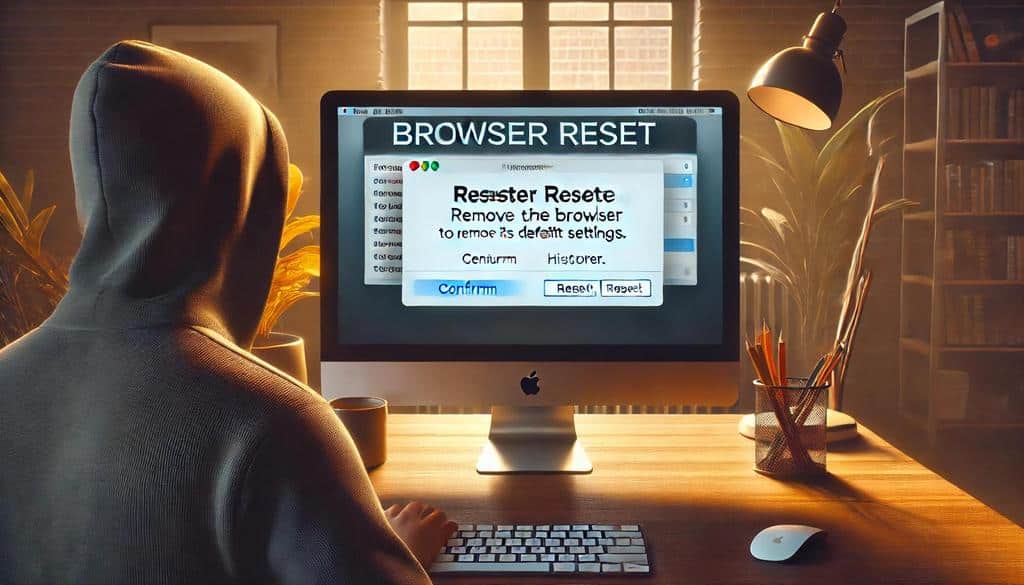
Reset the Browser
Resetting your browser may seem like a last resort, but it is an effective option that offers considerable benefits. Once you perform the reset, you will have a fresh start that is free from malware and other issues.
Before taking this step, saving your data or creating a backup whenever possible is essential. Safeguarding your information is important, as it ensures that nothing critical is lost during the process. Taking these precautions will provide more security than you might initially anticipate.
Delete Any Dangerous Extensions
Browser extensions can often be associated with malware. Many users inadvertently compromise their security by installing unfamiliar or random extensions. Therefore, it is crucial to only install extensions from reputable sources that you trust.
Additionally, it is vital to regularly review your list of installed extensions. Retain only essential extensions to your browsing experience and remove any you rarely use. This practice will streamline your browser’s functionality and simplify your overall experience. By managing your extensions effectively, you will gain clarity on what is installed and when you utilize each extension.
Preventing Browser Hijackers
To protect yourself from browser hijackers, avoid clicking on links in emails or downloading attachments from unknown sources. Always verify the sender’s identity. If the email is from someone you do not recognize, refrain from downloading any included content.
This caution applies equally to downloading applications from free software sites, as these may also harbor malware. Additionally, be wary of pop-up advertisements that prompt you to click on links; it is best to avoid these entirely. Regularly using a Mac cleanup tool and frequently updating your Mac can significantly enhance your security and help prevent such threats.
Empowering Your Digital Space
Taking control of your Mac and ensuring a safe browsing experience is not just a necessity; it’s a journey toward digital empowerment. Browser hijackers, while intrusive, can be effectively managed and removed using the strategies outlined above. You can create a robust digital fortress by utilizing a cleanup tool, deleting suspicious apps, resetting browsers, and vigilantly managing extensions.
However, an ounce of prevention is worth a pound of cure. Adopting proactive measures, such as scrutinizing email attachments, avoiding dubious downloads, and steering clear of bothersome ads, can significantly reduce the risk of future hijacks. Remember, vigilance is key in maintaining the integrity of your online experience.
As we navigate this digital landscape, fostering awareness and arming ourselves with the right tools is essential. In this increasingly connected world, being informed is your most potent ally. Embrace these strategies, maintain ongoing awareness, and enjoy a safer, more harmonious browsing experience on your Mac.


