
Automatic captions have quietly become the default way subtitles get made. You upload a clip, wait a few minutes, and a wall of text appears underneath your video. It feels finished. It is not. What comes back is a rough transcript with reasonable guesses at punctuation, and it is only as good as the audio you fed it.
The gap between that first pass and a finished subtitle file is where most of the work lives, and almost nobody talks about it. So this is a look at what actually goes wrong, why it goes wrong, and the practical routine that fixes it. Along the way we cover the reading-speed numbers that decide whether people can read your captions in time and the handful of audio conditions that defeat speech recognition outright.
Captions stopped being optional a long time ago
Half of American viewing now happens with subtitles or captions switched on. In April 2025, Netflix reported that nearly half of all US viewing hours take place with subtitles or captions on, alongside survey data showing half of Americans say they watch with subtitles most of the time. That is not a niche accessibility feature any more. It is how a large share of people consume video.
The reasons are mostly mundane. A survey by Verizon Media and Publicis Media, cited in peer-reviewed research on muted viewing, found that up to 69% of consumers prefer watching video without sound in public places, and 25% do so in private settings as well. People watch on trains, in queues, in cafés, while cooking, and in meetings with the microphone muted. Sound is frequently not an option.
That puts a second kind of pressure on whoever made the video. Research on subtitled viewing published in a scientific journal found that turning the sound off had a negative effect on how viewers assessed comprehension, engagement, and enjoyment, with self-reported frequency of muted social media viewing ranging from an average of 2.85 out of 7 among Australian participants to 3.51 out of 7 among British participants. Captions did not rescue the experience. The researchers describe viewers as largely depending on subtitles for content comprehension and then rating the experience more harshly overall.
The practical reading of that is uncomfortable but useful. Captions are not a substitute for good audio. They are the thing that lets your video survive environments you do not control, and in the process they introduce a new quality bar that viewers notice.

What automatic speech recognition is actually promising you
Every major platform makes the same caveat, and it is worth reading it plainly. Google’s own guidance on automatic captioning states that captions are generated by machine learning algorithms, that quality may vary, and that automatic captions might misrepresent spoken content due to mispronunciations, accents, dialects, or background noise. It then tells creators to always review automatic captions and edit any parts that have not been properly transcribed.
That is not a minor terms-of-service note. That is the vendor describing the limits of its own product. US closed captioning rules have since codified those limits into a standard, requiring captions to be accurate, synchronous, complete, and properly placed. Accuracy is defined as captions matching the spoken words in dialogue. Synchronous means coinciding with the corresponding spoken words at a speed viewers can read.
Against that yardstick, an unedited transcript is not a caption file. It is a draft.
For a creator working to a consistent process rather than one-off uploads, our walkthrough of building videos online covers the wider production side, which is where subtitle quality tends to be decided in the first place.
The five things that actually go wrong
Failures cluster into recognizable patterns. Knowing which one you have tells you whether you need an edit pass or a re-record.
| Failure | What it looks like on screen | Fix |
|---|---|---|
| Wrong words, right timing | Names, brands, technical terms, and acronyms are transcribed phonetically instead of correctly | Edit the text directly. Build a replacement dictionary of your recurring terms. |
| Correct words, wrong timing | Cue blocks drift, appear early, or sit on screen after the speaker has moved on | Re-time cue blocks against the audio rather than typing new ones. |
| Run-on lines | Four, five, or more words per second, impossible to read in one glance | Split the cue and trim filler words. Check characters per line. |
| Punctuation artefacts | Missing sentence breaks or commas inserted mid-clause because the model guessed at prosody | Read the transcript as prose and add the punctuation a human would. |
| Missing non-speech information | Sound effects, speaker labels, and emotional emphasis dropped entirely | Add manually. Accessibility guidance treats this as part of accuracy. |
Only the first four are things a person editing a transcript can fix in fifteen minutes. The fifth is where accessibility expectations and pure transcription diverge, and it is the one most creators never address.
Signs that you are looking at a re-record rather than an edit:
- Two or more people talk over each other for more than a few seconds
- The clip has music underneath the dialogue at any real volume
- A speaker switches between languages mid-sentence
- Recording was made at a distance or in a room with obvious reverb
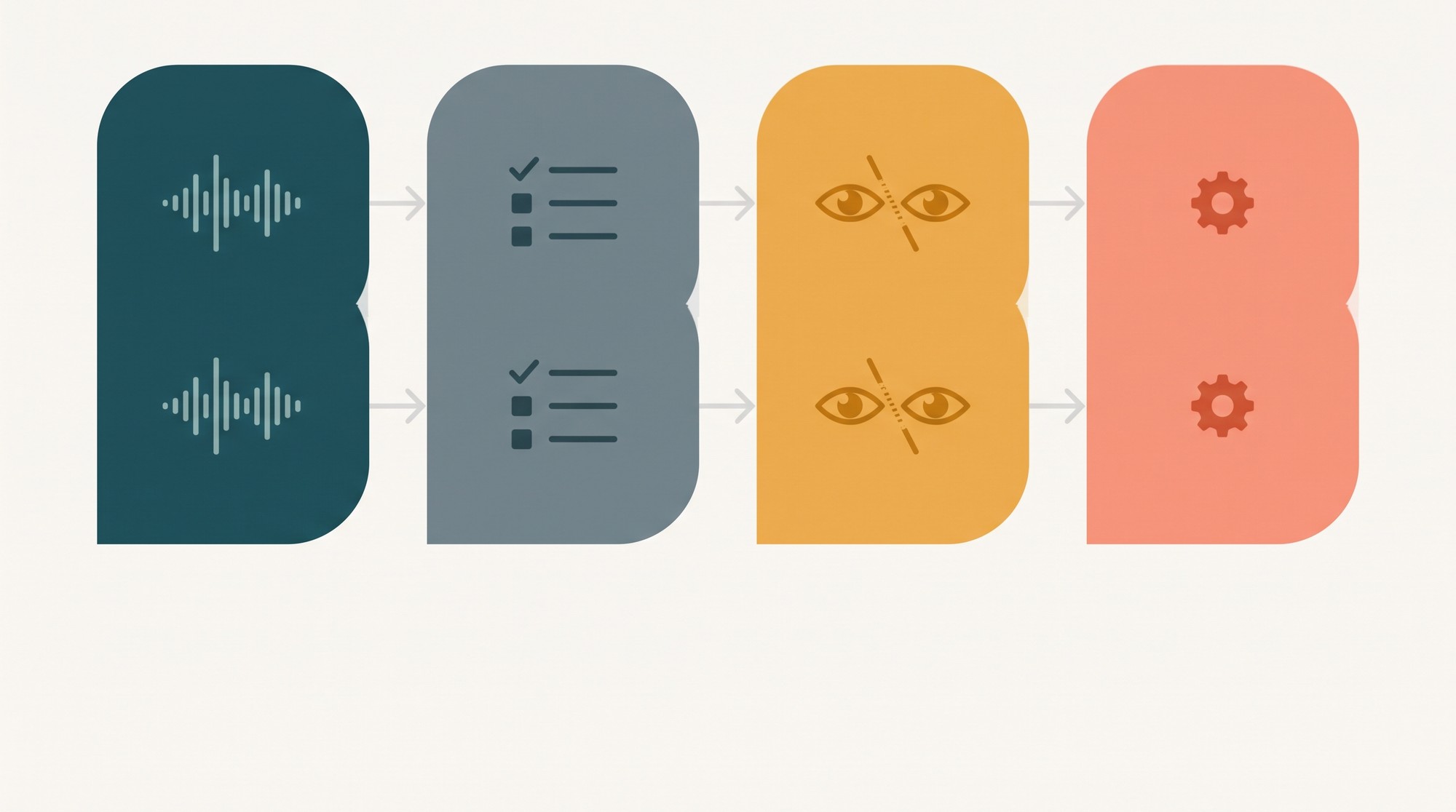
A four-pass review routine
This is the process that turns machine output into a finished subtitle file. It scales from a 30-second clip to a full episode, and it takes maybe fifteen minutes per ten minutes of finished video once you have done it a few times.
Pass 1: Read for meaning, with sound off
Watch the video muted with the captions on. Read only the captions. If you cannot follow the content, neither can a viewer in a train. This single test catches most accuracy problems, including ones you would rationalize as acceptable when you can hear the audio underneath.
Pass 2: Fix proper nouns and jargon
Product names, people’s names, acronyms, and technical vocabulary account for a disproportionate share of errors, because the model has to infer spelling from sound alone. Most editors let you search and replace, so a full vocabulary pass is mechanical: identify every occurrence of your recurring terms, fix them, and note the list so the next video starts ahead.
Pass 3: Re-time and re-break
Now work on shape rather than content. Merge cues that break in unnatural places, split cues that arrive too late to read, and fix the handful of lines where the text says one thing while the speaker says another. This is the pass where you would otherwise start from scratch, but it does not need to.
Pass 4: Style and export
Set the line length, position, and contrast once, apply it to everything, and check the export format matches where the file is going. Then read it one final time end to end at normal speed. Annoying, and it works.
Reading speed: the number most people get wrong
Captions that are perfectly accurate can still be unusable if they appear and vanish faster than the eye can track. Professional subtitling houses work to published numerical limits for exactly this reason, and those limits are public. This is where most home workflows diverge from professional practice, often without anyone noticing.
| Standard | Reading speed | Line length | Duration limits |
|---|---|---|---|
| BBC subtitle guidelines | 160 to 180 words per minute for live subtitles, or roughly 0.33 to 0.375 seconds per word | Two lines recommended for landscape and square formats, three lines for vertical video | Not standardized in this summary |
| Netflix English timed text style guide | Up to 20 characters per second for adult programming, up to 17 for children’s | 42 characters per line | Not standardized in this summary |
| Netflix subtitle templates | Up to 17 characters per second for adult templates, 15 for children’s | Templates are edited to reading-speed limits rather than kept verbatim | Minimum five-sixths of a second per event, maximum seven seconds per event |
Two takeaways. First, roughly 17 to 20 characters per second is the working ceiling for adult content, which in practice means a line of about 40 characters displayed for around two seconds. Second, the requirements differ by format, and vertical video is treated as its own case. BBC guidance recommends a longer maximum line for 9:16 vertical content, precisely because the safe area is narrower and the reading behavior differs.
Automatic tools rarely surface a live reading-speed warning while you work. If your captions average six or seven words per second, they are almost certainly too fast, and the fix is more cuts, not smaller text.
A quick pre-publish check, roughly four minutes of work:
- Watch ten seconds with the sound off and read only the captions. If you cannot keep up, nobody can.
- Count the characters in your longest cue. Above about 42 per line, split it.
- Find the fastest passage and time how long each cue stays on screen.
- Check that no cue covers burned-in text, a face, or a product in the lower third.
- Confirm the export format matches the destination platform before uploading.
Where speech recognition genuinely struggles
Some conditions defeat the technology badly enough that no amount of editing gets you to a professional standard. Knowing these saves wasted effort and tells you when to go back and record instead.

Research presented at Interspeech 2025 evaluated automatic speech recognition pipelines and found word error rates of around 35% for child speech and 30% for code-switched utterances, even with preprocessing steps that included speaker diarization combined with a mid-sized Whisper model. Those figures came close to matching fine-tuned transformer models, which is a useful reality check on what preprocessing can achieve.
The pattern holds for everyday content. Two people talking over each other in a café recording produces a transcript that is not merely imperfect but structurally wrong, because the model cannot reliably assign words to speakers. Code-switching, where a speaker moves mid-sentence between languages, degrades similarly. Heavy background music does the same thing by masking the consonants that carry meaning.
Where audio quality is this compromised, the honest options are to re-record with a closer microphone, to transcribe by hand, or to accept lower accuracy and label the content accordingly. Editing cannot manufacture clarity that was never captured.
Why captions are now a distribution decision
There is a practical argument for getting this right that has nothing to do with accessibility obligations. Search platforms index caption text. A video whose captions contain the actual words and phrases people search for is discoverable in a way that silent video is not, and the same transcript you produce for viewers doubles as the structured text layer search engines can read.
Regulation has also tightened the calculation. The European Accessibility Act has applied since June 2025 and requires subtitles for video that forms part of a covered service, with existing content and legacy contracts on a longer timeline. For anyone publishing inside the scope of that rule, the review pass described above stops being optional good practice and becomes compliance work with a defined accuracy standard.
Both arguments point the same way. The transcript you were going to skim is now the most read piece of text attached to your video, and it costs roughly fifteen minutes per ten minutes of footage to get right.
Running the process in a browser
If you want the transcribe, review and export loop in one place without installing anything, Clideo video editor is a browser-based editor that handles the whole caption cycle, from generating subtitles from uploaded media through to styling and export, alongside the trimming, merging and compression tasks that tend to surround any editing job. There is also an iOS build on the App Store if you work from your phone.
The tools themselves are the easy part. What matters is that you budget the review time in advance rather than treating the generated transcript as the finished article, because the model is optimising for plausible text, not for accuracy against your specific speakers and your specific vocabulary.
Frequently Asked Questions
Can I automatically generate subtitles?
Yes. Speech recognition will produce a timed transcript from your audio in a few minutes, and every major platform now offers it. What it will not do reliably is give you publishable accuracy on difficult audio. Treat the output as a first draft that needs the four passes above.
How do I edit auto captions?
Open the caption track in your editor, correct the text line by line, then adjust the cue timing so blocks line up with speech. Most editors offer transcript search and replace, which makes the vocabulary pass on proper nouns and acronyms fast. Style changes such as font, size, colour and position can usually be applied once across the whole track.
Can ChatGPT add subtitles to a video?
A general-purpose language model is not a timed-text tool and cannot reliably produce accurate cue timings against a video file. It can help with wording, punctuation and style decisions once you already have a timed transcript. The timing itself needs a dedicated captioning workflow or a purpose-built editor.
Why do automatic captions get names and brands wrong?
Because they infer spelling from sound alone, and a proper noun is by definition the one word with no predictable spelling from its pronunciation. Brands, acronyms and technical terms fail this way more than ordinary vocabulary does. The fix is a substitution pass over the recurring terms in your own content, which is a few minutes once you have the list.
What are the most common problems with closed captioning?
In rough order of frequency: inaccurate text, timing that drifts from the audio, lines displayed too briefly to read, punctuation that reflects the model’s guess at speech rhythm rather than actual grammar, and missing non-speech information such as sound effects or speaker identification. Accuracy, synchronicity, completeness and proper placement are the four criteria that accessibility rules are built around.
How fast should captions appear?
For adult content, published professional standards cluster around 17 to 20 characters per second, or about 160 to 180 words per minute for live subtitles. Line length matters too: Netflix specifies 42 characters per line, and vertical video generally permits more lines per cue than landscape.
Final word
Automatic captioning solved the genuinely terrible part of subtitling, which was typing out a full transcript from scratch. It did not solve accuracy, reading speed or accessibility, and the gap between a generated draft and a finished caption file is exactly where the craft still lives. Four passes, a replacement dictionary for your own vocabulary, and an honest reading-speed check will cover the large majority of what goes wrong.


