
A paperless home is mostly a solved problem. Bills arrive by email. Statements live in an app. A phone camera turns the odd letter into a PDF before the envelope reaches the recycling bin.
Then one form breaks the system. It comes from a bank, a landlord or a public office, and it says to return it by fax. The household that scanned everything now has to send paper over a phone line.
It does not have to mean buying a machine. Here is how the request fits into a paperless routine.
Why the fax survived the paperless shift
Email won on convenience. Fax held on for a different reason. A fax is a call between two machines, and the receiving machine confirms each page as it arrives. The sender ends up with a record of what went where and when.
Many offices wrote their filing rules around that record. Changing the rules is slow work, and most households rarely ask, so the fax line stays printed on the form. In health care, federal guidance still treats a fax as a normal way to pass records from one office to another.
Fax for Agents has published this guide to sending a fax, which covers every route from a shop counter to a script.
For a household, the useful point is that none of the routes needs a fax machine at home.
Keep the paperless habit: scan first
Treat the form like any other document in the house. Fill it in, sign it and scan it with your phone. The scan option in a notes or files app crops the page and saves a PDF.
Check the scan before the paper goes anywhere. Every page should be present and in order. A fax is black and white, so pencil and pale ink fade. Dark ink on white paper comes through best.
Name the file with the date and what it is. Put it in the same folder as the rest of the household paperwork. You now have your own copy before anything is sent.
Households moving the rest of their admin the same way can borrow the structure from an effective paperless office strategy, which applies just as well to a kitchen table as to a workplace.
Three ways to send without owning a machine
The first is a counter. Print shops and shipping stores fax by the page, and some public libraries offer it too. You carry the paper, or a printout of your PDF, and leave with a confirmation slip.
The second is a printer that can fax. Many all-in-one printers have the function. It only works when a telephone line is plugged into the printer, which most mobile-only households no longer have.
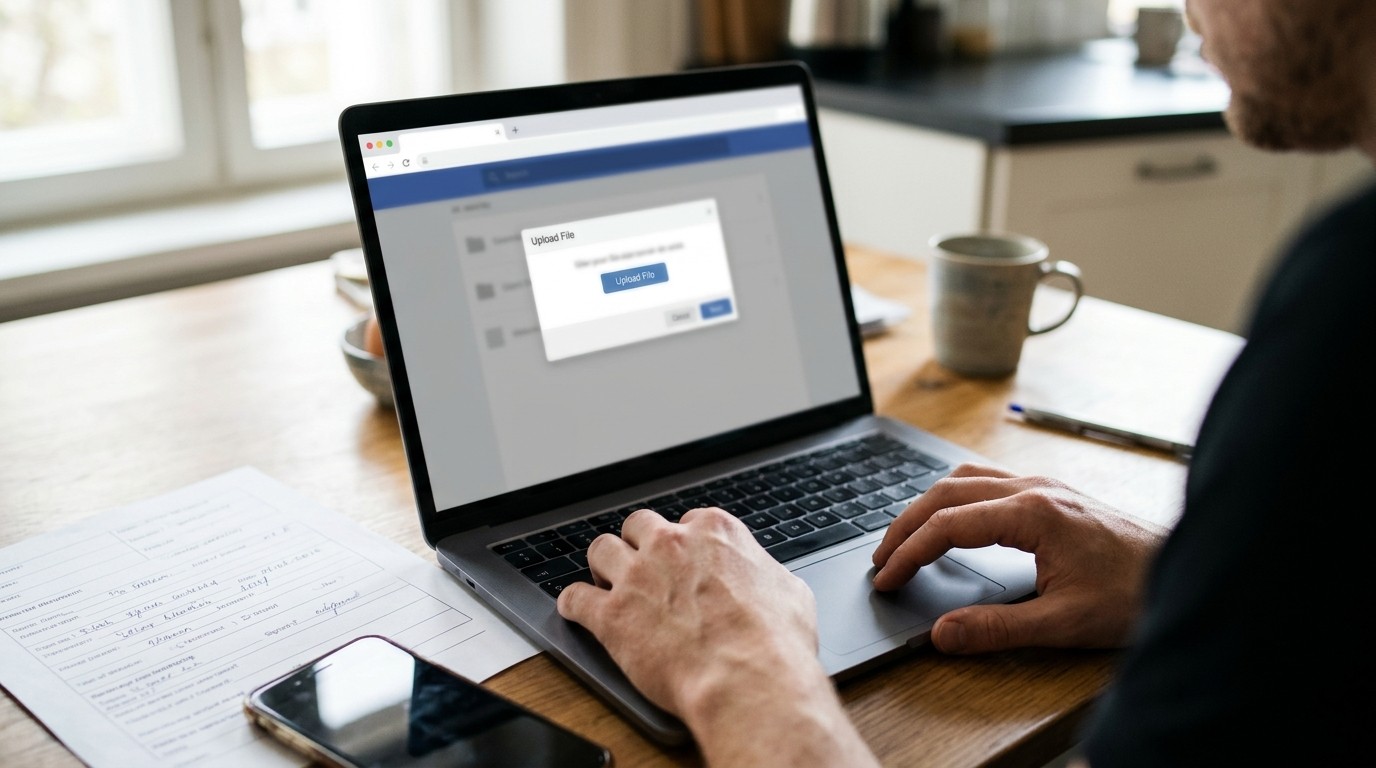
The third is a website. You upload the PDF, type the fax number and send from the browser. This suits a paperless home best, because the document never becomes paper again.
Some sites sell a monthly plan and others a single send. A household that faxes once a year has no use for a plan.
There is a small environmental point here too. A scan sent from a browser uses no paper at your end and no trip in the car. The office at the other end may still print it, but your half of the exchange stays digital.
Get the number and the first page right
Take the fax number from the form in front of you. Offices change these lines, and an old letter can point to a dead one. In the United States and Canada, a fax line takes the same number as an ordinary phone, area code included.
Put your name, a phone number and any reference from the letter on the first page. Shared office machines print many faxes a day. The first page is how yours reaches the right person.
File the proof with the form
Every route hands back a confirmation. A counter gives a slip. A printer prints a report. A website sends a receipt by email with a time and a page count.
Save it in the same folder as the scan. A paperless system is only as good as what you can find a year later, and this is the document someone will ask for.
Read it for what it says. A confirmation means the receiving machine accepted the pages. It does not mean a person has opened them. If a deadline depends on the form, call the office the same day.

When it does not go through
A busy line is the common cause. Wait a little and try again.
If it keeps failing, check the number digit by digit against the form. Sometimes the printed number is a voice line, and a person answers. Ask for the fax line.
If the office says the pages are unreadable, scan again in better light with the page flat.
A small exception, handled once
A single faxed form does not undo a paperless home. Scan it, send it from whatever is closest, and file the proof beside the copy. The drawer of paper stays empty, and the office gets its form the way it asked.


