
Are you one of the many people who constantly struggle with a spotty or unstable internet connection? If so, don’t worry – you’re not alone. In fact, this problem has become so common that there are now entire websites and forums devoted to helping people troubleshoot their internet issues. But before you can start fixing your connection, you need to understand what’s causing it to behave the way it is. Here are nine of the most common causes of internet disconnections, along with some tips on how to fix them.
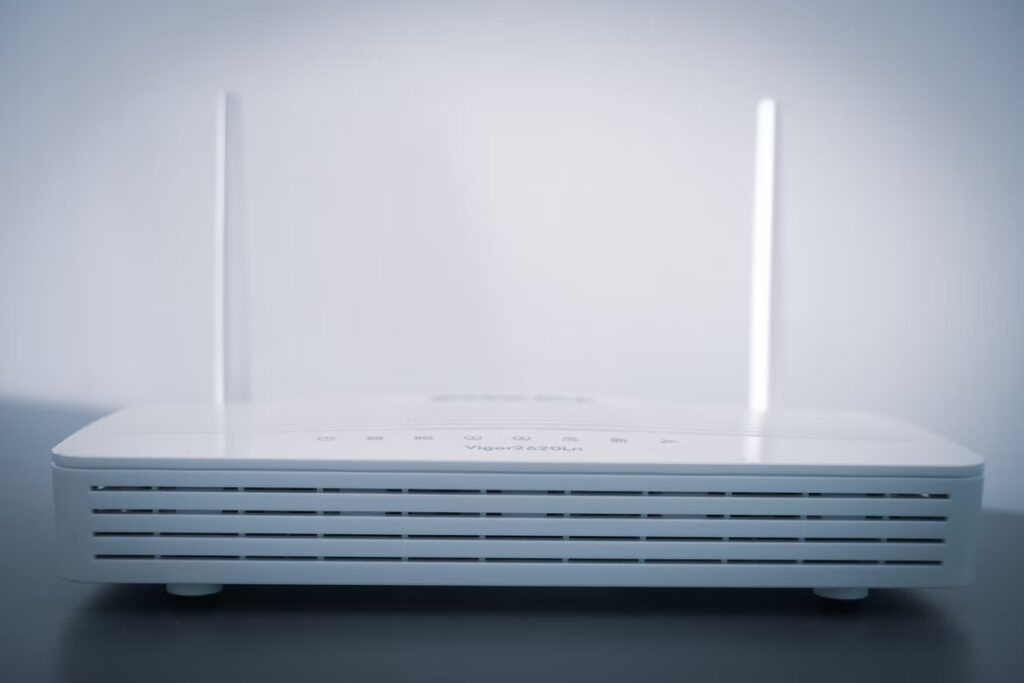
Your Wi-Fi Router Isn’t Strong Enough
Wi-Fi routers are the most common culprit behind a spotty internet connection. This is because they have a fairly limited range – as much as 100 feet – and the farther you move away from your router, the weaker your signal becomes. If you can’t stay within this radius of your router, then it will be difficult to maintain a stable wireless connection. As such, one of the first things you should do if your internet keeps disconnecting is check how far away from your router you are currently staying.
You may need to purchase a stronger router or move it to a location where there aren’t any walls in between it and where you’re using the internet, and you can also consider exploring the available internet options in your area to ensure you have the most reliable connection possible.
Your ISP Is Not Meeting Your Demands
There are many ISPs (internet service providers) out there, but not all of them offer equal performance or reliability – especially when you’re trying to stream videos online or download files. As such, it’s important to find one that will meet your needs. You can look up “Centurylink internet keeps dropping” if your ISP is Centurylink to find out what issues might be connected to that particular service provider. Of course, you can follow suit for others as well and see if you can fix it.
To figure out which ISP is best for you, consider how fast their internet connection is and then compare it to what you’re currently using. You can also ask around to family or friends if they have any recommendations. If all else fails, try looking up customer reviews online before making a final decision.
Your Wireless Adapter Is Not Supported
If you’re using a USB wireless adapter to connect to the internet, then there’s a chance that it may have lost support for your particular ISP. If this is true, then you can update its driver by downloading the latest version from the manufacturer’s website. Afterward, simply follow their installation instructions for adding this new driver into Windows or Mac OS X. Keep in mind that older adapters are often not supported because they have been replaced by newer models. As such, you should always try updating your old adapter before purchasing a new one.
Your Internet Router Is Overloaded
The more devices on your network – whether mobile or stationary – the weaker your Wi-Fi signal becomes. If there are too many active devices on your Wi-Fi, then you will notice a drop in speed and a rise in latency.
This can be particularly problematic if you have a slower internet connection, to begin with. In order to fix this problem, we recommend placing your router on an open floor plan so that there is nothing blocking its signal. You should also consider purchasing an additional wireless router for your home network. Just make sure it is compatible with all of the other equipment before making any purchases.
Outdated Network Security Settings
If your network’s security settings are too weak or outdated, then this could cause some instability problems with the internet. If you haven’t set up a password on your router, then anybody may be able to access and change its wireless settings – including hackers and other people who want to steal your data. As such, we recommend setting up a WPA2-PSK password on your router as soon as possible. This will not only keep your WiFi secure but should also help boost performance and reduce latency.
Just remember to regularly change this password so that nobody can gain access to your network by using a list of default passwords.
You Are Constrained By The Number Of Connections In Your Network
In the past, routers allowed for up to 10 connections at once without any problems. But today’s routers allow for more than double that amount, which means you should never run into connection issues because of a lack of ports. If you need additional ports or if you have devices that require a direct Ethernet connection, then we highly recommend getting a wireless bridge from an established retailer such as Newegg or Bestbuy. Most wireless bridges allow for anywhere from four to eight extra connections, and they should improve your performance by a significant margin.
Your Internet Is Being Throttled By Your ISP
Internet throttling has become somewhat of an epidemic in the United States and Canada, and it is usually performed by large cable companies such as Comcast or Bell. In these situations, you may notice that your internet speeds fluctuate regularly even though you’re paying for a certain amount of throughput per month. If this happens, then we recommend calling up your ISP’s customer service line to see if they can offer any insight as to why this might be occurring. Otherwise, try switching ISPs if possible because not all companies throttle their customers’ internet.
You Need To Configure Your Router’s QoS
Quality of Service (QoS) is a feature that your router should have right out of the box. If you do not configure this when you first set up your router, then you need to do it now in order to make sure that your network is running at optimal performance.
The process for configuring the settings will vary depending on which brand and model of router you have, but we recommend checking online or asking an expert if you’re unsure about how to perform these tasks. There are also several websites where you can submit your specific type of router and receive information related to its settings, so feel free to check those out as well before making any changes.
It’s important to be mindful of the number of connections in your network, as well as if you need a wireless bridge. If you find that your internet connection is being throttled by your ISP or suffers from performance issues due to outdated security settings, then it may be time for an upgrade. We recommend checking out some customer reviews before making any final decisions and trying QoS features – which should help boost speeds and reduce latency on networks with multiple devices connected at once.


