
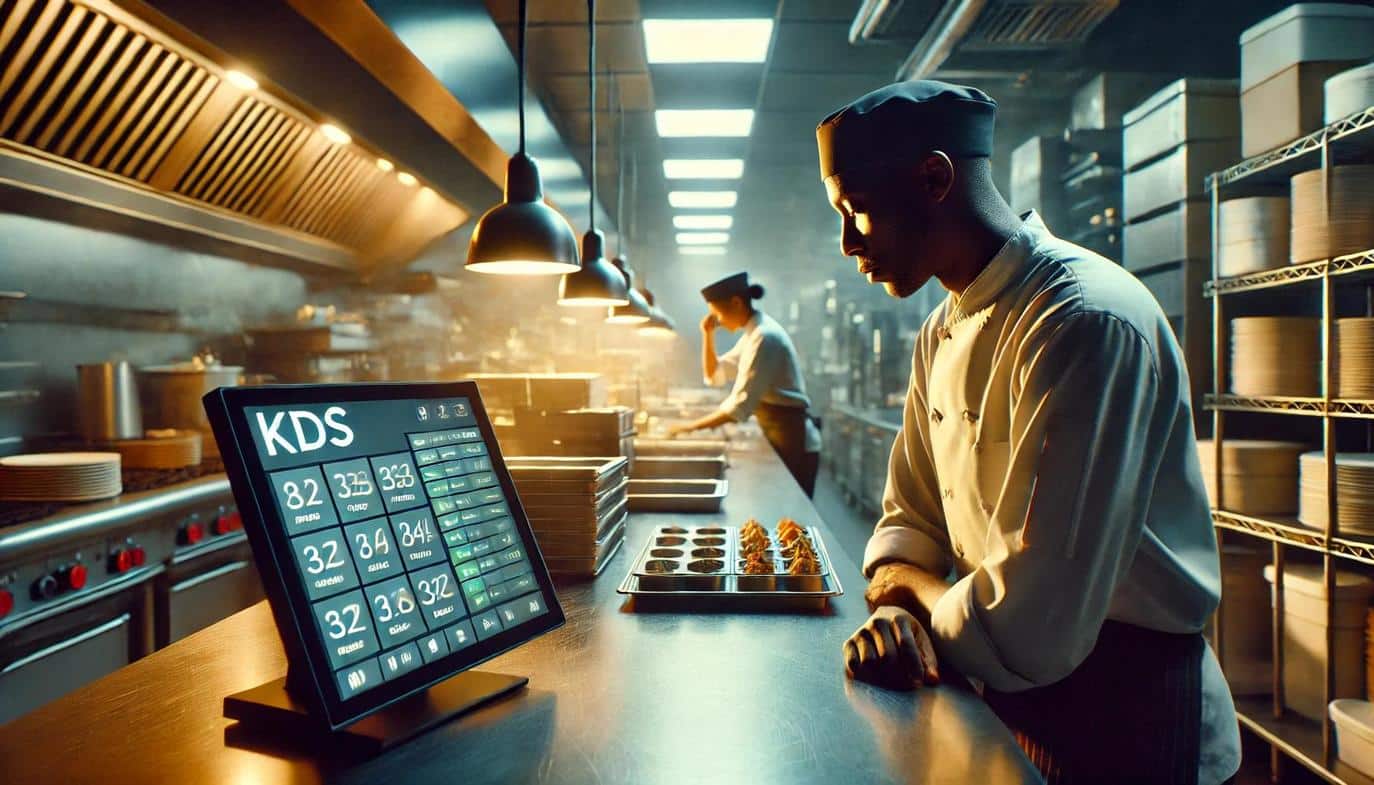
Even if you run the tightest line in town, your crew still deals with smudged ink, missing tickets, and the dreaded moment when the expo shouts, “Who’s got table twelve?” That brand of chaos is precisely what KDS software was created to eliminate. KDS is the shorthand many vendors use for kitchen display system software. Instead of chasing scraps of paper, your cooks look up at rugged screens that show every item, modifier, and timer in real time, bringing immediate order and clarity to the line.
The technology isn’t new, but its cost has dropped while integrations have matured. This has turned the KDS from a luxury for mega-chains into a practical tool for independents who need fewer mistakes and faster turns. It’s a strategic investment that levels the playing field, allowing smaller operators to compete with the efficiency of larger establishments.
Why Modern Restaurants Need a Digital Kitchen Solution
A decade ago, you could solve slow ticket times by hiring another expo or printing in duplicate. That approach is less workable today. Margins are thinner, and guests now expect live order updates on their phones. With those realities in mind, operators are leaning on digital routing to get plates out sooner and keep diners (and drivers) in the loop. In this guide, we’ll explore how a KDS system for restaurants works, the financial gains you can bank on, a practical rollout timeline, and the common potholes to avoid.
A KDS rarely shows up alone, either. For most operators, it’s the first real step into a bigger shift, one where the front counter and the back line finally start talking to each other. If you’re curious how restaurant automation works as a whole, it helps to see where the kitchen display fits into the larger machine. That wider view makes the case for a KDS much harder to ignore.
How a KDS System Works: The Digital Backbone of Your Kitchen
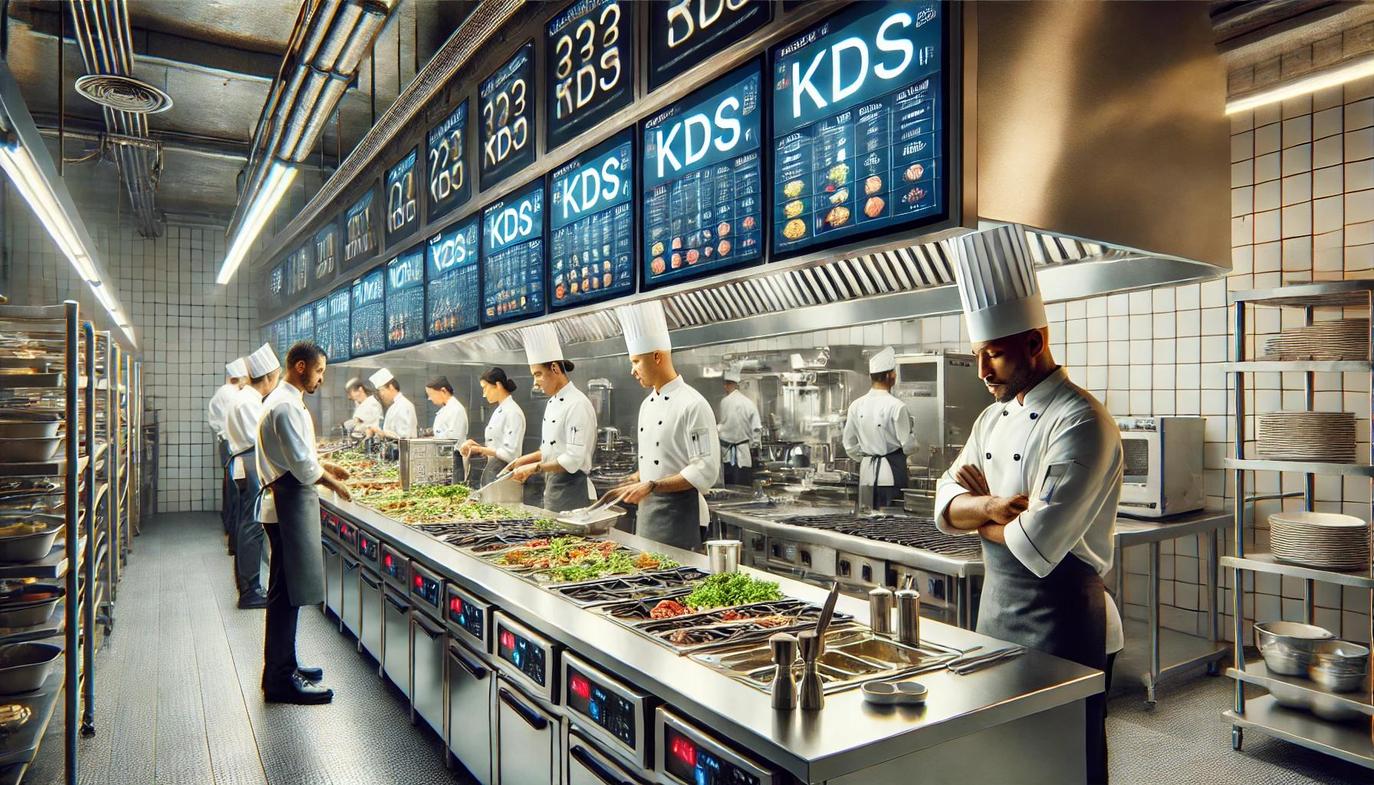
Before covering the benefits, it is helpful to understand how kitchen display system software moves an order from the front of house to the final pass. When a guest taps a kiosk, places an online order, or speaks to a server, the POS pushes that data to a KDS software controller, either a small on-site appliance or a cloud server. The controller applies the routing rules you set during setup. If the order contains a medium-rare rib-eye, “no mayo” burger, and kids’ mac, each item is timestamped and sent to the grill, pantry, or sauté station accordingly.
Key Moving Parts
While features vary between vendors, every reputable kitchen display system is built on four core components that work together to streamline communication:
- The Controller: This hub, either a physical appliance or a cloud server, is the brain of the operation that receives and routes all order data from the POS.
- Station Screens: These rugged displays, ranging from small tablets to large industrial monitors, show cooks exactly what to make in real time.
- Input Devices: A bump bar, touchscreen, or foot pedal allows the crew to mark orders as complete, keeping the workflow moving even with full hands.
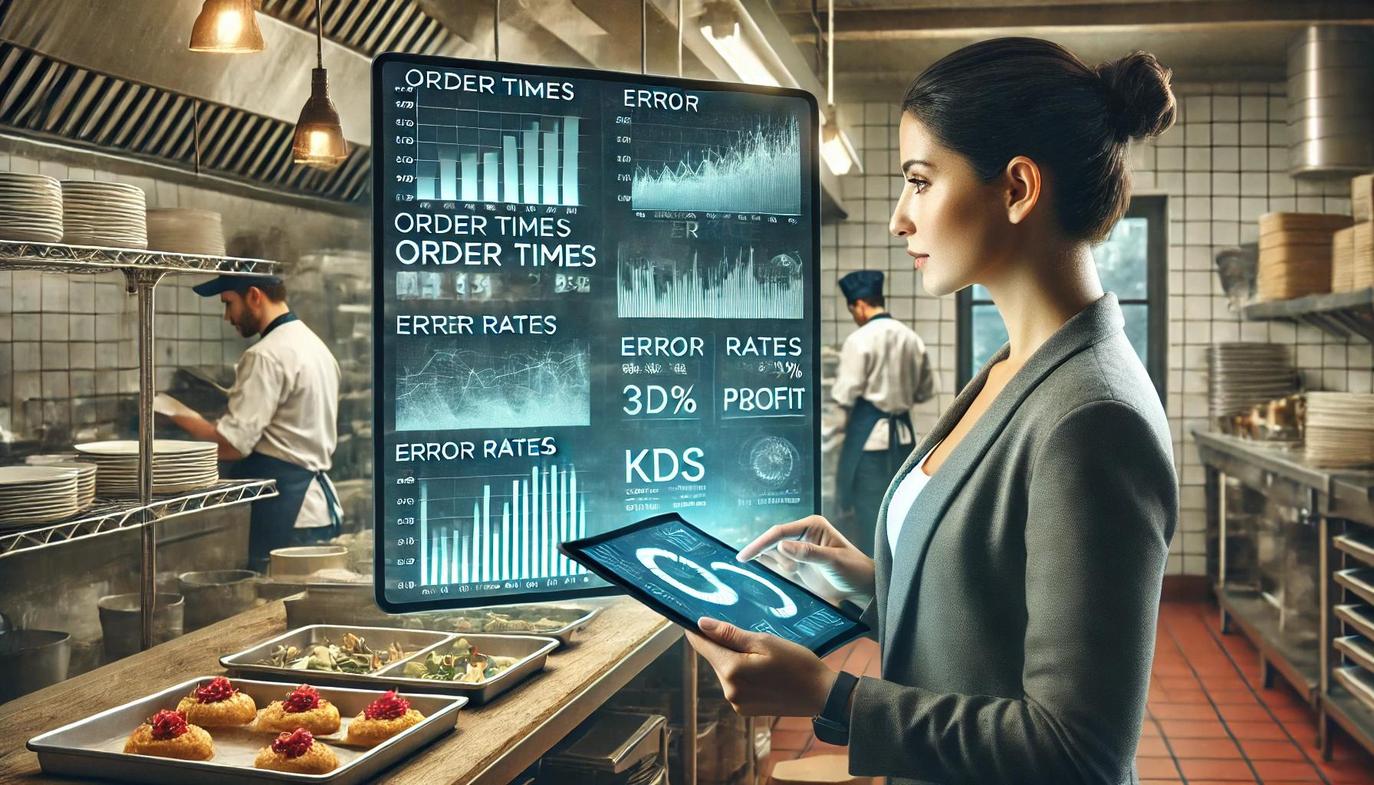
- The Analytics Portal: This dashboard enables managers access to crucial data, including prep times, completion rates, and item-level statistics for performance tracking. When these elements are properly integrated, they create a seamless flow of information from the front of the house to the line.
Routing Rules Make or Break the Experience
Hardware specs get attention, yet the routing logic is what separates a smooth shift from electronic disorder. Good rules: fire long-cooked proteins ahead of quick sides, split modifiers so “allergy no dairy” appears in red, and alert salad when the grill is two minutes out. Build those rules thoughtfully, and a five-screen setup feels like one coordinated machine.
The ROI of a KDS: Unlocking Speed, Accuracy, and Profit
Moving past the theory, let’s focus on the tangible gains. Back-of-house technology only proves its worth if it improves the guest experience or the bottom line—preferably both.
The first and most visible change is velocity. Precise timers coach every station to start the longest items first, so entrées, sides, and sauces finish together. When that synchronization happens, dine-in tables flip sooner, and third-party drivers spend fewer minutes idling near the host stand. Operators routinely report that average ticket times drop by 2–4 minutes during peak periods once the screens replace printers.
Accuracy follows speed. With allergy flags in bold letters and modifiers positioned right next to the item, mistakes plummet. In practical terms, that means fewer comps, voids, and contrite “chef apologies.” A KDS helps restaurants reduce food waste and remake costs by eliminating order errors. This improves overall accuracy and enables clear, digital order prioritization.
From Kitchen Efficiency to Financial Impact
Financial impact grows even larger when labor is considered. Because the system orchestrates firing and plating, the expo can focus on quality control instead of traffic direction, allowing many full-service concepts to trim one support position during non-peak shifts. Startup costs recoup quickly; restaurants implementing KDS technology can achieve a 94% ROI, with a payback period of approximately 5 years or less.
These improvements in efficiency, error reduction, and customer satisfaction drive the impressive financial returns. However, those numbers don’t account for softer perks such as calmer staff and fewer guest questions, which further illustrate why the technology has reached mainstream adoption.
A Four-Week KDS Implementation Plan
Digital ticketing sounds great until you picture a busy Friday night with untrained cooks glaring at unfamiliar screens. The antidote to that dread is a phased implementation that respects muscle memory while nudging the crew into new habits.
Week 1: Menu Engineering
Spend the first week translating your POS menu into logical prep items. Combos and specials must be disassembled, and default cook times assigned. This is desktop work that pays dividends later.
Week 2: Hardware and Network Prep
With the menu map in hand, mount screens at eye height but out of the splash zone. Hard-wire Ethernet wherever possible; grease and microwaves wreak havoc on Wi-Fi. After cabling, power up each device and confirm it pings the controller.
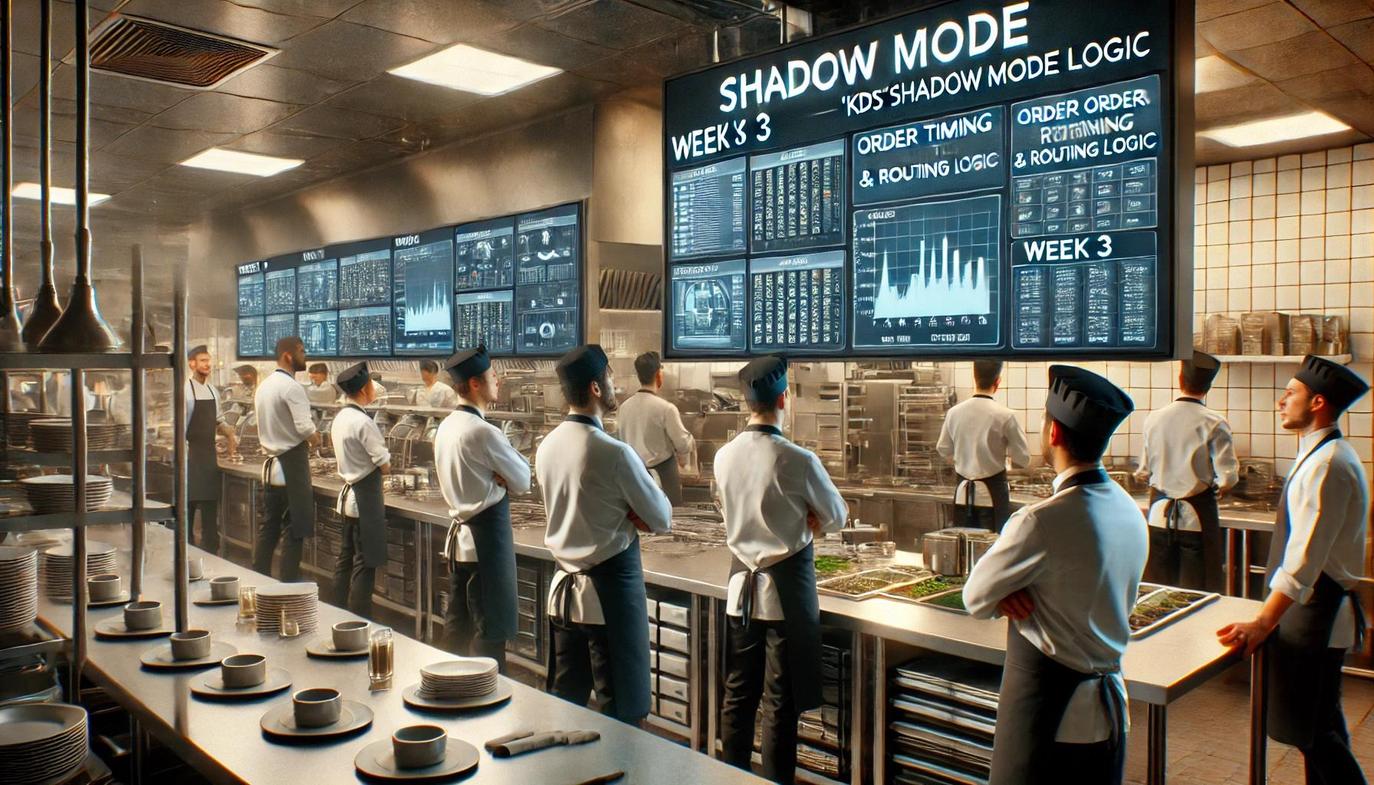
Week 3: Shadow Mode
During three full shifts, keep the printer spitting out tickets, but ask cooks to bump items on the KDS in parallel. They’ll compare the two streams and flag mismatches ranging from modifier placement to cook-time discrepancies. Treat that feedback like gold and refine routing rules nightly.
Week 4: Full Cutover and Refinement
Once the crew trusts the screens, you can kill the printer. Be sure to station a floor manager near the expo with a tablet that mirrors the KDS dashboard to handle any initial issues. Any hiccups can be handled on the fly: change an item’s default cook time, reroute a salad, or 86 a menu item so it instantly disappears from online ordering feeds. Resist the urge to declare victory on day one; recheck metrics after each weekend rush and adjust rules until ticket times stabilize.
Common KDS Implementation Pitfalls to Avoid
Even the best kitchen display system software can fail to deliver results if you fall into predictable traps. Fortunately, every mistake below is preventable.
Neglecting Screen Real Estate
Cram 40 tickets onto a single monitor, and your cooks will beg for paper. Use station-specific filters or enable auto-scroll to keep visible tickets within a digestible range. Consciously designing layouts for high-volume windows reduces decision fatigue and keeps the KDS from becoming an expensive billboard.
Ignoring Cook Feedback
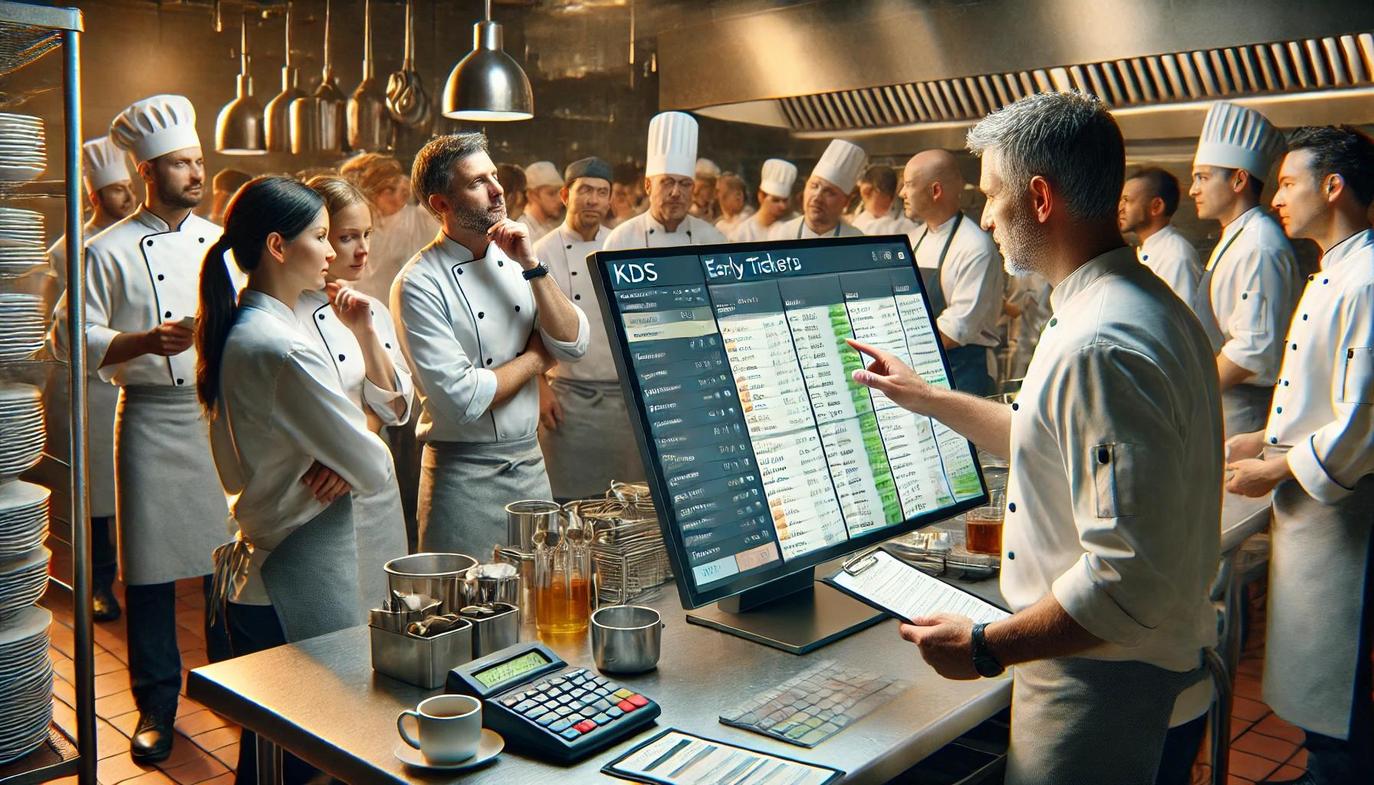
Data tells you how long the charbroiler lags; cooks can tell you why. Hold a five-minute huddle after each of the first five services post-launch. If the pantry insists the side salad image belongs over their screen, adjust routing. One stubborn rule can erase half your gains.
Treating Training as a One-Time Event
Turnover hovers near 70 percent in foodservice, so plan for perpetual onboarding. Record a concise video that walks through bumping, modifier colors, and timer logic. Host it on your scheduling app or a QR-coded link near the punch clock. Every new hire who watches the clip preserves your investment.
Skipping Preventive Maintenance
Heat, grease, and stray utensils abuse electronics. Put “wipe screens and check cables” on the weekly side-work chart. A ten-minute cleaning routine avoids sudden blackouts when the Saturday slam hits.
The Final Verdict: Why Your Kitchen Is Ready to Evolve
Kitchen culture has long equated paper tickets with professionalism. Yet the modern guest demands real-time order tracking, off-premise accuracy, and shorter waits—all while labor and food costs continue to climb.
KDS software tackles each of these problems head-on. It turns chaotic communication into structured, timestamped workflows that nearly run themselves. While implementation takes discipline, the upside of fewer comps, leaner labor, and happier guests makes the effort worthwhile.
If the idea still feels abstract, start with small smart appliances. Audit how many tickets go missing or get remade each week and put a dollar sign next to that number. Compare that figure to the monthly subscription and hardware lease quotes from two KDS vendors.
Chances are the math will favor pixels over paper. When it does, your back-of-house team will breathe a little easier the next time the dining room fills up at 7:02 p.m.
The New Standard in Kitchen Operations
The debate between paper tickets and digital screens is settling, with tangible data pointing toward a more efficient, accurate, and profitable future. KDS software is no longer a luxury reserved for large chains but a foundational tool for any modern restaurant serious about optimizing its back-of-house operations.
By replacing chaotic paper trails with structured, real-time digital workflows, you directly address the core challenges of today’s industry—from rising labor costs to increasing guest expectations for speed and precision.
While making the switch requires a thoughtful implementation strategy, a well-executed plan ensures the return on investment is clear and significant. The evidence is compelling, and the technology is more accessible than ever.
Fewer mistakes, faster table turns, reduced food waste, and a calmer, more coordinated kitchen staff all contribute to a healthier bottom line and a superior guest experience. Ultimately, the question is not whether your restaurant can adopt a kitchen display system, but whether you can afford not to.

Frequently Asked Questions About KDS Software
What Are the Main Benefits of a KDS System?
The primary benefits are speed and accuracy. A KDS system synchronizes orders across all kitchen stations, reducing ticket times and ensuring all components of a meal are ready simultaneously. It also eliminates errors from handwritten tickets or verbal miscommunications, which cuts down on food waste and comps.
Is a Kitchen Display System Difficult to Implement?
Implementation can be straightforward with a phased approach. A typical rollout takes about four weeks, moving from menu engineering and hardware setup to a “shadow mode” where the KDS runs alongside paper tickets. This allows the kitchen staff to adapt to the new workflow before a full cutover, minimizing disruption.
Can Small, Independent Restaurants Afford KDS Software?
Yes. The cost of KDS technology has decreased significantly, making it accessible for independent operators. The return on investment is often high, driven by reduced labor costs, fewer order errors, and increased efficiency. Many restaurants find the system pays for itself within a few years.
What Happens if the Wi-Fi Goes Down?
This is a critical consideration, which is why a hard-wired Ethernet connection is strongly recommended for all KDS hardware. A direct connection is far more reliable in a kitchen environment where grease, heat, and microwaves can interfere with wireless signals, ensuring the system remains stable during the busiest shifts.


