
Hollywood-quality visual effects used to require million-dollar budgets and entire post-production teams. Today, a single creator with the right tools can completely transform the look and feel of any footage — and reference to video prompting is the technique making it possible.
If you’ve ever wanted to turn a raw clip into a Studio Ghibli scene, a noir film, or a cyberpunk thriller, this guide will show you exactly how to do it without losing the soul of the original footage.
What Is Reference-to-Video?
Reference to video is an AI prompting technique where you provide a source video — or a reference image/style — and instruct the model to re-render the footage in a completely different visual style while preserving the original motion, composition, and structure. Think of it as giving your video a full costume change without rewriting the script.
Unlike basic filters or color grading, reference to video technology uses diffusion models and temporal consistency algorithms to apply stylistic transformations frame by frame — while keeping movement and scene continuity intact. The result is footage that looks like it was shot in a completely different universe yet feels naturally coherent.
Best Tools for Reference-to-Video Restyling
Several platforms now support reference to video workflows, each with different strengths.
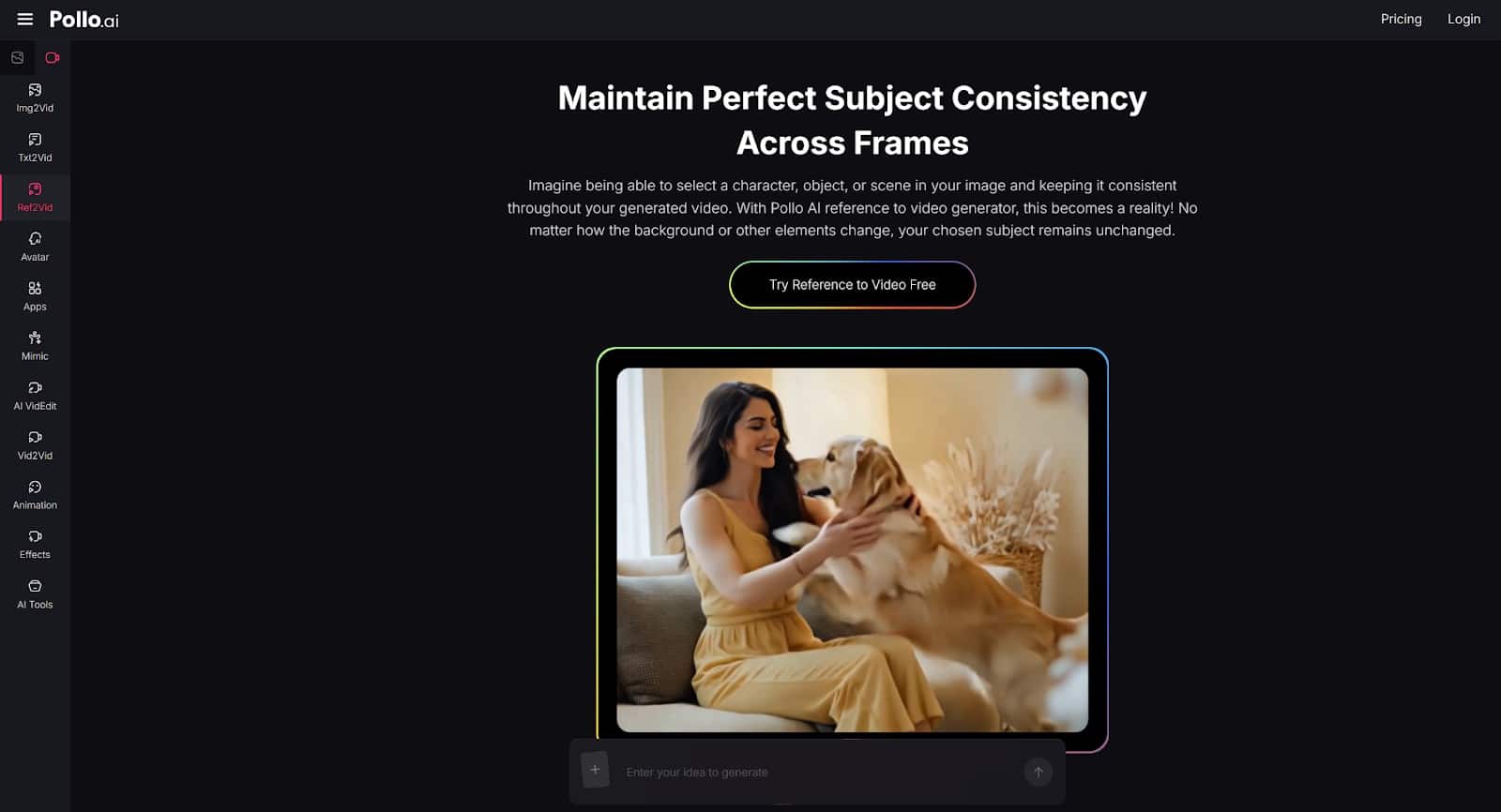
Pollo AI reference to video is worth highlighting — especially for creators who want fast, high-quality results without a steep learning curve. Its video restyling features support both image-based and text-based style references, giving you flexible control over the final aesthetic. The interface is clean, the output quality is competitive, and it’s a solid starting point whether you’re experimenting for the first time or producing content at scale. If you haven’t tried it yet, it’s one of the more accessible entry points with a video creator app on iOS and Android.
Other notable tools include Runway ML for its advanced motion controls, Kling AI for cinematic output quality, and Pika Labs for quick stylized renders.

Step-by-Step: How to Re-style a Video with Reference Prompts
Step 1: Choose Your Source Video Wisely
Not all footage works equally well with reference to video techniques. The best source material tends to have:
- Clear, stable motion (avoid extremely shaky handheld footage)
- Good lighting and contrast in the original clip
- A defined subject or focal point in each scene
- Shorter clip lengths (10–30 seconds work best for most tools)
If your source footage is rough, do a quick pass of stabilization and color correction before feeding it into any AI tool.

Step 2: Define Your Target Style
This is where your creative vision comes in. Your reference style can come from several sources:
- A reference image: Upload a painting, screenshot, or artwork that represents the visual style you want
- A text prompt: Describe the aesthetic in detail — lighting, color palette, texture, era
- A style preset: Many platforms offer built-in style libraries (anime, oil painting, film noir, etc.)
The more specific your style definition, the more consistent your results will be across frames. Vague prompts produce vague results.
Step 3: Set Your Consistency Parameters
One of the biggest challenges in reference to video work is temporal consistency — making sure the style doesn’t flicker or shift between frames. Most serious tools let you control:
- Style strength: How aggressively the style is applied
- Motion preservation: How closely the AI follows the original movement
- Frame blending: How smoothly transitions are handled between keyframes
Start with moderate settings and adjust based on your first render. Going too aggressive on style strength often causes flickering or loss of detail.
Step 4: Post-Process and Refine
Even the best reference to video outputs benefit from a finishing pass. Consider:
- Light color grading to unify the look
- Sharpening or upscaling if the output resolution is lower than the original
- Audio syncing if the video was re-rendered at a different frame rate
Why Restyling Movies Matters
The creative applications are enormous. Whether you’re an indie filmmaker, a content creator, or a brand producing social media videos, restyling opens doors that were previously locked behind expensive CGI pipelines.
- Indie filmmakers can give low-budget footage a cinematic, high-end aesthetic
- Content creators can produce visually distinctive content that stands out in crowded feeds
- Brands can adapt existing video assets to match new campaign styles without reshooting
- Educators and storytellers can transform archival footage into engaging visual narratives
The barrier to entry has never been lower — and the creative ceiling has never been higher.
Common Mistakes to Avoid
Even experienced creators run into the same pitfalls when working with reference to video prompting. Watch out for these:
- Using overly complex source footage: Busy scenes with lots of motion make it harder for the AI to maintain style consistency
- Ignoring temporal coherence settings: Skipping these almost always results in a flickering, inconsistent output
- Applying too strong a style to dialogue-heavy scenes: Facial details are the hardest to preserve under aggressive re-styling
- Forgetting to upscale: Many AI tools output at lower resolutions — always check and upscale before publishing

Final Thoughts
Re-styling movies and video content with reference to video prompts is one of the most exciting creative frontiers in AI right now. What once required a full VFX studio can now be achieved by a single person with a laptop and the right platform.
The key is to approach it with intention — choose your source material carefully, define your style precisely, and refine your output before going final. Tools like Pollo AI make that process more accessible than ever, lowering the technical barrier so your creative vision can take center stage.
The future of filmmaking isn’t just about what you shoot. It’s about what you can transform it into.


