
A bare courtyard becomes a dense green garden in a few seconds. Leaves spread across a wall, flowers appear beside a path and a small tree fills the corner. The transformation may communicate an appealing design. It can also suggest that the plants will mature together, fit the space and reach that appearance within a particular period, although the video establishes none of those things.
For someone exploring a video generator, the first question is what the compressed time is supposed to mean. A sequence can show an imagined design developing without claiming to record growth. That distinction needs to remain visible when the clip leaves the design discussion and appears in a public presentation.
Identify the Time Claim Hidden in the Transformation
Describe the beginning and end of the proposed scene before choosing the transition. Is the courtyard changing from an existing layout to a design option, or is a newly planted garden supposedly growing to maturity? Those are different stories. A smooth transition can blur them, especially when the same camera view appears to observe the entire change.
A design comparison can move between arrangements without implying a natural growth schedule. A simulated time-lapse usually invites a stronger inference because viewers associate the format with real change recorded over time. Avoid adding calendar pages, dates or elapsed-time captions unless there is a reliable basis for the timing they communicate.
MakeShot can generate an imagined garden scene from a text description. It can help a designer discuss the visual relationship between a path, a planted border and a seating area. The generated sequence is not a horticultural model. Its attractive final state cannot establish whether the selected plants would develop that way in the actual location.
Keep the intended meaning beside the working file. “Alternative courtyard concept” is clearer than “garden growth” if the task concerns appearance. The name will not replace a public explanation, but it helps prevent an editor from later presenting the sequence as a record of a real installation or a forecast of its development.
How Compressed Change Can Distort Scale and Season
Inspect the parts of the scene that should remain stable. A path might become narrower as foliage expands, a wall could shift, or a bench might shrink relative to the planting. Those changes can make the final garden appear more spacious or easier to maintain than the proposed layout actually is. The smoothness of the transition can make the shifts less obvious.
Compare a few points across the sequence using fixed landmarks. The doorway, paving edge and seating position can provide a reference for the visual review. This is a continuity check on the illustration, not a survey of the real site. Use actual dimensions and appropriate plans when the decision concerns clearance, access or construction.
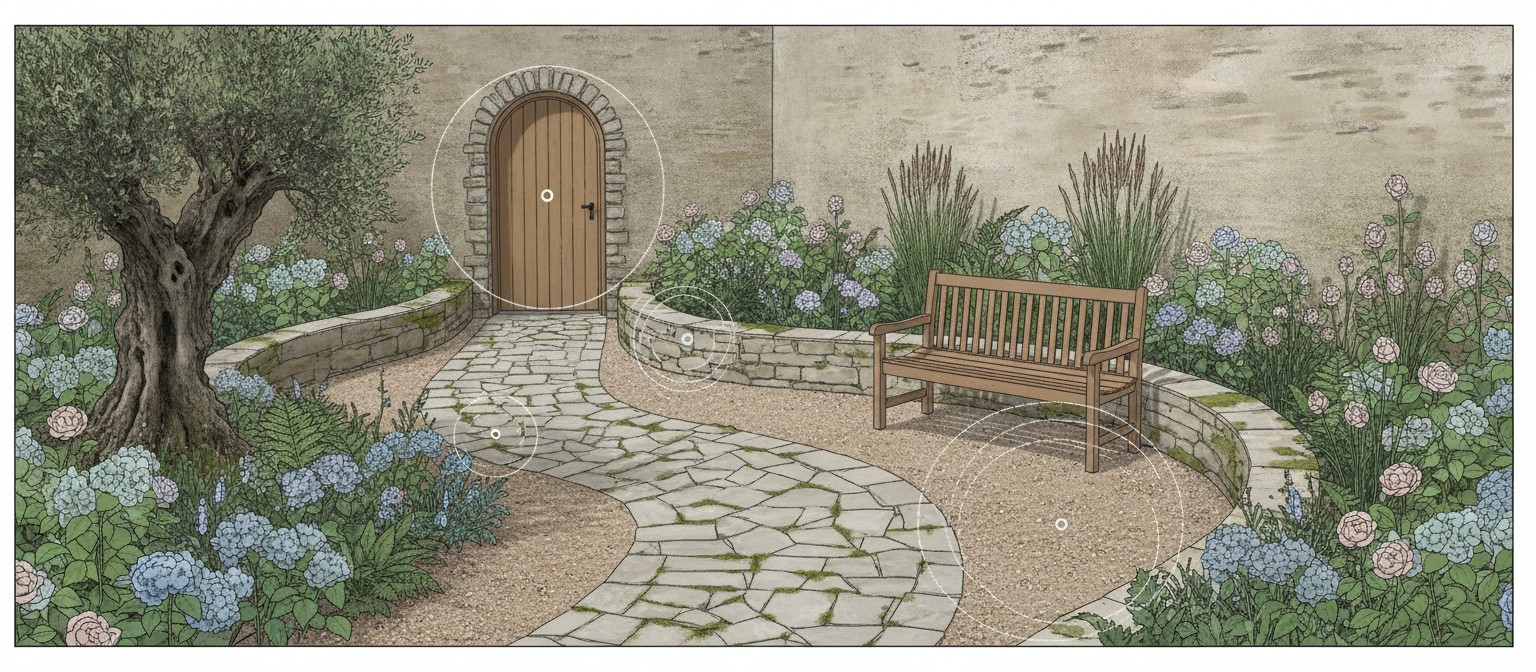
MakeShot candidates may also combine appearances associated with different stages or seasons. The video does not establish that all visible flowering, leaf color and density would occur together. If the presentation depends on a particular seasonal effect, that claim needs checking against suitable information about the actual planting and location.
A useful revision may separate design options into distinct scenes instead of showing one continuous transformation. That gives the viewer less reason to interpret the clip as a growth record. Another option is to show an explicitly stylized illustration whose purpose is to discuss spatial arrangement. Choose the form that matches the decision rather than defaulting to a dramatic before-and-after reveal.
Consider the proposed maintenance access as part of the visual conversation. If the scene covers every edge with dense planting, ask where someone would stand or pass while tending the space. The clip can prompt that question, but it cannot answer it reliably. A practical layout review still needs the real site and the people who will use and maintain it.
Move Plant Selection Questions Outside the Generated Clip
When a viewer asks which plants would achieve the pictured result, return to the actual design brief. Identify the location, available space and conditions that a qualified adviser or reliable local source would need. Do not identify an invented plant from its appearance and assume that a real species with a similar look will suit the site.
A video generator AI concept can remain useful as a description of a visual preference: a lighter canopy, a lower border or a clearer view from the seat. Those preferences can be discussed with someone making the real planting choices. They are different from a recommendation to combine particular species or expect a specified growth rate.
Keep any real plant list separate from the illustrative rendering until it has been checked. If the final design uses different forms from the concept, update the visual or explain the difference. Otherwise the imagined result may continue to shape expectations even after the practical plan has changed. A realistic-looking reference can be surprisingly persistent in a project discussion.
The same boundary applies to claims about shade, cooling or wildlife. A lush image may suggest those benefits, but the generated scene does not measure them. Use suitable evidence for any concrete claim and avoid attaching numbers to a visual merely because the effect looks plausible. This article proposes a communication check, not an assessment of a particular garden’s environmental performance.
If the purpose is simply to choose between two arrangements, ask reviewers to describe the preference without naming plants or predicting future growth. “I want the seating area to remain visible from the doorway” is a design requirement that can be taken forward. “This tree will provide that cover next summer” requires information the clip cannot supply.
Retain the unresolved questions with the concept. A designer can then distinguish what the visual discussion settled from what still needs investigation. That record is particularly useful when a client shares the clip with someone who was not present: the next conversation can begin with the actual open decisions rather than treating every visible detail as approved.
Present the Garden as a Labeled Design Option
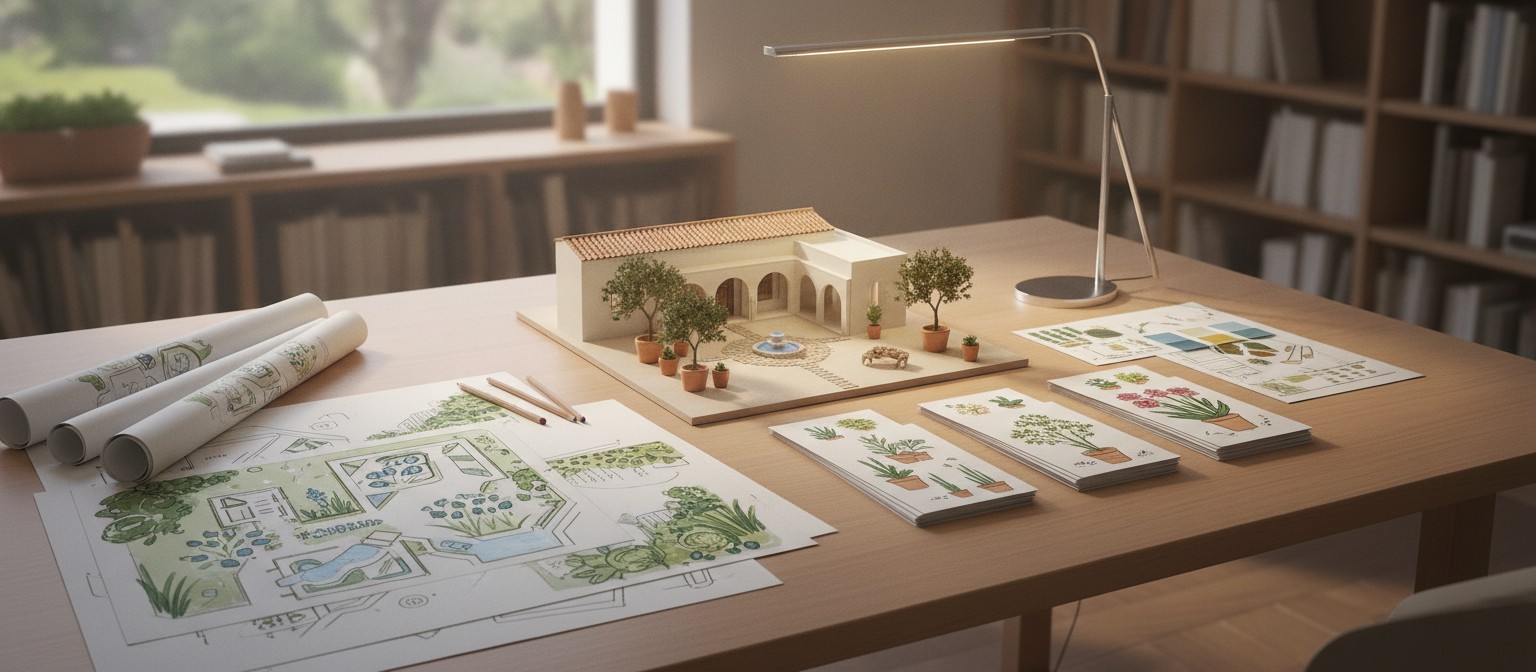
Before sharing, check the title, caption and opening frame together. They should communicate that the sequence is an imagined design, not footage documenting a real garden’s growth. Avoid a headline promising a transformation within a stated period unless that promise has separate support and accurately describes the proposed work.
MakeShot can help express an idea for a garden while the practical design is still developing. Use the clip to discuss arrangement, sightlines and atmosphere, then take plant selection, timing and site requirements to the appropriate evidence. Keep the selected arrangement attached to the practical questions still awaiting answers.
Keep the final label with shorter versions as well. If a social edit removes the introduction, add the necessary context to that version. The person seeing the transformation for the first time should understand what it represents without access to the private planning conversation or the filename on the designer’s computer.

