
Soil charts and instrument panels fail in video for a dull reason: a label that was correct on the still is no longer the label in the clip. A phosphorus test, a methane time series, or a port diagram can survive a journal figure and then lose a unit, a year, or an axis tick once someone asks for motion. The preview composer linked from the Seedance API still lets a logged-out session sit on Seedance 2.5 and read a required-credits line, with the lower control marked Upgrade to generate. The same page lists Seedance 2.5 as a next-generation preview marked coming soon for the API, while Seedance 1.5 and Seedance 2.0 are the versions that can be tested online now. A methods paragraph cannot cite an unreleased preview as if it were the released tool.
That split is the useful observation, and it is easy to miss because the composer looks finished. A selected model, a duration slider left on 5, and a credit figure feel like a method. They are a preview state. The figure the lab already signed is the record. Motion is a later question, and only after the caption still matches.
Labels Move When a Still Becomes a Clip
A chart fails in a predictable place. The line can stay honest while the axis title changes, or the year in the corner becomes a nearby year, or a unit such as milligrams slips into a similar abbreviation. In a small player the clip can look acceptable. Checked on the signed figure, the clip is wrong. The miss is a caption error, and caption errors are why figures get sent back.
Readers of a methods note do not need a tour of camera moves. They need a practical continuity check to know which marks were allowed to change. A slow push on a soil core can be a fair illustration. A redrawn legend is not an illustration of the same test. If the clip cannot be checked against the signed figure in one sitting, it does not belong in the piece, however smooth the pan looks.
Units Stay Outside the Moving Frame
The prompt is a poor place to store the unit. People write the unit into the sentence because the still already shows it, and then treat the clip as a second copy of the figure. The second copy is where letters deform. Put the unit in the caption under the player, copied from the figure file, and keep the prompt to the motion: a slow drift along the core, nothing else. If the unit must appear inside the frame, it has to be the original pixels from the figure, not letters the model was asked to paint.
A Paper Figure Was Already the Record
Labs already have a check for this, and it is older than any preview button. The figure is exported, the caption is written, a second person reads the units aloud, and only then does the file go to the journal or the news desk. A clip that arrives before that reading inverts the order. Someone then spends an hour defending a moving image whose axis was never the one in the notebook. The time cost is the rereading, not the render.
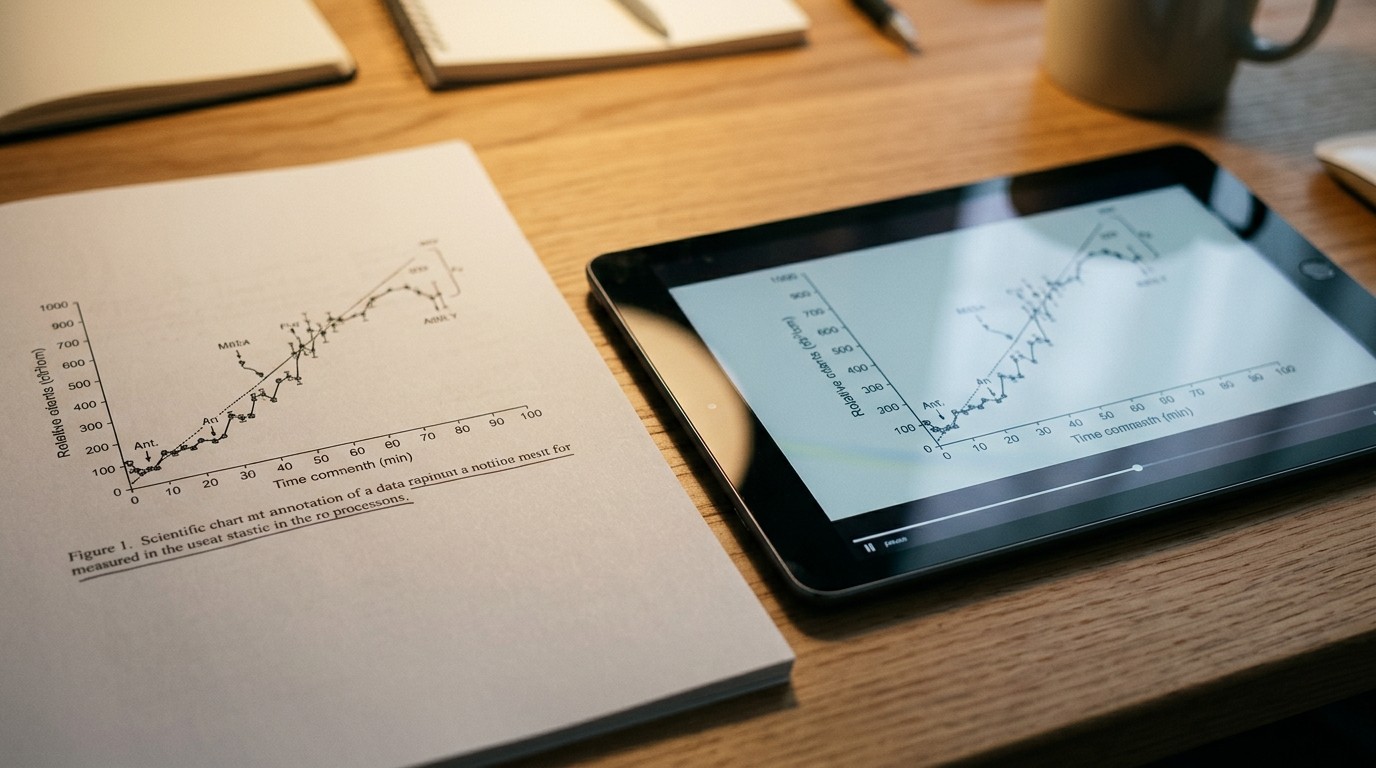
Read the Caption Before Any Pan
The practical order is short. Open the signed figure. Mark the one string that must survive: the year, the site name, or the unit. Then look at motion. A demo that fails that string is discarded as a figure, even if the texture of the soil looks richer. Discarding it early is cheaper than a correction after the piece is up. The clip is an optional view of a record that already exists.
A Coming-Soon Preview Is Not a Method Section
The release note is plain once the question about Seedance 2.5 is raised. In ByteDance’s official announcement, the model has launched on the company’s own apps with API access still listed as coming soon, and the Seedance page here marks it as a next-generation preview. What can be tested online today is named as Seedance 1.5 and Seedance 2.0. A newsroom or a lab that writes “we used the 2.5 API” is ahead of that sentence. The composer contradicting the sentence is the part worth slowing down for, because the screen looks more confident than the release note.
The Composer Still Offers Seedance 2.5
Opening the Seedance API page showed Seedance 2.5 selected, with an audio badge and the provider field set to Auto. Duration sat on 5. Resolution buttons offered 480p, 720p, and 1080p. A required-credits line was visible, and the action button read Upgrade to generate. None of that is a released API call. It is a preview surface. Using it to explore whether a chart label survives a short move can be a private look. Citing it as the method, with a version number, overclaims what the page itself says is unreleased.
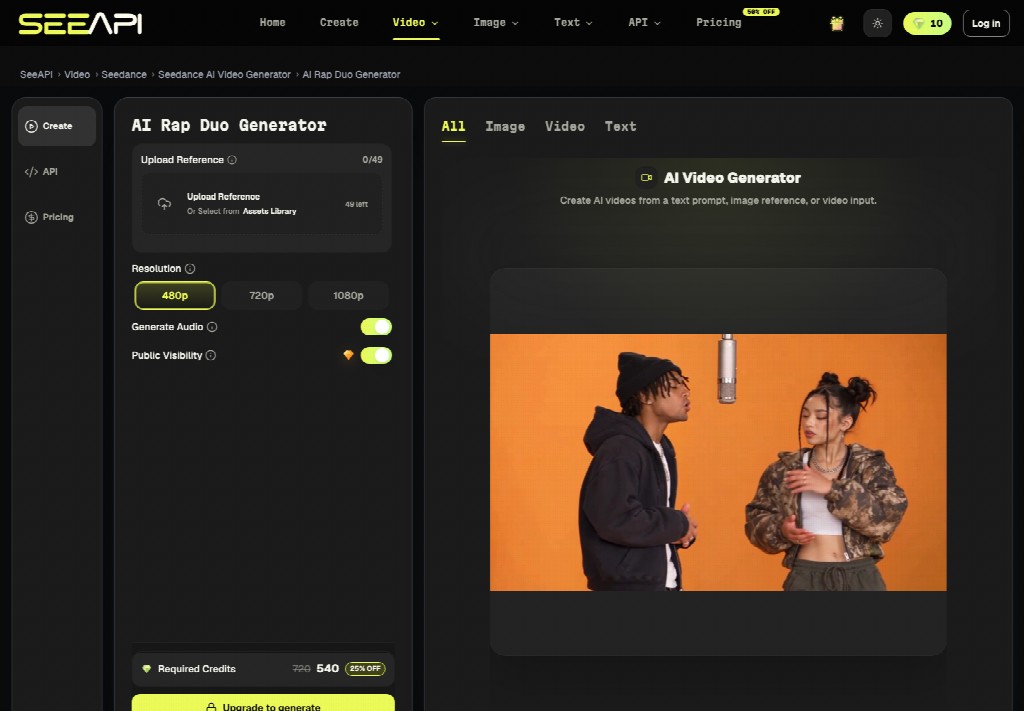
The banner above the page says the API is live, and a lower block on the same page prints an API line as not yet available. Those two sentences are both on the site. A careful citation picks the sentence that matches the model being discussed. For 2.5, the sentence that matches is the one that says coming soon, not the general banner. For a methods note, that distinction is the whole point.
What the Figure Caption Must Still Hold
The check is the same one a copy editor already uses on a still. It does not become softer because the file moves.
- Keep the signed figure beside the player, not in another folder.
- Compare one string only: unit, year, or place name.
- If that string is unreadable or changed, the clip is rejected.
- Leave the caption under the player as text from the figure file.
- Do not describe a coming-soon model as a released method.
Item five is where previews usually get laundered into papers. A screenshot of a selected model feels like a methods detail. It is a picture of a menu. The reproducible part, if any, is the signed figure and the caption. Seedance API can be named as the place where the preview was opened. It should not be named as the instrument that produced the result, because the page says the relevant model is not on the API yet.
A Preview Cannot Enter the Paper
A short move across a soil core or a simple diagram can help a reader see which region of the figure is being discussed. It still needs the original caption, and it still fails if a label changes. There is no separate standard for “demo” clips. If the still would not pass, the clip does not pass. The credit line on the preview is a cost signal for whoever is paying for drafts. It is not evidence that the model is the one a methods section may name.
Cite the Still If the Model Is Unreleased
The restrained conclusion is the figure you already trust. Use a preview to look, then put the still and its caption in the piece. Name Seedance 2.5 as a preview that is still coming to the API if you mention it at all, and do not let a selected menu item outrun that status. Seedance 1.5 and Seedance 2.0 are the versions the page says can be tested online. A chart label that moved is a failed figure, whether or not the pan was elegant.
Nothing here recommends a purchase, a plan, or a production pipeline. The observation is narrower: a Seedance API composer can show a model that the release note still calls unreleased, and a lab caption is not something that model is allowed to rewrite.


