
Most businesses in 2026 depend on a reliable, up-to-date system to run core operations and keep workflows moving. That does not mean every organization needs to replace all of its software at once, or that doing so happens without outside support.
With support from a Dynamics 365 consultant, much of the manual processing that slows teams down can be automated, and work can move between departments without re-entering the same data. As a business grows, older software tends to be replaced by something modernized, and the way the organization operates changes with it.
When daily operations run on a modernized platform, operational efficiency tends to rise and manual effort falls.
Enterprise resource planning (ERP) systems and legacy systems raise different questions for a business. Legacy systems may have supported operations for years, while a modernized ERP offers a single connected platform for departments such as finance, inventory, sales, and marketing.
Understanding the differences helps decision-makers judge whether to keep existing systems or invest in a modern ERP solution.
The comparison below looks at how the two approaches handle data, automation, scaling, security, and reporting.
What Are Legacy Systems?
Legacy systems are older software solutions that allow a business to perform essential operations, often manually. Many were built to support specific capabilities such as finance, management, or operations, and many are prone to error.
A legacy system can still handle certain tasks well enough to keep core functions running. What matters is that it relies on outdated technology, and that replacement is often postponed because the existing setup still appears to work.
Not every legacy system is ineffective, but most businesses need to evaluate current operations before planning future growth and support. Business Central support can help an organization scale and automate its processes.
The risks associated with aging systems are documented well beyond the private sector. In a July 2025 review of 69 federal legacy IT systems, the US Government Accountability Office found that eight of the 11 systems most in need of modernization ran on outdated programming languages and seven were operating with known cybersecurity vulnerabilities.
What Is a Modern ERP System?
A modernized ERP system integrates different business functions into a centralized platform. Instead of managing information across disconnected applications, employees can access relevant data through connected modules. The category includes Microsoft Dynamics 365 Business Central, which helps small to large businesses manage financial, sales, purchasing, inventory, and other essential processes.
With centralized data and integrated workflows, businesses can reduce repetitive administrative tasks and improve visibility across departments.
ERP vs Legacy Systems: Key Differences
Both approaches support business operations, but they deliver long-term value in different ways.
Data Management and Integration
A legacy system typically stores information in a separate database or a web-based application. Employees access the data through role-based credentials and locate the records they need to complete a specific task.
A modernized ERP connects the core business functions through a shared database. When a sales order is processed, for example, the information flows into inventory management and financial processes on one platform.
Automation and Productivity
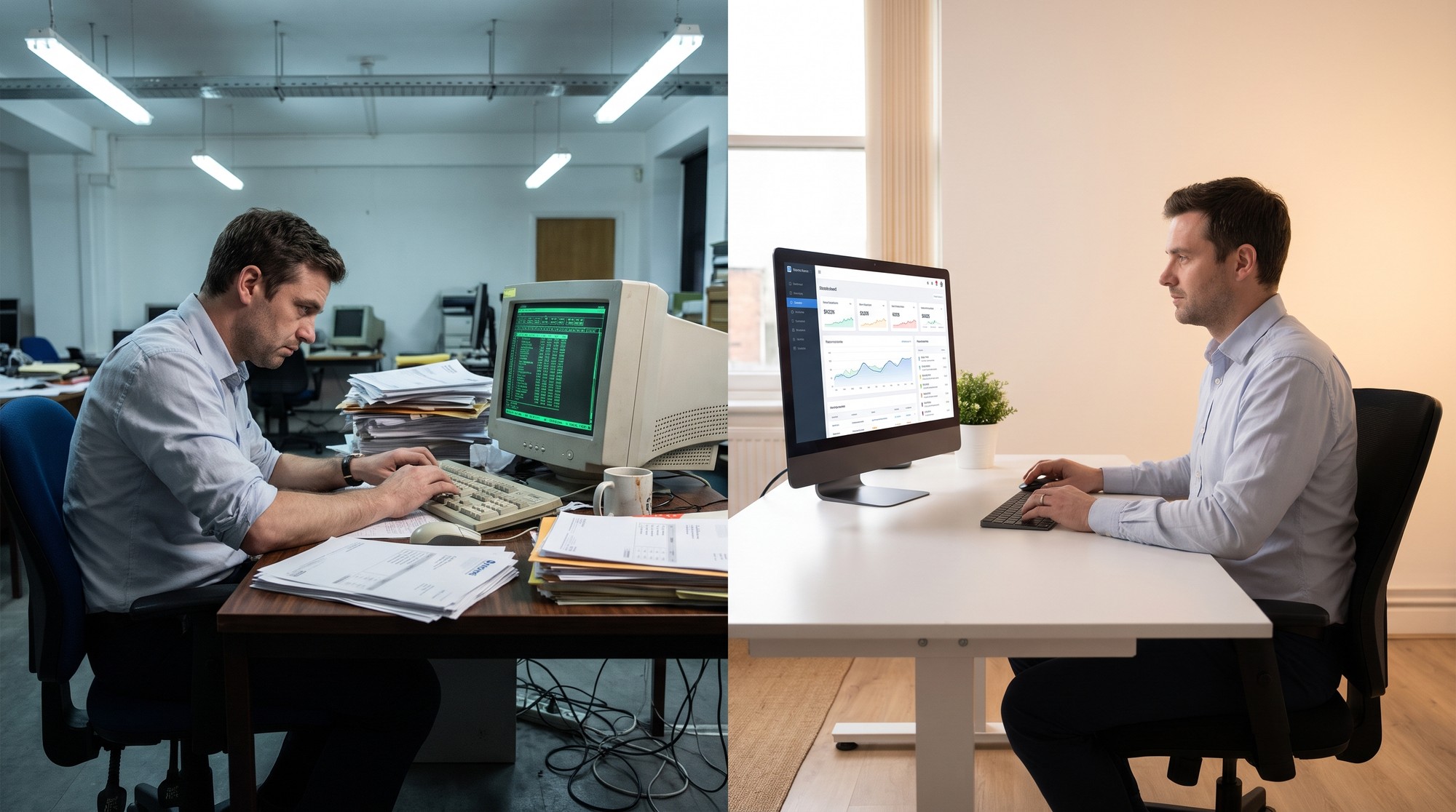
Manual processing is demanding and prone to error. Employees entering data in outdated software or in spreadsheet files can introduce mistakes such as spelling errors and numerical inaccuracies, and preparing reports can take considerable time.
A modernized ERP system automates repetitive activities, which include transaction processing, inventory updates, and approval workflows.
Scalability and Flexibility
A system that works well for a small business can become difficult to manage as the organization grows and scales.
With a legacy system, accommodating new users, locations, products, and reporting requirements tends to require extensive customization and additional infrastructure.
A modernized ERP offers more flexible options for supporting growth. Cloud-based solutions make it easier for businesses to access information and operate across multiple locations, subject to local permissions and connectivity requirements.
Security and Maintenance Concerns
Maintaining legacy software is time-consuming and leaves little room for error. When a fault appears, tracing and fixing it usually falls to the same staff who keep the system running from day to day.
Those demands are easier to meet when systems receive regular maintenance and monitoring, and outdated infrastructure without vendor support makes both considerably harder.
A modernized ERP solution allows organizations to update processes and security capabilities more readily. Businesses still remain responsible for user permissions, backups, and compliance with their security obligations.
Reliable Business Central support helps organizations troubleshoot technical issues and manage systems more efficiently. The ERP implementation price depends heavily on scope: the linked cost guide places a small-business project at around $25,000, mid-market projects between $150,000 and $1,500,000, and large enterprise deployments at $1,500,000 or more.
Reporting and Business Intelligence
Legacy systems are increasingly obsolete and require information to be combined from several sources before management reports can be planned and prepared. These processes delay decision-making and create inconsistencies.
Modernized ERP systems offer integrated reporting capabilities that help businesses monitor financial performance, inventory levels, purchasing activity, and sales trends. Reports are drawn from the same shared data that supports daily operations, which keeps the picture they present consistent.

Wrapping Up: ERP as the Choice for Modernized Businesses
Modern ERP platforms are built to keep operations connected as an organization grows, while legacy systems can continue to serve narrower needs at lower cost until maintenance, security, or reporting demands outweigh the savings. The decision comes down to how well a system supports the work a business does in 2026 and whether it can absorb the changes ahead.

