
To create compelling video content, clarity is essential. The quality of your video footage plays a crucial role in how effectively your message connects with the audience, whether capturing cherished family moments or delivering key business presentations.
Clear, well-crafted visuals enhance engagement and ensure that your message doesn’t just get seen but truly resonates. Blurred, grainy, or washed-out videos can hinder this connection, making it crucial to address these issues effectively.
A few straightforward techniques can enhance your videos and elevate them from mediocre to exceptional. This article will guide you through easy ways to fix blurry, grainy, or washed-out videos, helping you to achieve a professional look with minimal fuss.

Understanding Video Quality Issues
Blurry or grainy videos often stem from multiple issues, such as inadequate lighting, low-quality cameras, or improperly adjusted settings.
- Common factors contributing to video quality problems include:
- Poor lighting conditions
- Inexpensive or outdated camera equipment
- Incorrect camera settings or configurations
When filming in low light, cameras often struggle to capture clear images, leading to graininess as they amplify the signal. This effect diminishes detail and can be particularly frustrating when capturing once-in-a-lifetime moments. On the other hand, a washed-out video may have too much light, resulting in an overexposed and lifeless appearance.
These problems can stem from improperly adjusted settings or using an inadequate compression format, which can strip away essential details from your clips. Adopting good filming practices is crucial for improving the clarity of your videos.
Shooting in well-lit environments, stabilizing your camera, and using high-quality equipment are foundational steps. Still, even with the best intentions, sometimes something can go wrong during recording, leaving you with less-than-stellar footage. Knowing how to rectify these issues can significantly enhance your video’s quality.
Enhancing Video Clarity with Editing Tools
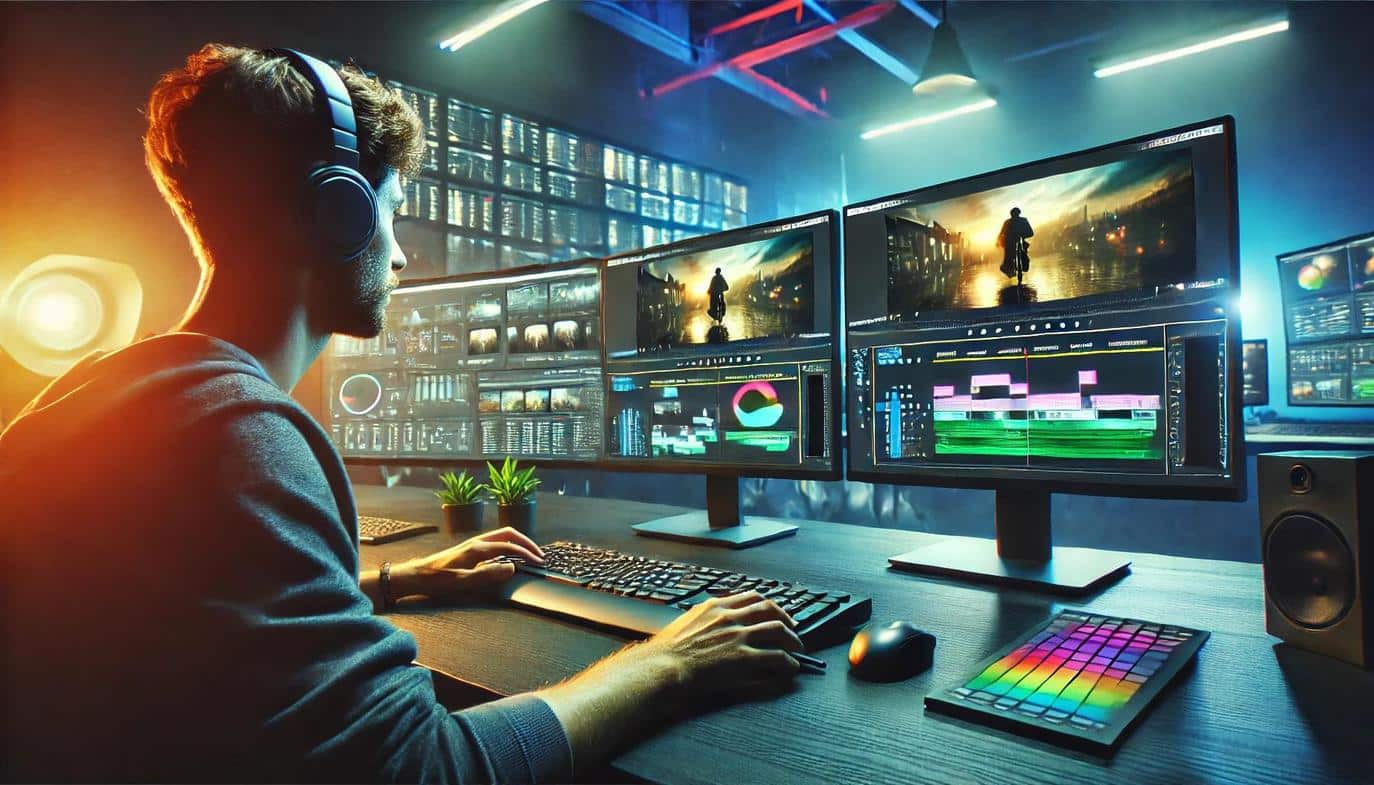
Editing software plays a significant role in clearing up frustrating imperfections in your videos. Many tools offer various capabilities to improve the visual quality of your footage, allowing you to fine-tune brightness, contrast, and sharpness.
A well-rounded editing suite can make a notable difference to your final product. You can often make a video clearer with Flixier, a video editing solution, by adjusting the settings directly within the software.
- Most common editing tools come equipped with a sharpening option that can help refine edges in a blurry video, giving it a crisper look.
- Correcting brightness and contrast levels helps prevent washed-out images and can bring out colors in dull footage.
- Look out for the color grading features, which can add depth and dimension, ultimately improving viewer engagement.
Ultimately, the right software can bring your vision to life while turning substandard footage into a more polished final product.
Utilizing Filters and Effect Options
The use of filters in video editing can be transformative in enhancing the aesthetics of a project.
- Filters help in stylizing videos while simultaneously correcting imperfections.
- Many editing programs provide built-in filters designed to alleviate blurriness, adding clarity without compromising the original essence of the footage.
- Apply settings such as “noise reduction” to combat graininess effectively, smoothing out imperfections and providing a more visually appealing result.
Experimenting with various filters can lead to surprising enhancements that adapt to the video’s mood and tone. Applying a warm filter can add a cozy vibe, whereas cooler tones may suit more clinical or professional presentations. As you explore different options, it’s essential to familiarize yourself with the moderation of effects to maintain a natural appearance while enhancing quality.

Adjusting Camera Settings for Future Videos
When focusing on video quality, consider how to optimize camera settings before recording.
- Proper exposure is crucial; your camera should neither be underexposed, which leads to dark, unusable footage, nor overexposed, which can create a washed-out effect.
- Paying attention to your camera’s ISO settings can help avoid graininess, indicating how sensitive your camera’s sensor is to light. Generally, aim to maintain clarity by keeping the ISO as low as possible, especially in dark environments.
- Use a tripod or stabilizer to keep shots steady and slick, as shaky handling can create blurriness in videos.
- Regularly calibrate your camera’s focus and resolution settings to ensure you’re capturing at optimal quality.
These adjustments will greatly improve the outcome of future recordings.
Using Lighting Effectively
Lighting can make or break a video. Proper lighting can brighten images, enrich colors, and reduce glare that causes washed-out effects.
Natural light is often the best choice; shooting during the golden hours when sunlight is soft creates a flattering illumination. However, artificial lights can be used effectively to enhance your video’s ambiance.
- If you’re shooting indoors, using diffusers or softboxes can minimize harsh lighting, which often leads to blown-out areas.
- Consider using bounce boards to reflect light onto your subject, or employing backlighting techniques when fitting.
Balancing lighting sources ensures consistent quality throughout your video, thus avoiding drastic exposure changes that lead to choppy footage. By mastering your lighting setup, you can significantly elevate the overall quality of your videos.

Clearing Up Audio Quality Issues
While it’s common to focus on visual aspects, audio quality equally affects viewer perception of video quality. Poor audio can render even the clearest visuals ineffective, leading to difficulties in communicating your message.
- Use external microphones for better sound clarity, particularly if you’re recording speech or music.
- Consider using audio editing tools to eliminate background noise or adjust levels to achieve a balanced mix.
- Sometimes, re-recording audio or employing voiceover techniques provides a clearer alternative, especially if the original audio had issues related to graininess or distortion.
Don’t overlook the significance of clear audio; it complements visual clarity, creating a more cohesive viewing experience that keeps the audience engaged.
Final Touches Before Publishing
Once everything has been edited, remember to review your video critically before publishing. Watch it from beginning to end, paying attention to any lingering issues such as blurriness or audio inconsistencies.
Peer feedback is invaluable; having others offer their perspectives can help identify areas that might need further refinement. Understanding how your audience experiences your video leads to future improvement and better professional presentation.
Adopting these strategies ensures you deliver high-quality videos that resonate with viewers and showcase your content effectively.

Elevate Your Video Quality Game
As you navigate the realm of video content creation, keeping these practical tips in mind will significantly enhance your storytelling. Fixing blurry, grainy, or washed-out videos isn’t reserved for pros anymore; anyone can achieve a polished final product with a bit of know-how.
Utilizing robust video editing tools, combined with solid filming practices, significantly enhances both audience engagement and message clarity. Understanding the nuances of lighting, camera settings, and post-production adjustments transforms your footage from ordinary to exceptional.
Now is the perfect time to explore editing features and refine your shooting environment. Embracing these techniques lays the foundation for creating compelling content that resonates powerfully with viewers.
Whether experimenting with creative angles or fine-tuning visuals, every effort contributes to a richer viewing experience. Your journey to stunning video quality starts now—so grab your camera, focus on those techniques, and watch your videos shine!

