
A product photograph can show a lamp’s finish, but it cannot let a shopper turn the shade around or inspect its silhouette from another angle. For small brands exploring a more interactive presentation, N4D offers a way to generate a three-dimensional model from a reference image. The useful starting point is a focused experiment with one suitable product and a clear idea of where the resulting asset will appear.
A 2D image to 3D model workflow can provide a first asset for that experiment. Turning it into a reliable product presentation still requires judgment about shape, materials and scale. A model may be visually convincing while missing a feature that matters to a buyer, so the review deserves as much attention as the generation step.
Choose a presentation problem before choosing a product
Start with a question your existing photographs leave unanswered. Perhaps customers struggle to understand the proportions of a sculptural planter, or a sales team needs to discuss a proposed lamp shape. A rotating preview can support those conversations. Augmented reality placement is a different project, with additional requirements around dimensions, device support, and the viewer itself.
Pick one destination for the trial. A model embedded in a browser, an internal concept review, and a downloadable asset have different needs. Define success in terms you can inspect, such as whether the object opens on the intended device and whether its shape remains recognizable when rotated. Avoid treating a polished preview as evidence of increased sales before measuring actual customer behavior.
Select an image that explains the object
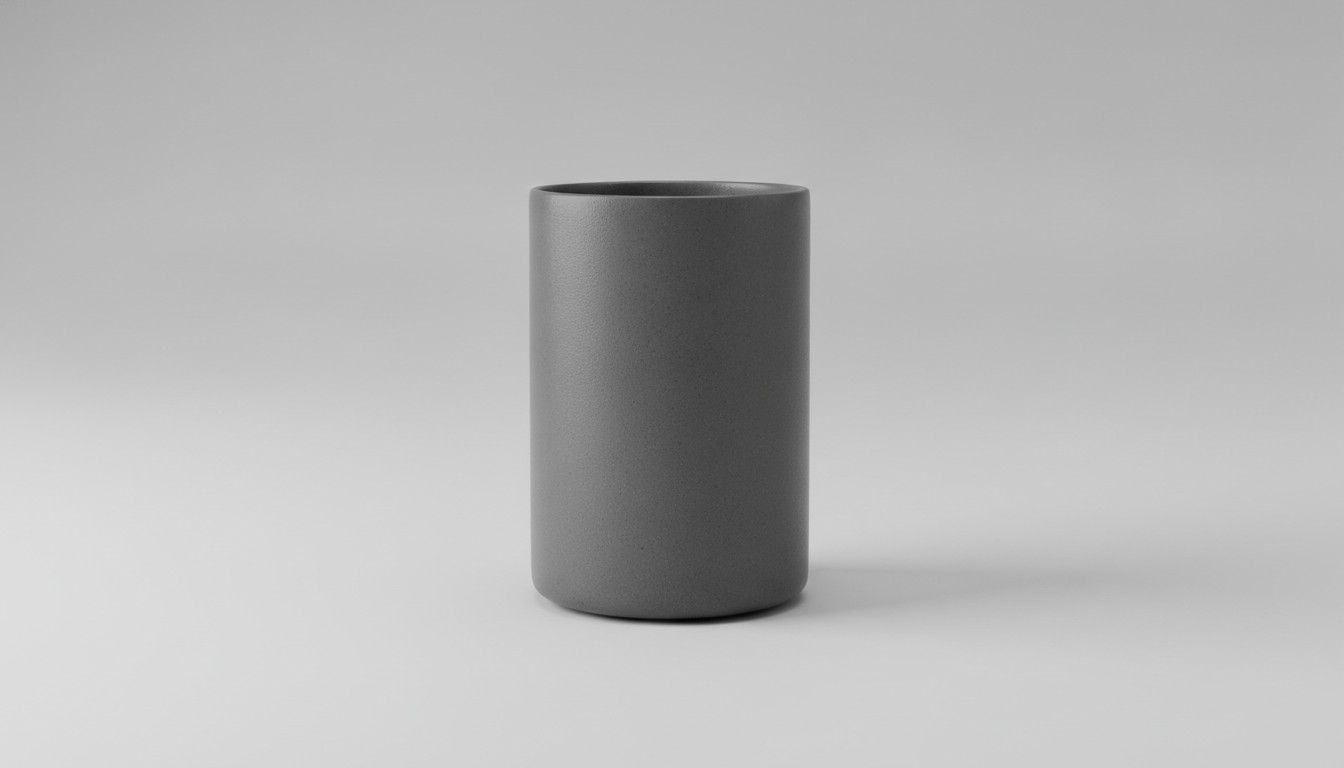
For a first attempt, use an object with a readable outline and a simple surface. A matte ceramic lamp is easier to interpret visually than a transparent glass bottle with reflections obscuring its edges. Photograph the whole object against a background that separates it clearly, leaving enough space around the silhouette to avoid accidental cropping.
A three-quarter view can reveal both the front and some depth. Even then, the image does not record the hidden side, the underside, or every recess. Generation supplies an interpretation of those areas. Keep original product photographs and measured dimensions available so that a reviewer can distinguish a plausible continuation from an accurate representation of the item being sold.
Decide how to handle distinctive details
A logo, seam, control button, or attachment can be commercially significant even when it occupies little space in the photograph. Identify those details before generating the model. If they are not reproduced accurately, plan for correction or choose an application where the omission will not mislead someone. A concept asset and a faithful product replica serve different purposes.
Generate a first asset and review it from every side
N4D’s image workflow, one of several AI 3D tools aimed at small teams, accepts a reference photograph or sketch and offers texture generation options. Begin with settings suited to the intended presentation, then rotate the result rather than judging only the initial camera angle. Look at the rear, the base, the narrow openings, and the transition between connected parts. Compare the generated object with the source photograph at similar viewing angles.
For the lamp example, inspect whether the base has a sensible profile, whether the stem meets the shade cleanly, and whether the shade opening is represented appropriately. A dark patch might be a texture rather than an actual opening. When a small detail is essential, examine the geometry as well as the surface appearance. Keep notes about issues that regeneration resolves and those needing an editor.
Make the export fit the destination
The N4D feature page lists GLB, OBJ, FBX, USDZ, STL, and BLEND among its download options. Select the format according to the application receiving the file. For an interactive web experiment, begin with the format supported by the chosen viewer, often GLB. Confirm compatibility with that viewer’s own documentation and test the exported file rather than assuming every format preserves every material feature.
Keep the original download before making a lighter version for delivery. If a viewer loads slowly, examine file size, texture resolution, and scene complexity. Reduce them gradually, checking whether visible edges or surfaces deteriorate. For augmented reality, verify dimensions and placement on the actual target device. A correctly shaped object at the wrong scale can give a misleading impression of how it fits a room.
Separate attractive rendering from accurate product information
Lighting can make a surface appear warmer, shinier, or smoother than the physical product. Review the model under more than one environment and compare its important colors against approved product images. If the asset cannot represent a finish consistently, photographs may remain the better reference for that characteristic. Interactive presentations should support the information customers need to make a decision.
Use particular care with exact fit, moving parts, and interior dimensions. A model generated from a photograph does not establish these properties. Describe the asset as an illustrative visualization where appropriate, and keep specifications available separately. If the model is used for a concept rather than a current product, make that status clear in the surrounding presentation.
Keep the handoff understandable
Store the source image, the unmodified export, the reviewed delivery file, and a short list of known limitations together. Name revisions consistently so a colleague cannot accidentally publish an earlier result. Record which application and device were used for the check. This modest record makes later corrections easier and keeps the asset useful beyond the person who first generated it.
Run a small trial before expanding the catalog
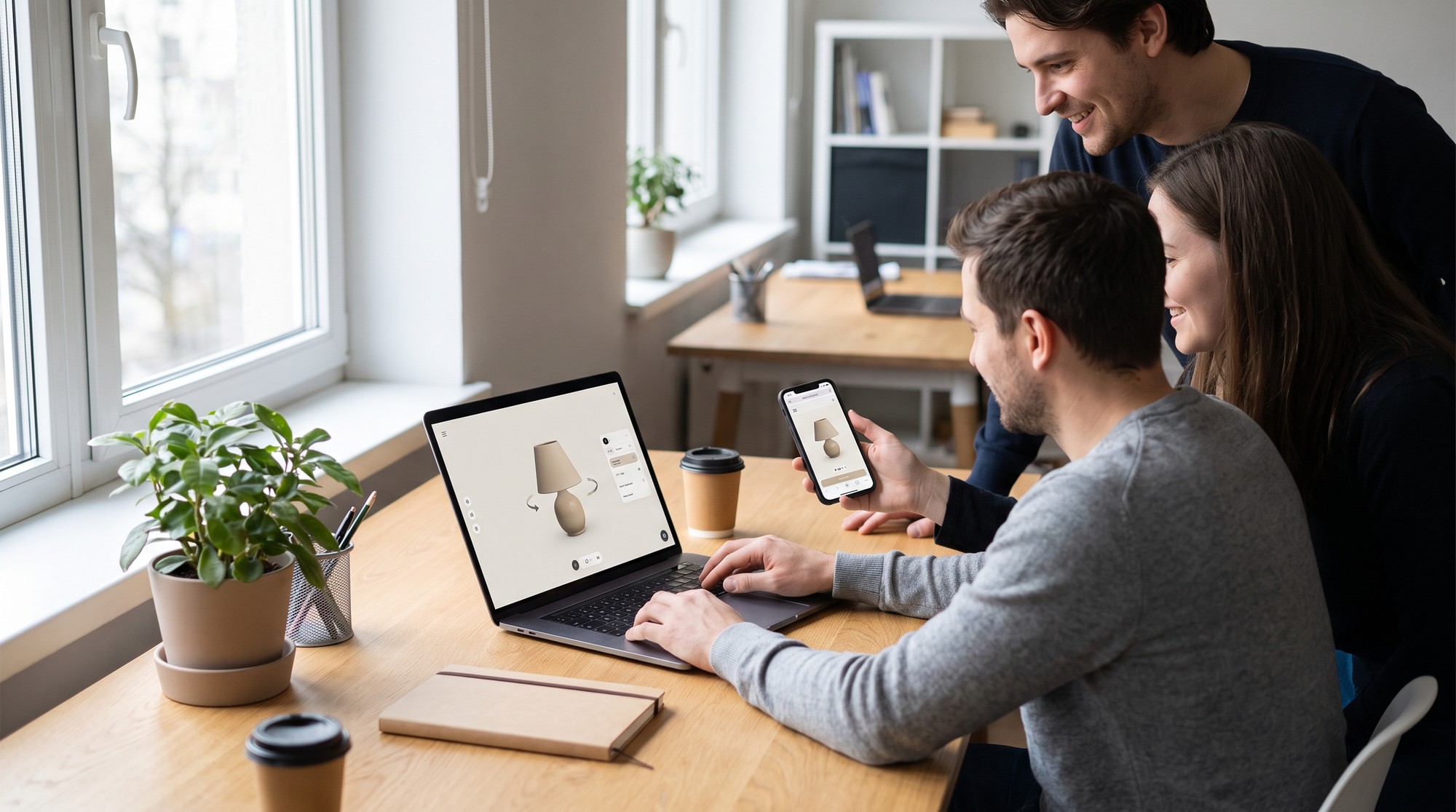
Place the reviewed model in a test page and ask a few people to use it without instructions. Can they discover the rotation controls, understand what the model represents, and return to the product information? Check the experience on a phone as well as a desktop. A technically valid file is only one part of a usable presentation.
Keep the original photographs available beside the experiment. Ask reviewers which questions the model answers better and which still require a close-up or a written measurement. For the lamp, the rotating shape may explain its profile, while a photograph remains more useful for judging the weave of the shade. Use that feedback to decide what belongs on the final page.
Record the effort involved in preparing the photo, reviewing the model, correcting problems, and integrating the viewer. Those observations provide a practical basis for deciding which products deserve the same treatment. With N4D, image-based generation can be the beginning of that process. The strongest result comes from matching a suitable source image to a specific presentation need and giving the final asset a careful human review.


