
For a solo creator, “saving time” is not the same as producing a draft quickly. A fast first result can create more work if the message is unclear, the event details are wrong, or the video still needs to be rebuilt in an editor. The only useful way to judge Seedance 2.5 is to give it a defined job and compare the complete workflow with a conventional edit, in the same spirit as other experiments with AI editing for content creators.
The test here is deliberately ordinary: turn a finished event poster into a 15- to 30-second social teaser. The poster already contains the event name, date, venue, colors, and one featured image. The creator needs a short vertical video for social media without pretending that an AI draft is the final production.
Define the task before comparing methods
A fair comparison begins with the same inputs and the same approval standard. Both workflows receive the original poster, its editable design file, the event logo, licensed music, and a one-sentence goal: build anticipation while keeping every factual detail accurate.
The finished teaser should open with the poster’s visual identity, introduce a small amount of motion, reveal the key information in a readable order, and end on a clean event card. The creator will measure active work, waiting, revision rounds, and the amount of manual repair. No promised time saving is assumed in advance.
The conventional editing route
In a conventional workflow, the creator first rebuilds the poster as separate layers. The background, featured image, logo, and text must be isolated so they can move independently. If the source file is flattened, this preparation can become the largest part of the job.
Next comes the motion plan. The creator may animate a slow background drift, bring the event name in on a simple scale change, reveal the date and venue, and finish on the original poster. Keyframes control the pace. Music is placed on the timeline, and visual changes are aligned with a few clear beats.
This route offers direct control. Text can remain sharp, timing can be changed by a few frames, and every element can be corrected without affecting the rest. The tradeoff is that the creator must make every small decision and execute every transition.
The AI-assisted first-draft route
The assisted route starts with a different preparation step. Rather than separating every poster layer, the creator identifies what must remain fixed and what may move. The event name, date, venue, and logo are treated as protected information. The featured image, background light, and camera movement become the flexible parts.
A short direction describes the intended sequence: begin close to the main image, pull back to reveal the poster atmosphere, add restrained environmental movement, and leave space for a clean end card. The first generation should test motion and mood, not ask the model to reproduce small typography perfectly.
When the brief and source assets are ready, the creator can test the generation step using Seedance 2.5 for everyday creators as the contextual reference point. According to ByteDance’s official Seedance 2.5 launch notes, the model can generate a high-quality 30-second audio-video clip in a single pass and accepts up to 30 images, 10 video clips, and 10 audio clips as reference materials. The resulting clip is placed beside the poster and judged against the same objective as the conventional version. Event text can be added or rebuilt later in the editor, where accuracy is easier to control.

Compare the whole process, not one stopwatch
The conventional route usually spends more active effort on setup, layering, and keyframes. The AI-assisted route may spend less time building motion manually, but it adds selection and uncertainty. Several drafts may be needed before one has usable composition and movement.
Revision behaves differently too. In a timeline edit, a creator can change one title or shorten one hold without disturbing the image. In a generated draft, a new attempt may improve one detail and change another. A promising output can still require cropping, speed adjustments, color correction, sound replacement, or a manually designed end card.
That means the relevant comparison is not “minutes to first motion.” It is active work from source preparation to approved export. Record how many drafts were reviewed, which repairs were necessary, and whether the chosen method made the creator’s decisions easier or merely moved them later.
Where generated output is genuinely useful
For this event teaser, generated motion can be valuable as a concept. It can show whether the poster’s atmosphere works as a moving scene, suggest a camera direction, and provide visual variations that would take longer to sketch manually.
It is also useful as a conversation piece. A musician, organizer, or venue can react to a moving draft more concretely than to a written description. They may prefer the quieter version, ask for less camera movement, or decide that the original poster should remain dominant.
None of this removes the need for an editor. Human finishing is still responsible for exact event information, legible typography, licensed sound, platform-safe framing, and a consistent final identity.
Apply a human review before publishing
Check the facts first. Compare every date, time, address, price, sponsor name, and call to action with the approved event information. Do not trust text that appears inside generated frames.
Check the poster identity next. Confirm that the logo has not changed, the featured person or artwork remains recognizable, and the color treatment still belongs to the event.
Then check the cut as a viewer. Watch once with sound and once muted. Make sure the main information arrives early enough, the end card can be read on a phone, and no transition creates a false or distracting detail.
Finally, confirm rights for the poster image, music, faces, trademarks, and venue material. A generated variation does not expand the permissions granted for the source assets.
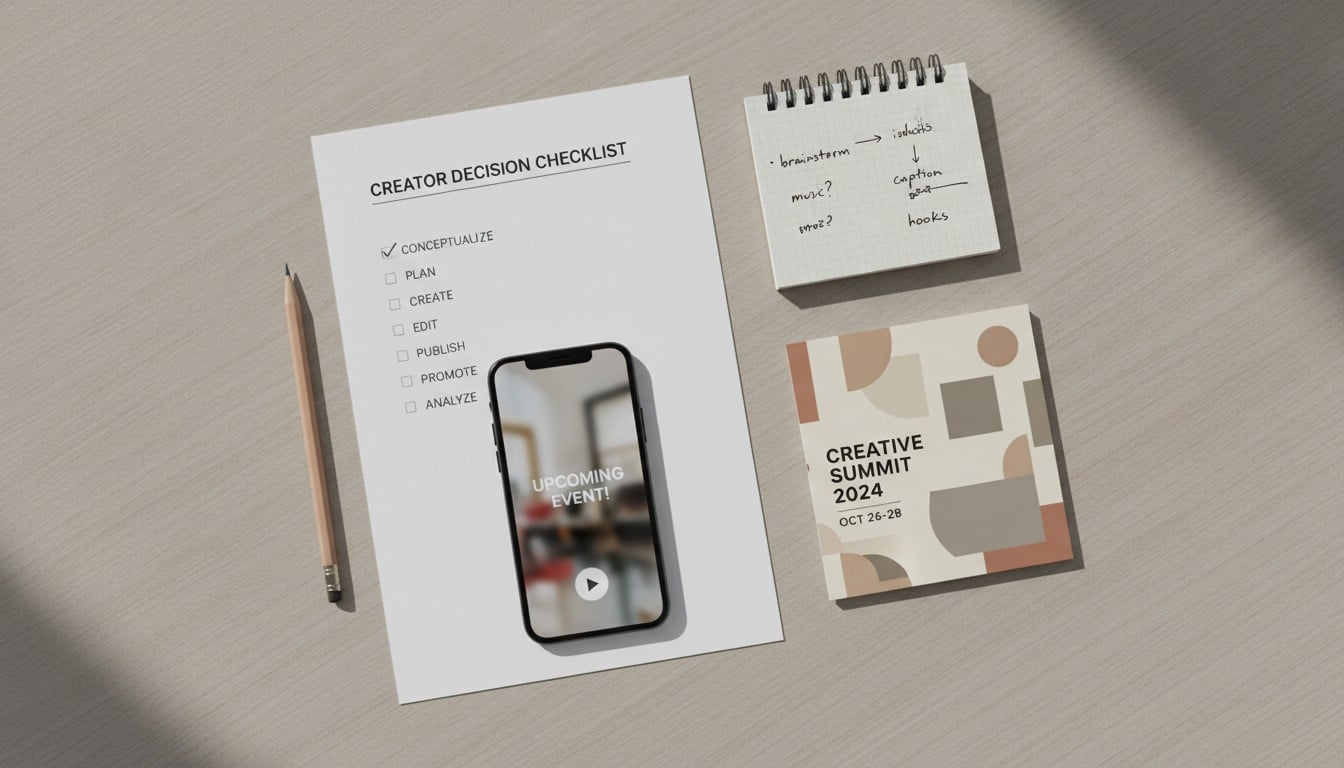
A decision checklist for a solo creator
Choose the conventional route when exact typography, frame-level timing, multiple factual cards, or predictable revisions are central to the job.
Test the AI-assisted route when the poster has one strong visual, the purpose is to explore motion and atmosphere, and there is time to review several options.
Use a hybrid route when generated footage can supply the moving background while the event name, date, venue, logo, captions, and end card are rebuilt in a normal editor.
Before deciding, ask whether the likely repair work is smaller than the animation work being avoided. If the answer is unclear, run one small test with a fixed review limit rather than committing the whole project.
The practical conclusion
Seedance 2.5 does not automatically make final production faster, and it does not replace editorial judgment. For a solo creator working from an event poster, its most credible role is producing motion concepts and candidate visual passages that can be selected, corrected, and finished by hand.
The test succeeds when it reveals which part of the process becomes easier. If the creator reaches an accurate, publishable teaser with less active work, the assisted route has earned a place. If repeated generation creates more repair than a direct edit, the conventional workflow remains the better choice.

