
When a Windows update promises faster storage, most people expect minor tweaks, not the kind of performance leap that makes enthusiasts double-check their benchmarks. Yet that’s exactly what’s happening with Microsoft’s new Windows 11 Native NVMe driver, first unveiled in Windows Server 2025 and quietly discoverable in Windows 11 builds.
Microsoft has eliminated legacy layers of software translation between the operating system and modern solid-state drives. This technical refinement allows NVMe hardware to operate at its full potential without software interference.
The Evolution of Windows Storage Efficiency
Storage efficiency serves as the true core of this development, aligning storage architecture with Microsoft’s broader Intel 18A based AI silicon roadmap. Less CPU time wasted on data translation means smoother multitasking, potentially cooler laptops, and a significant random SSD performance boost for apps that live and breathe random data access.
Preparing for an AI-Driven Future
This evolution is particularly critical as local AI workloads and high-resolution media creation become standard expectations for consumer hardware. By stripping away the SCSI translation layer, Microsoft is not merely chasing higher benchmark scores but is instead preparing the operating system for a future where storage efficiency directly impacts system responsiveness and power conservation.
Whether you are managing complex project files on affordable content creation laptops built around PCIe NVMe SSDs or seeking smoother multitasking on a high-end laptop, these kernel-level optimizations provide a glimpse into how deeply integrated software and hardware must be to unlock the true potential of modern NVMe technology.
Quick Facts: Windows 11 Native NVMe Driver Performance Boost
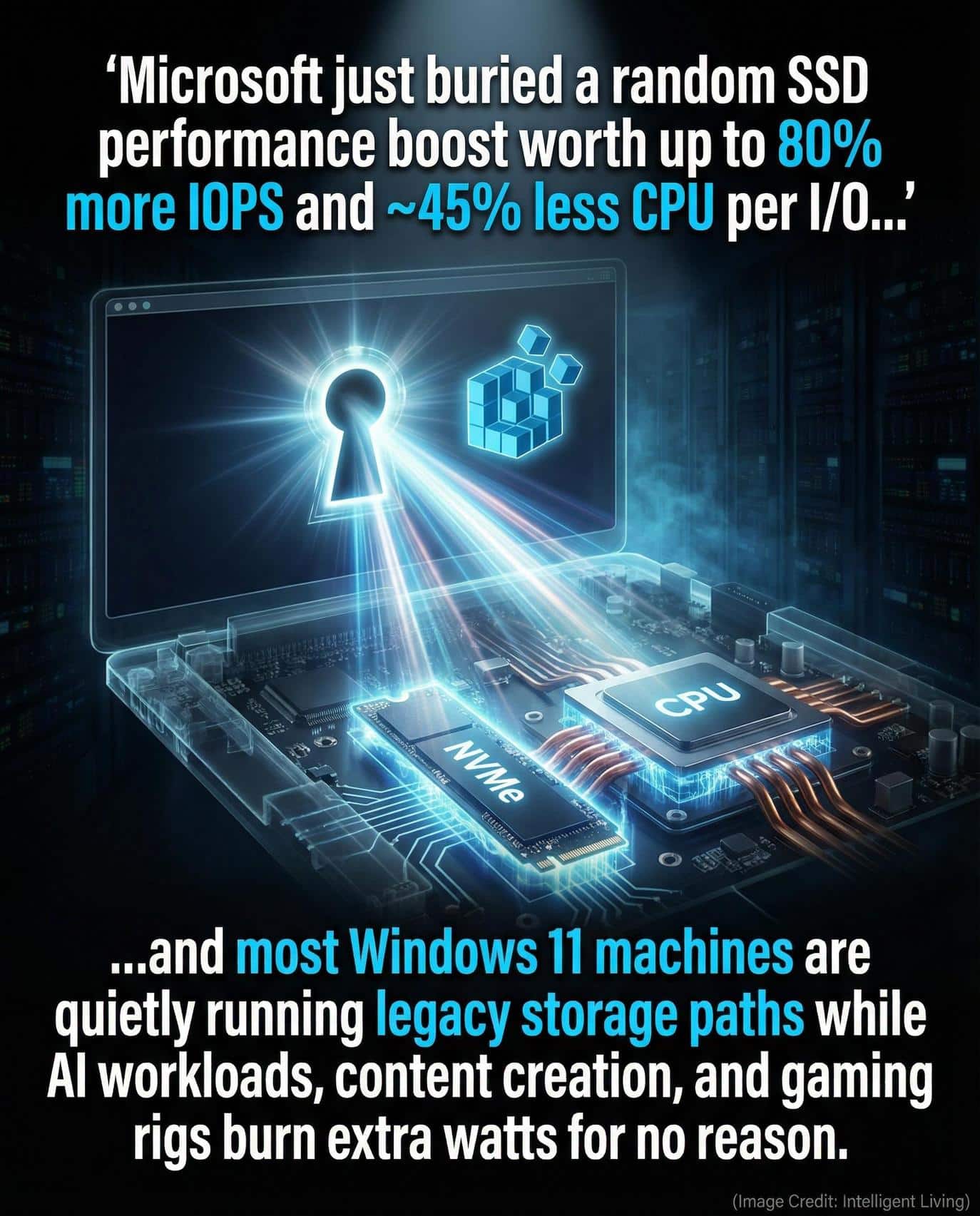
- Performance metrics reveal an 80% surge in 4K random read IOPS and a 45% reduction in CPU cycles per I/O when compared to the standards of Windows Server 2022.
- Early Windows 11 tests show 13–85% performance gains in random read and write workloads, depending on SSD model and system setup.
- The feature is currently opt-in, accessible through registry controls in Server 2025 and unofficially on Windows 11.
- Real benefits appear strongest in random workloads like app launching, file indexing, and virtualization, and in creative workflows on affordable content creation laptops built around PCIe NVMe SSDs that juggle large project files, caches, and high-resolution media.
- Microsoft cautions that this is a server-first feature, not yet supported on consumer systems.

Transitioning from Legacy SCSI to Native NVMe Architecture
Windows has historically treated high-speed NVMe drives as traditional SCSI devices, forcing commands through inefficient translation layers. Removing this architectural bottleneck allows for direct communication between the storage driver and hardware controller.
Modernizing the Parallel Processing Path
Transitioning to Native NVMe changes how data requests are prioritized and fulfilled. Modern storage hardware relies on parallel processing that legacy drivers simply cannot accommodate.
- NVMe drives utilize multiple parallel queues to handle simultaneous data requests.
- Legacy SCSI pathways force these requests into a single-threaded bottleneck.
- Lock-free I/O paths enable consistent multitasking without increased latency.
Bypassing Software Translation Bottlenecks
These improvements ensure that modern SSDs are no longer forced to rely on an outdated architectural language to communicate with the kernel.
Modernizing how Windows itself interfaces with hardware represents a foundational shift that extends far beyond synthetic benchmarks. Similar efficiency revamps are reshaping other technologies, including AI enhanced Windows PCs that lean on local processing and GPU-heavy workloads, where less overhead translates to more usable performance.
Optimizing High-Speed Random I/O Workloads
Opening a program or browsing a folder full of small files triggers thousands of tiny, scattered read and write operations. These random operations represent the primary workload for most consumer devices.
Enhancing Responsiveness for Gaming and Laptops
High-speed random processing allows NVMe technology to truly excel. These benefits extend to everything from standard laptops to the specialized NVMe SSD storage inside modern Xbox consoles. Traditional sequential read speeds, the numbers plastered across SSD boxes, matter less to real-world responsiveness than random I/O.
Reducing Latency in Data-Heavy Processes
Because Native NVMe removes the translation bottleneck, it allows Windows to issue and complete random operations with far less CPU involvement. This reduces I/O latency and keeps background tasks like indexing or caching from competing with active processes.
It is especially noticeable on systems that juggle many small files or run multiple applications at once, and at the extreme scale of the xAI Colossus supercomputer design, where high-speed NVMe SSDs and RDMA networking are used to keep AI training data flowing without wasting compute cycles. Your computer spends less time waiting for data and more time doing what you actually asked it to do.

Analyzing Benchmark Variability and Real-World Gains
Internal data from the Windows Server 2025 Native NVMe announcement highlights a dramatic shift in efficiency. Testing reveals an 80 percent improvement in 4K random read IOPS and 45 percent lower CPU cycles per I/O under server-grade conditions.
Eye-catching numbers are useful, but context matters. These results were achieved in tightly controlled environments using enterprise hardware, not everyday laptops, a distinction clarified by technical analysis of enterprise testing that details the dual-socket Intel host and high-end Solidigm NVMe test drive.
Navigating Independent Test Discrepancies
Enthusiast testing has uncovered a wide variance in real-world performance gains. The results often depend on specific controller hardware and firmware maturity.
- SK hynix Platinum P41 drives showed roughly 13% overall performance increases.
- Crucial T705 models posted up to 85% gains in specific random write scenarios.
- Performance fluctuates based on driver compatibility and benchmark tool interpretation.
These results illustrate that while the potential for improvement is massive, the impact on everyday hardware remains highly variable. Substantial potential exists for various hardware configurations, although immediate speed doubling remains unlikely for the majority of consumer PCs. Everyday users may see more subtle improvements, like slightly faster app launches and fewer CPU spikes during background operations.
Unofficial Deployment: The Windows 11 Registry Tweak
The Native NVMe driver was not supposed to be a consumer feature yet. It was designed for Windows Server 2025, where data center reliability and I/O scaling are crucial. However, because Windows 11 shares the same underlying kernel, savvy users discovered that the feature could be unlocked through documented registry modifications, enabling the optimized path manually.
Accessing the Server-Grade I/O Path
Flipping the same feature flag used in Server 2025 enables Windows 11 to access the optimized I/O path. While benchmarks show that it works, it also exposes users to potential problems. Disk management tools might misreport drives, backup utilities can fail to recognize them, and system monitoring software might lose track of disk IDs.
Evaluating Deployment Risks and System Stability
The feature is real—but its consumer rollout is not. It is a glimpse into how Microsoft is gradually re-architecting Windows for modern hardware, and it suggests that future releases may quietly inherit these improvements once compatibility testing catches up.

Thermal Benefits and Power Conversion Efficiency
When the CPU spends fewer cycles handling storage requests, that efficiency ripples through the entire system. Reducing CPU load leads to lower power draw and less heat.
Extending Battery Life for Mobile Devices
These thermal improvements result in quieter fan activity, which is an essential benefit for laptops and handheld PCs. In energy-sensitive devices, these micro-optimizations can extend battery life by allowing the processor to idle more often instead of constantly waking up to manage I/O tasks, similar to the way modern NVMe and RDMA based AI storage stacks cut latency by reducing needless CPU work in data-heavy workflows.
Optimizing Headroom for Sustained Performance
Performance metrics reveal that a gaming laptop running background downloads while streaming, for instance, often avoids frame-rate dips because the processor no longer carries the heavy burden of legacy storage calls.
Architectural refinements of this scale fundamentally transform how efficiently Windows utilizes modern hardware, the same principle evident in GaN-powered 800 volt DC AI racks that pair GPUs with fast NVMe SSDs, where storage latency and power conversion losses are trimmed to lift throughput without blowing through power limits.
Targeted Use Cases for Storage Optimization
Identifying who will gain the most from this architectural shift requires looking at specific user behaviors. Not every computing task puts enough stress on the storage stack to make these differences noticeable.
- Heavy Multitaskers: Users running background video editing, file sync, or local databases will see smoother performance.
- Technical Professionals: Developers and engineers using virtualization or local AI workloads benefit from reduced random I/O latency.
- Mobile Gamers: Handheld Windows gaming PCs and gaming phones gain better performance-to-power ratios.
For those whose daily use consists of lighter tasks, the impact of the driver may remain almost entirely imperceptible during routine operations.

NVMe Speed Risk Assessment for Early Adoption
It is tempting to flip the registry switch and chase that 80% IOPS gain, but the safe answer is: not yet. Microsoft has not officially rolled out Native NVMe support for Windows 11 consumers, meaning bugs and compatibility issues remain unresolved. For mission-critical systems or any PC housing sensitive data, the modest performance gains do not justify the risks of systemic instability.
Tech enthusiasts with reliable backups and secondary test machines may find the experimentation informative. However, direct intervention in the registry requires careful execution to avoid system-level errors. Initial performance assessments have already documented early benchmarks that highlight both the potential gains and the rough edges of enabling the new NVMe path, so treat those results as guidance rather than guarantees. For everyone else, patience is the smarter play. Once Microsoft validates the feature across consumer devices, it will likely appear as an official update.
The Future of Local AI and High-Performance Storage
The introduction of Native NVMe is part of a broader trend: Microsoft is modernizing the Windows kernel to better align with emerging AI workloads and high-performance storage needs. Expect to see official consumer support once the company finalizes compatibility layers for OEM drivers and data management tools.
Upcoming Windows Insider builds may include early support for the feature, signaling that mainstream adoption is near. The same storage-centric thinking already appears in DGX Spark and Strix Halo mini AI supercomputers, where NVMe bandwidth and capacity are essential to feeding local models, and across the wider AI ecosystem, where advanced CoWoS compute packaging bottlenecks underline how efficiency gains at every layer now matter as much as raw performance. That pressure is echoed in the NAND SSD storage market for automobiles and AI, where higher-performance flash and controller designs must balance capacity, cost, and efficiency for data-hungry vehicles and edge AI systems.

Modernizing the Windows Storage Stack for Long-Term System Vitality
Structural changes to the Windows kernel often go unnoticed by the average user, yet the shift toward a Native NVMe architecture provides the groundwork for the next generation of computing performance. By eliminating legacy software bottlenecks and embracing the parallel processing power of modern solid-state controllers, Microsoft is ensuring that the operating system can keep pace with the rapid advancements in NAND flash technology.
This refinement transforms storage from a potential point of congestion into a streamlined asset, allowing every other component in the system to operate with greater agility and less wasted energy. Future updates will likely bring these server-grade optimizations to a wider audience, further narrowing the gap between professional workstations and everyday consumer devices.
As the ecosystem of apps and hardware increasingly prioritizes random I/O performance and local neural processing, the value of a lock-free, direct storage path becomes paramount. Embracing these architectural improvements is essential for anyone looking to maximize the longevity and responsiveness of their hardware in an increasingly data-intensive world, matching the trajectory of graphene-based ultra-high-density hard drives and other next-generation storage technologies.
Essential Guidance for the Windows 11 Native NVMe Performance Boost
How does the Windows 11 Native NVMe driver increase random SSD performance?
Direct communication between the operating system and the hardware controller replaces the legacy SCSI translation layer, significantly reducing processing overhead and latency during small-file operations.
Can I enable the Windows 11 Native NVMe driver on my home PC today?
Activation currently requires an unofficial registry tweak intended for Windows Server 2025, which can lead to drive misreporting or system instability on standard consumer installations.
Why is a reduction in CPU cycles per I/O important for laptop users?
Lowering the computational work required for storage requests reduces heat generation and power consumption, which can extend battery life and allow for quieter cooling fan operation.
Does this storage upgrade benefit gaming and creative software workloads?
High-speed random access is critical for loading game assets and scrubbing through high-resolution video timelines, making these optimizations highly beneficial for gamers and content creators.
Will Microsoft officially release Native NVMe support for all Windows users?
Official consumer support is expected in future Windows 11 updates once compatibility testing with a wide range of OEM drivers and disk management tools is fully finalized.


